Photo Management Made Easy with Facial Recognition
Find photos by person across your entire library—without manual tagging.
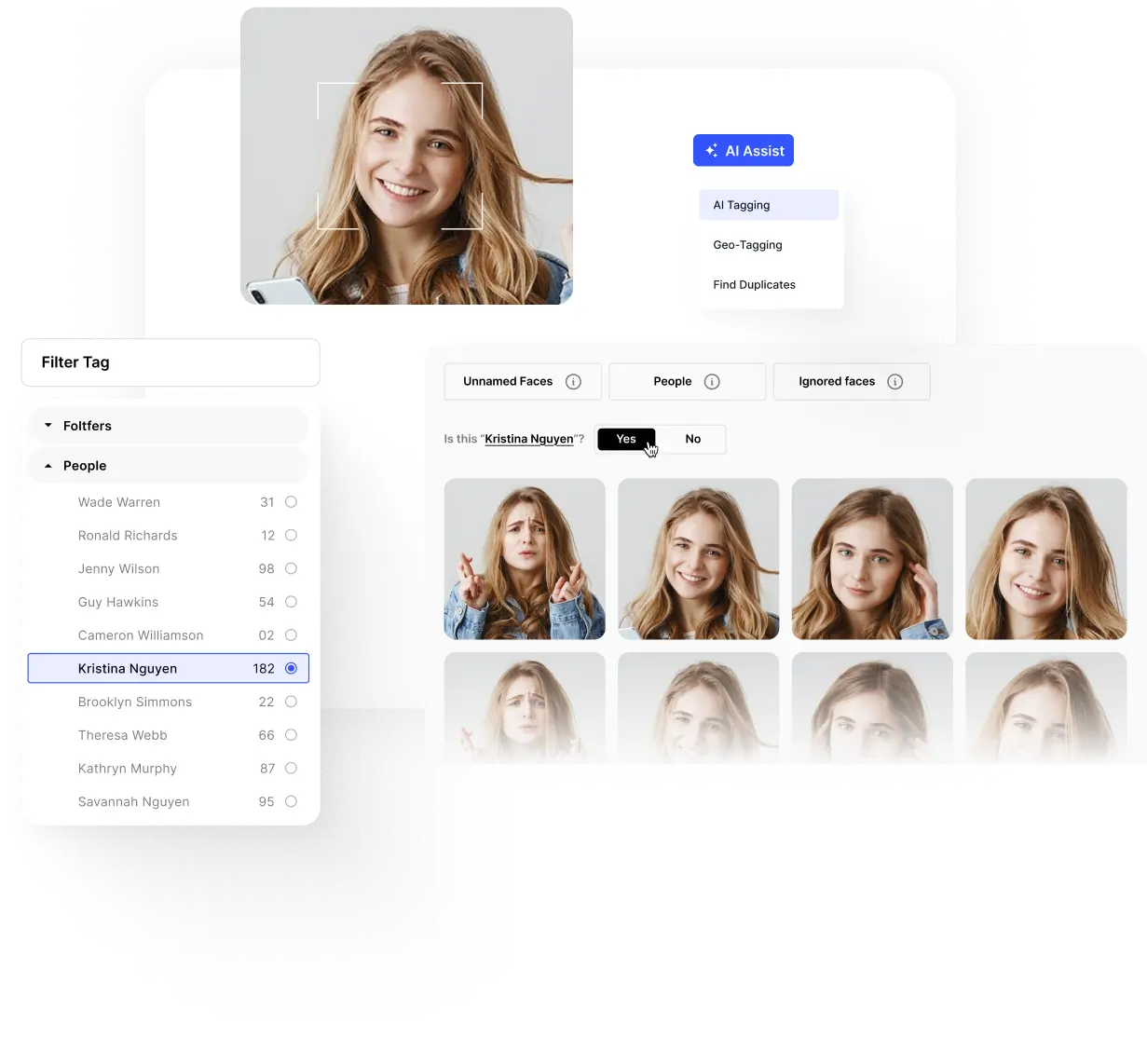
Find photos by person across your entire library—without manual tagging.


















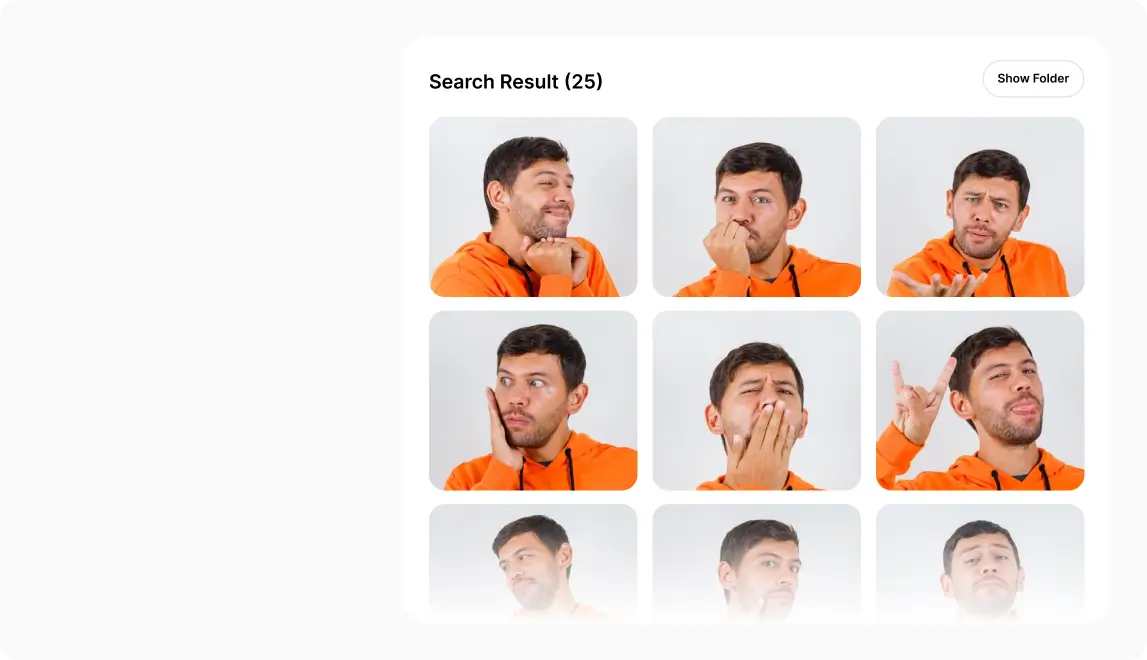
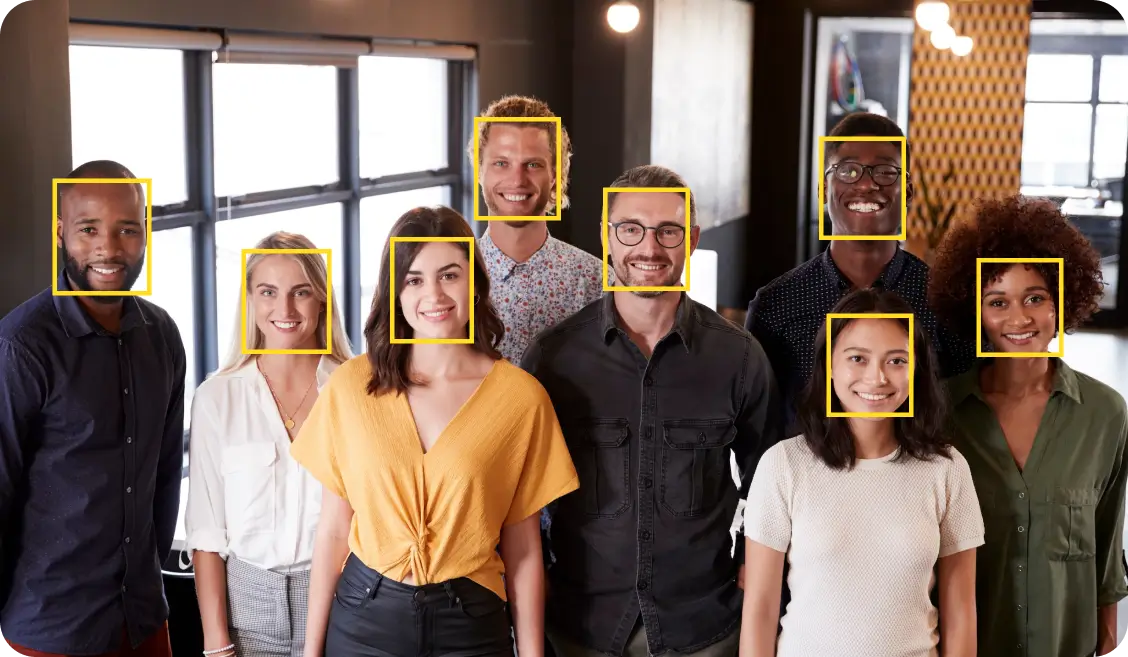
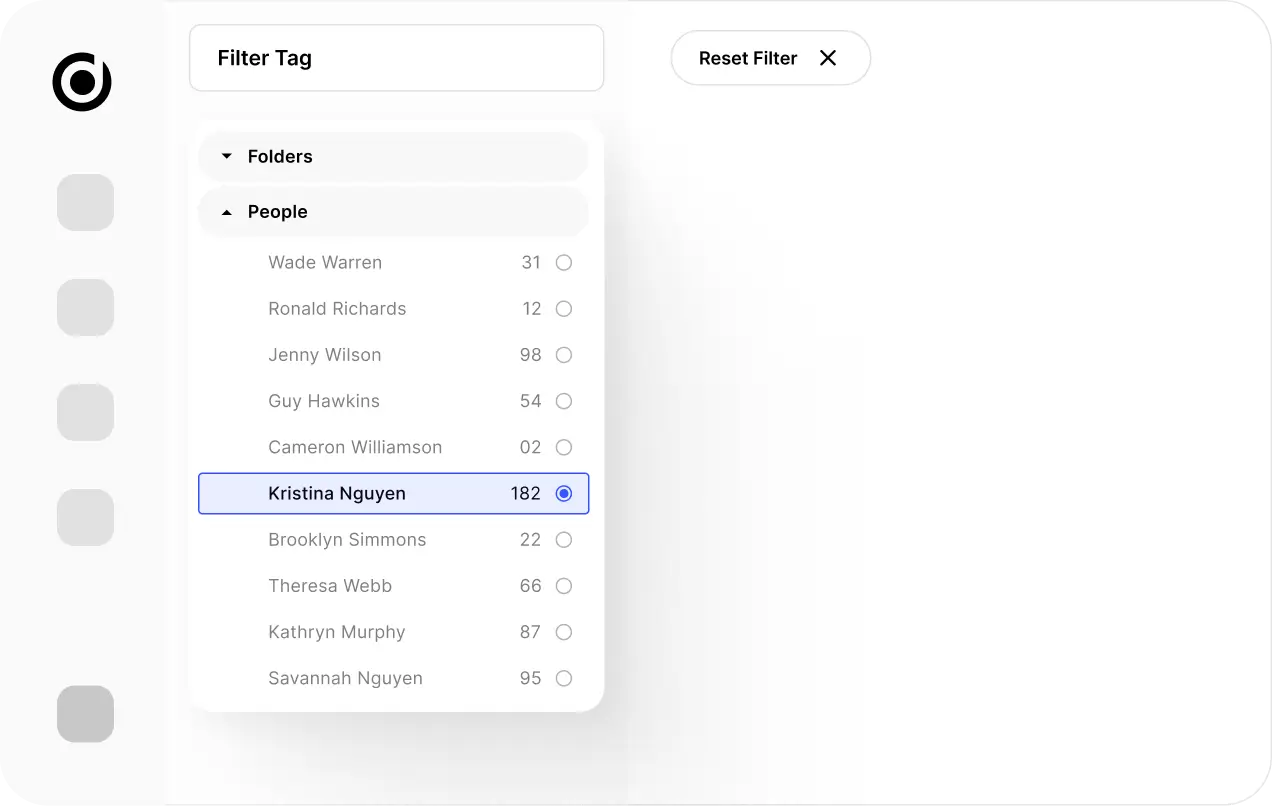



Event Agencies – Instantly retrieve VIP, speaker, and attendee photos for same-day content delivery.
Schools & Universities – Organize student, faculty, and alumni archives with effortless face search.
Government & Administration – Simplify press material and records management with secure offline storage.
Media & PR – Find executives, public personalities, and key figures in seconds for editorial and marketing work.
See why architects worldwide choose Daminion for managing their project archives.
I think the benefit is that you’ve got easy access to all your digital assets, and I’m a firm believer in keeping all your images in-house and not having them floating around. You want to keep your information nice and secure when it comes to your images.
A great feature is that multiple users can access and make changes to images, but with everything in one place and version control history, you can see exactly who made those changes and when.





All the details you need about photo management with advanced facial recognition.
Absolutely. Daminion is on-premise, meaning all processing happens locally without any data leaving your servers.
Access is controlled via user roles and permissions, ensuring only authorized personnel can view and manage tagged faces.
Currently, Daminion’s Facial Recognition is designed for images only, but video support may be considered in future updates.
Daminion delivers 100% accuracy when tagging known faces. Over time, the system improves recognition based on user input.
Facial recognition is an AI-driven feature that automatically identifies and tags individuals in photos. Instead of manually labeling images, the system analyzes faces and applies metadata, making it faster and easier to organize large image libraries.
Yes. You can review and edit tags at any time to maintain precise organization.
Yes, it works alongside your current metadata structure, allowing you to refine searches using names, projects, locations, and other metadata filters.
No, it runs efficiently on standard servers, but higher-performance hardware may improve processing speed.
Facial recognition is an AI-driven feature that automatically identifies and tags individuals in photos. Instead of manually labeling images, the system analyzes faces and applies metadata, making it faster and easier to organize large image libraries.