
Daminion DAM vs. Google Drive: Which is Best For Your Creative Team?

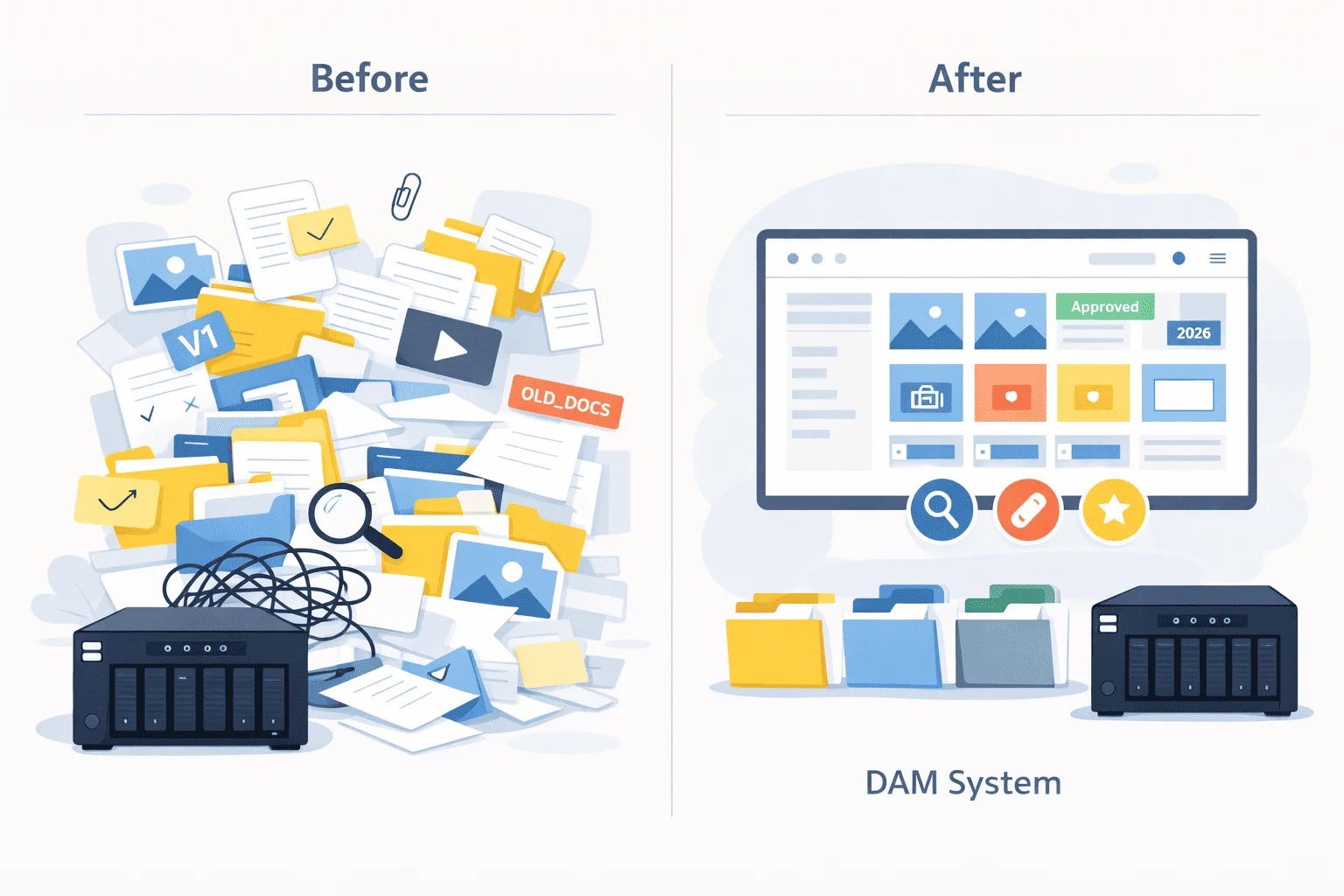
If you’re reading this, chances are you’ve already felt the pain of trying to manage digital assets in Google Drive. You’ve been making it work (sort of). But now that your creative team is growing, things are breaking more frequently.
You can’t add proper tags or metadata. You’ve got multiple versions of the same asset floating around. And maybe, just maybe, someone on your team has published the wrong image more than once, even though the correct version was technically “in Drive.”
Sound familiar? It’s not your fault.
Google Drive is a file storage system, not a digital asset management (DAM) tool. It is built for storing documents, spreadsheets, and PDFs — not for managing high volumes of creative files that need to be searchable, organized, and ready to go at a moment’s notice.
Yes, it has folders. Yes, there’s a search bar. But once your asset library starts growing, you quickly realize how limited it really is. There’s no easy way to tag files with detailed information, no way to link related assets, no smart search filters, and no guardrails to prevent someone from using the wrong asset.
That’s why you’re considering a DAM. And that’s where Daminion comes in.
In this article, we’ll compare Google Drive to DAM and show why Daminion is the better digital asset management system for creative teams.

Discover How Daminion Can Work for You
What is Daminion DAM Software?
Daminion is a robust digital asset management system for creative teams, offering flexible deployment (on-prem, cloud, hybrid). On-premises means the DAM is hosted on your local corporate or NAS server instead of in the cloud. You completely control where your creative files are stored and who can access them.
For companies with strict compliance requirements, tighter security protocols, or simply looking to avoid ongoing cloud costs, Daminion’s on-premises solution can be a smart and strategic choice.
This is especially true for organizations that already maintain large local server setups with thousands of digital assets. In such cases, the recurring subscription fees of cloud platforms like Google Drive (particularly for big teams) can become a major financial burden. In contrast, Daminion on-prem offers better cost-efficiency in the long run.
Feature-wise, Daminion offers:
- AI-powered facial recognition: Our digital asset manager tool can automatically detect faces on all your photos and tag them with relevant keywords. It doesn’t use any external software or online services that can put your data at risk.
- Automatic tagging by metadata: When you upload a new creative asset to Daminion, our DAM will scan it for existing meta information, such as keywords and image size or format. Then, it will automatically populate tags with this information to make the asset easy to find.
- Advanced asset search: When searching for an asset in Daminion, you can use Boolean operators like ‘and,’ ‘or,’ and ‘not’ to filter results to find what you need quickly.
It doesn’t end here. Check out the complete list of Daminion’s features to know what you get with our DAM.
What is Google Drive?
Google Drive is a file storage system, not a DAM. Sure, you can share and organize creative assets from your team in Drive. But, it lacks the features you need to manage these assets effectively and use them in your marketing channels.
Here’s a far-from-exhaustive list of things you CAN’T DO in Google Drive:
- Automatically rename new creative files: Every file uploaded to Drive needs to be manually renamed. In contrast, Daminion can automatically rename files based on tags and existing metadata, which saves a lot of time.
- Link related assets together: Are you working on a campaign with multiple versions of a visual or video? You’ll have trouble connecting those in Drive. With Daminion, you can link related assets so your team can quickly find everything they need in one place.
- Add detailed, custom tags: Drive limits you to five basic linear tags per file. That’s not nearly enough when you’re managing tons of creative assets across multiple projects. On the other hand, Daminion lets you add up to 50 custom tags based on your business needs so that you can organize your content quickly.
- Search by image color: Ever needed to find “that photo with the blue background” and had no clue what it was named? In Drive, you’re stuck trying to remember file names or folder locations. Daminion, on the other hand, supports advanced search options, including searching by image color.
- Advanced file support: Today’s teams work with a mix of local files and cloud-based assets, like Canva designs, Figma projects, and YouTube videos. While Google Drive handles standard files well, it offers limited support for managing non-Google or interactive cloud content. Daminion, in contrast, allows you to centralize access to both local files and online assets, giving your team a clearer overview and easier control over all creative resources.
Long story short: Google Drive is great for storing files. But if you want to manage your creative assets so your team can find, reuse, and repurpose them without wasting time, Drive just doesn’t cut it.
Daminion vs. Google Drive: DAM features
Now that we’ve covered the basics of both tools, here’s how their features compare.
As you can see, Daminion is a solid Google Drive alternative for visual content. It offers more helpful features for organizing and managing your creative assets. Let’s talk more about Duplicate Detection (one of my favorite features).
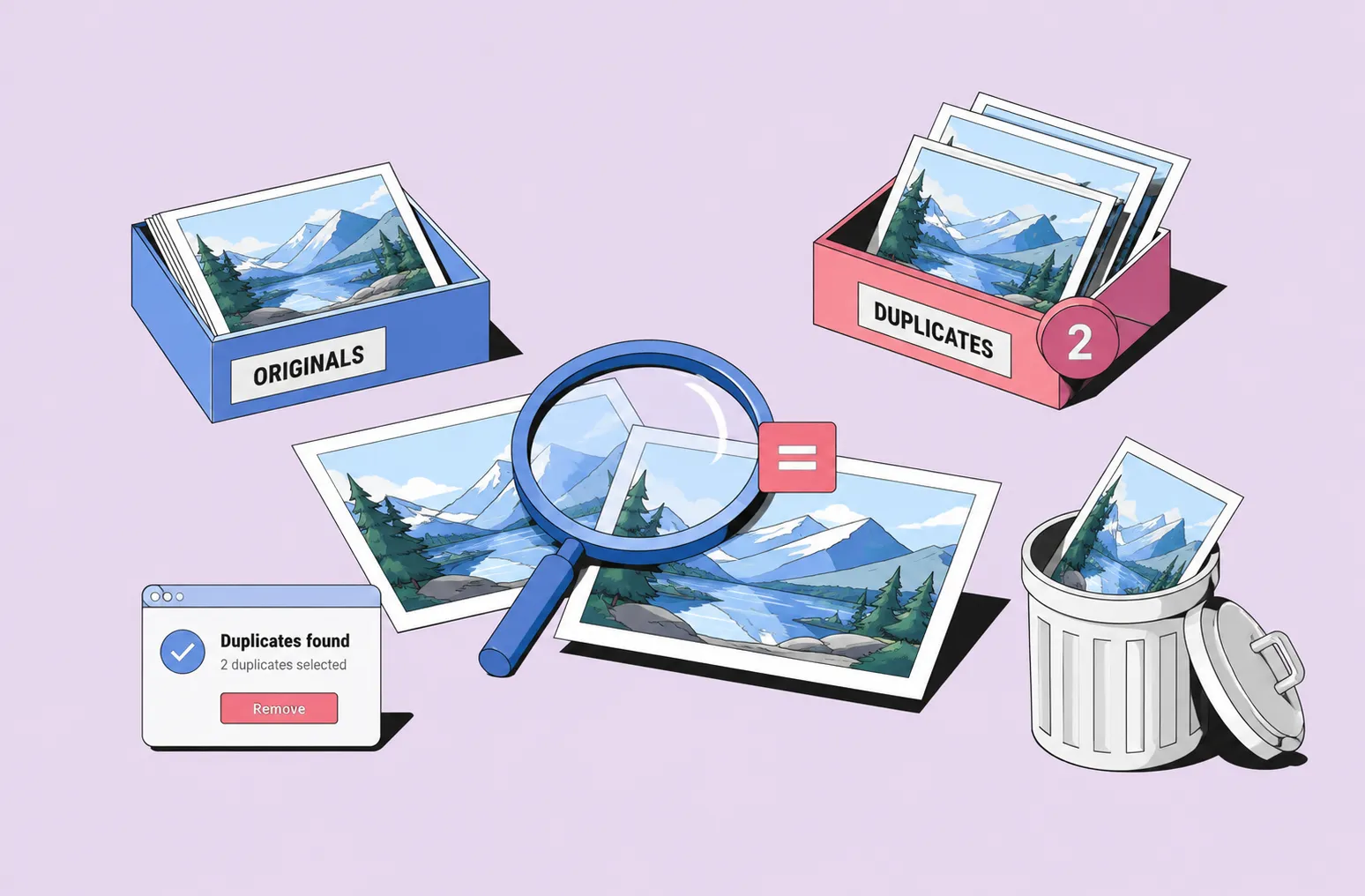
Imagine you’re in the middle of a big campaign, and you’ve got five slightly different versions of the same image floating around — maybe one has a different crop, another has a color tweak or a logo in a different spot. Daminion can automatically detect those duplicates and show them side by side.
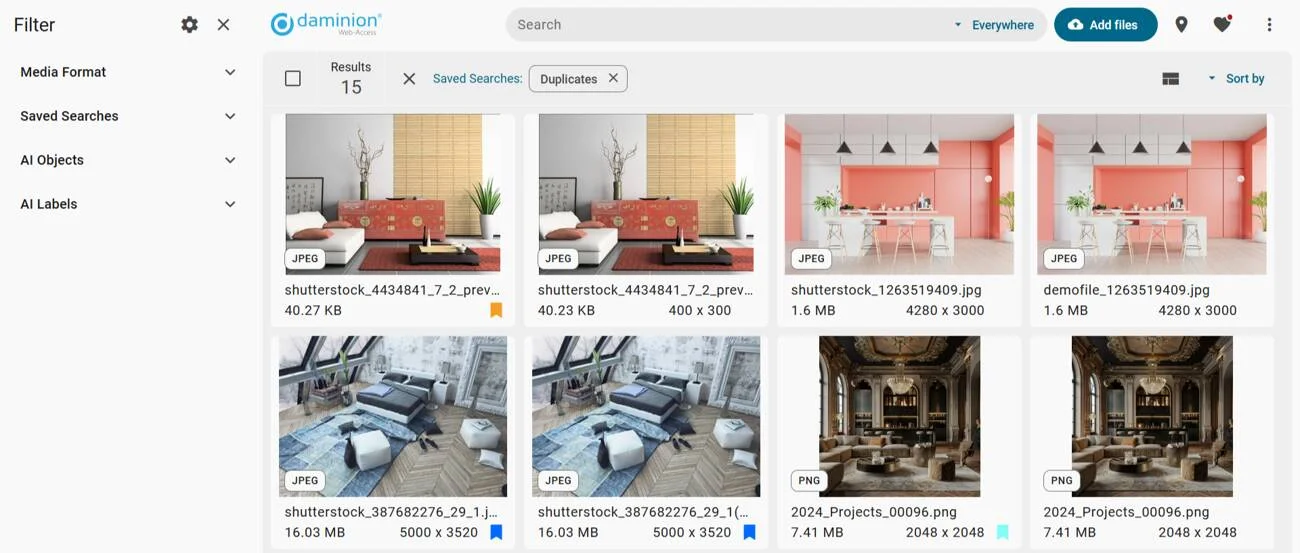
That way, you can quickly compare and choose the exact version you want without digging through folders or second-guessing yourself. It saves time and ensures you stay on-brand.
Now, compare that to Google Drive. It stores your files, sure, but it doesn’t recognize duplicates. So unless you manually check each one, you could easily grab the wrong version and use it in your campaign.
That might not seem like a huge deal at first, but it can chip away at your brand consistency over time. Little differences in images can make a campaign feel disjointed or unpolished, especially if you’re working across teams or revisiting assets later.
This is one of many ways Daminion helps creative teams work better.
Daminion vs. Google Drive: Security
Security is super important when choosing a home for your digital content. You want a system that’s reliable and minimizes the risk of your brand assets ending up in the wrong hands.
But here’s the thing: every time you upload or download assets from Google Drive, there’s a potential risk. Google Drive is a cloud-based system, which means your content lives on external servers you don’t control. You’re essentially trusting Google to keep everything safe.
It’s kind of a “trust me, bro” situation. If something goes wrong with Google’s servers — like a breach, downtime, or data loss — you’re at the mercy of their infrastructure.
You can’t fix, prevent, or even see what’s happening behind the scenes. And if the servers go down, you’re locked out of your own content until they’re back up. Do you really want to trust your most important creative assets to a system you have zero control over? Didn’t think so.
Daminion DAM, on the other hand, puts you in complete control. It’s an on-premises digital asset management system, meaning you host it on your local server, not in the cloud. So, instead of trusting a third-party provider to keep your files safe, you manage everything behind the scenes.
You get 100% control over how your assets are stored, who has access, and what they can do with them. Need to set different permission levels for different teams? Want to make sure sensitive files stay locked down and can’t be shared or downloaded? No problem.
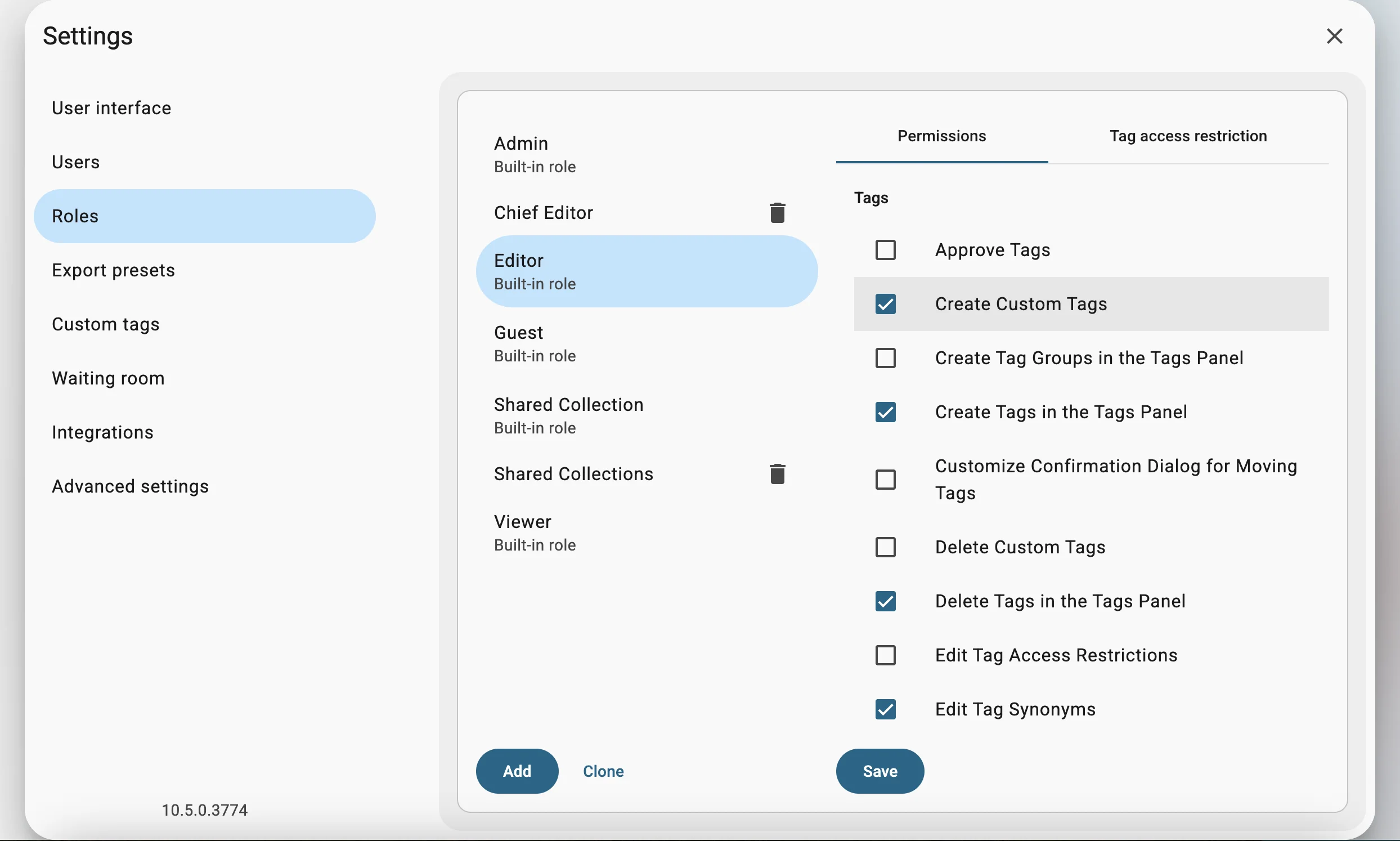
With Daminion, you can set up custom, advanced security settings behind your firewall that protect your data.
Since it’s hosted on your local network, you don’t need an internet connection to access your files. Campaigns go live on time, deadlines stay intact, and you’re not held back by system downtimes outside your control.
You can read Spencer’s on-premise vs. cloud DAM article to learn more about why it’s better to store your assets on local servers.
So, which DAM should you choose?
Daminion is the clear winner here. It’s built specifically for managing creative assets, with advanced tagging and search features that make it easy to find, organize, and actually use your content. Everything’s faster, smoother, and way more intuitive.
Google Drive, on the other hand, just isn’t built for creative workflows. It’s excellent as a general file storage tool. It can also be a decent place to stash creative assets you’re not currently using but don’t want to delete just yet.
But when it comes to actively managing and using your visual content, such as campaign images, social graphics, video clips, and brand assets, Drive simply doesn’t cut it. You’ll waste time digging through folders, manually renaming files, and trying to track down the correct version of an asset.
If you want a tool that supports your creative process instead of slowing it down, Daminion is hands-down the better choice. Want to elevate your creative workflow? Schedule a free demo with the Daminion team to learn more about how our DAM can support your organization.
Discover How Daminion Can Work for You
Daminion helps keep costs predictable, especially in on-premise deployments, because teams use their own storage and infrastructure instead of paying ongoing per-gigabyte cloud storage fees.
Yes. Daminion offers a 14-day free trial, so teams can test the system with their own files and workflows before making a decision.


Explore our DAM system
with your personal manager
demo from your dedicated manager.