Digital Asset Management Solution for Architecture Firms
Securely organize and showcase your firm’s best project visuals across proposals, presentations, your website, and social channels.
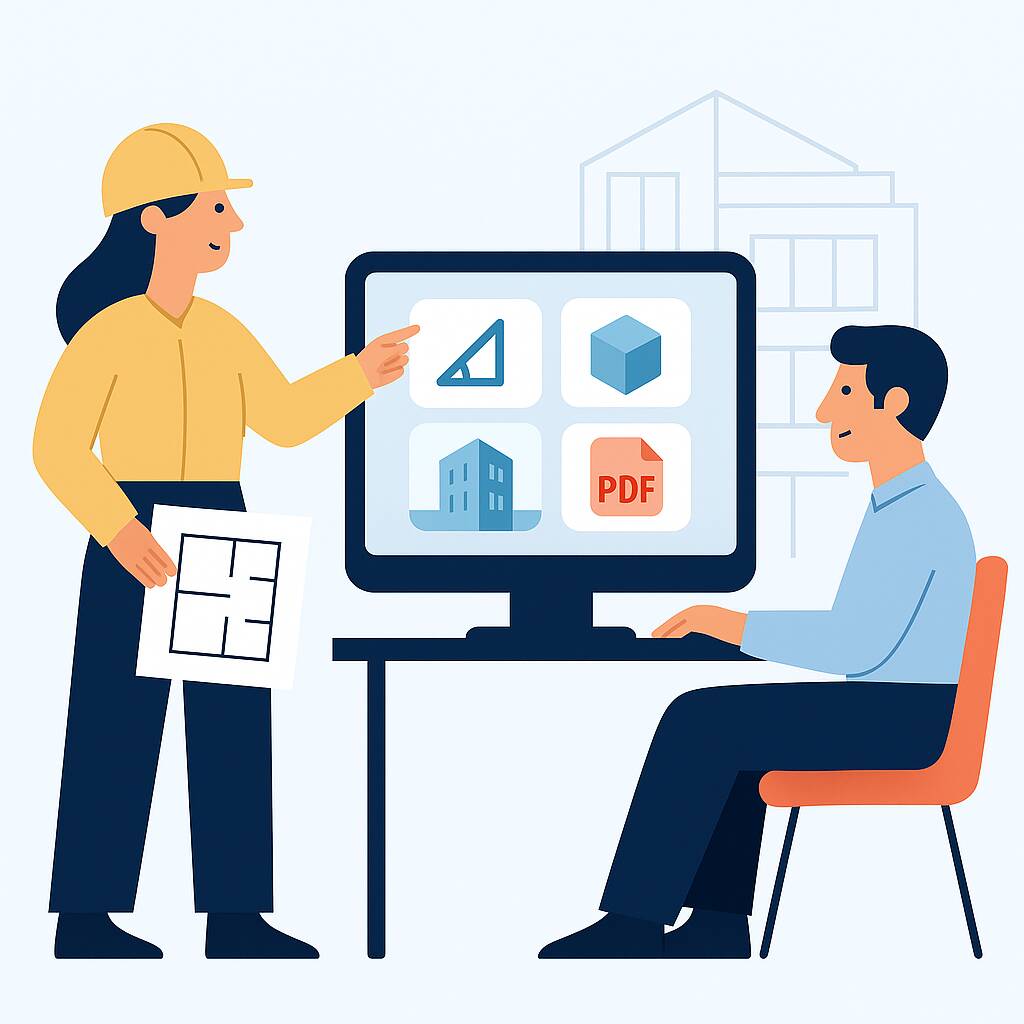
Securely organize and showcase your firm’s best project visuals across proposals, presentations, your website, and social channels.











One place for your full project portfolio—ready for web, pitches, and print. Quickly find and reuse approved visuals with Daminion.
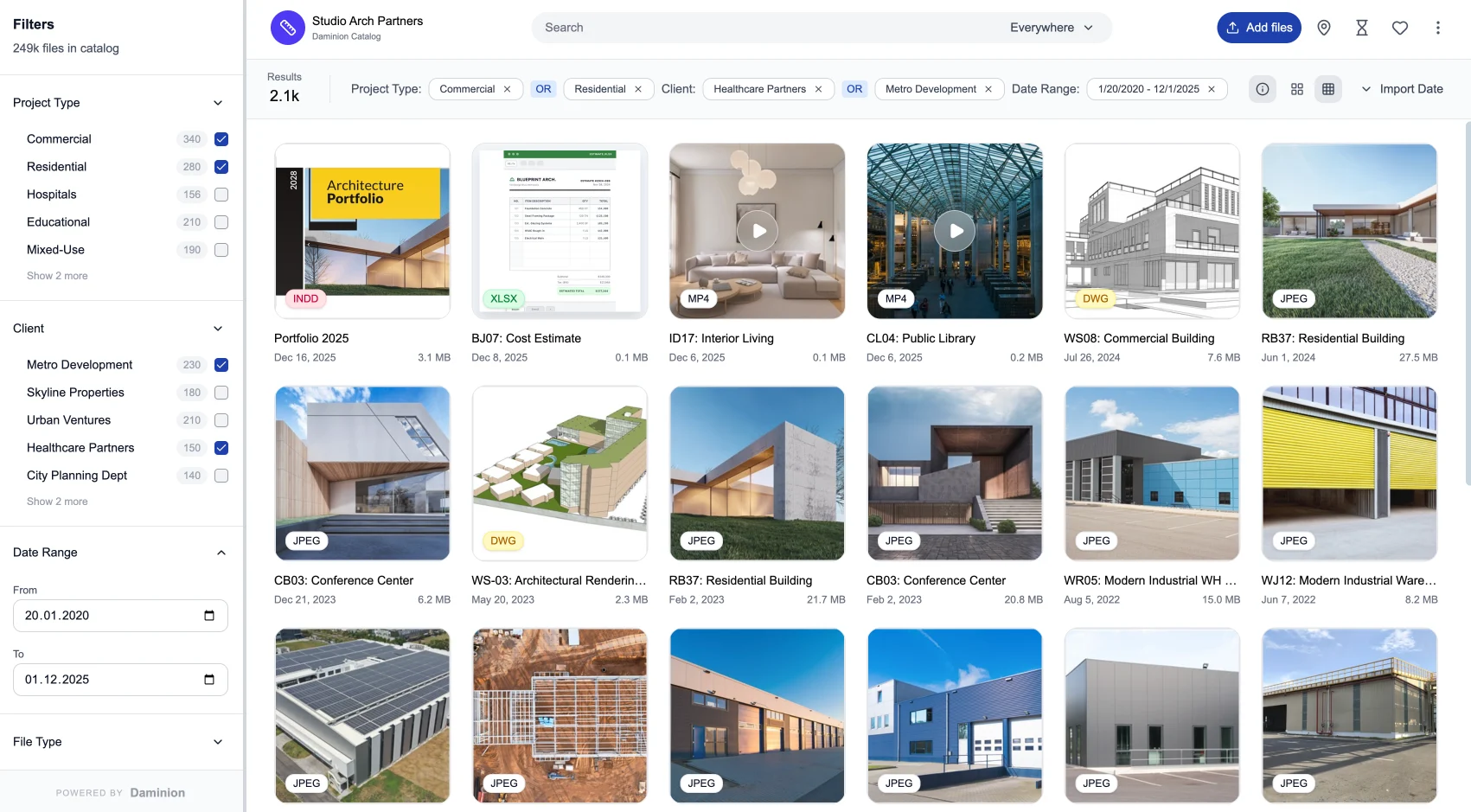
Organize your project portfolio with automatic tagging, quickly find the right visuals, and let any team member create on-brand marketing and sales materials in minutes.
Bring all project photos, renderings, PDFs, and other files into a single, centralized library. No more hunting through network folders, drives, or someone’s personal PC – the whole studio has one source of truth.
Quickly pull together polished project selections for any client-facing situation. Marketing and Sales can assemble on-brand presentations and brochures in minutes instead of days, using up-to-date, approved visuals.
Replace scattered network folders and personal stashes with one controlled source of truth. Version control and custom tags keep teams from reusing old or off-brand visuals and eliminate the need to recreate missing materials from scratch.
Protect intellectual property and client-confidential projects with granular permissions. Control who can view, download, or share assets (internally or externally), and separate internal design references from public marketing images.
Manage and preview 150+ file formats in one place — photography, renders, PDFs, InDesign layouts, 3D models, videos, and more — so you don’t need separate tools just to open or organize different marketing assets. Everything your teams need is at their fingertips.
Browse assets from a project card, a map of built work, or a simple search bar, then refine results with filters tailored to your workflows. When you work with 3D, switch into an interactive 360° view right inside Daminion instead of guessing from flat thumbnails.
Give your team fast, organized access to project visuals while keeping sensitive client work fully under your control — whether you run Daminion on-premise or in the cloud.
Run Daminion on your own infrastructure for maximum control, speed, and data protection, or choose a managed cloud deployment when it fits your workflows.
We’ve spent over two decades building Digital Asset Management software, so Daminion is stable, refined, and ready for serious day-to-day use.
Give your team one shared library with clear roles and approvals, so everyone can quickly locate the right assets and repurpose them for new business opportunities.
Organize your firm’s visual portfolio so teams can quickly reuse past work in proposals, presentations, your website, awards, and client communications.
See how Daminion helps your team find the right visuals faster and present your work more confidently.
Organization tools: We don’t want you to organize content manually, so we give you automatic metadata extraction and AI tagging.
Advanced search: Use queries like “residential facade photo” or “competition presentation PDF.” Daminion will sift through all metadata and show results you can refine.
Performance: Daminion is fast even with catalogs containing millions of items. Scaling is not an issue.
Yes. You can organize projects using categories such as building type, location, client name, project status, and architectural style. For example, quickly find all retail projects in a specific city or all residential work from the past three years.
Yes. Once you upload a PDF with the proposal, you can link it to all assets used in that project—photos, drawings, and presentations. Later, you can open the PDF and Daminion will list associated files. You can also create per-project collections to filter and view all related assets.
Yes. Daminion provides truly granular access control. Administrators can:
Restrict access down to individual assets, not just entire collections.
Define visibility by tags or categories (e.g., “Confidential,” “NDA,” “Internal Only”).
Configure user roles with different functional permissions — for example, some users can only view assets, while senior partners can download, edit metadata, or share files.
This way, your entire team can browse the portfolio, while sensitive client information stays protected and accessible only to the right people.
No. You can keep your original structure when consolidating assets on a NAS. When Daminion scans a folder for the first time, it extracts useful metadata and stores it in the database to make assets easy to find.
Yes. Daminion generates previews for photos, PDFs, and presentations so you can identify the right file instantly. It also supports previews for CAD drawings and 3D models when needed.
Yes. Daminion shows previews for Photoshop, Illustrator, and InDesign files. We also provide integration with Adobe Creative Cloud, so you don’t need to change your established workflow.
Yes. Select assets, create a shared collection, and invite participants by email. Set viewing/editing privileges and even an access expiration date.
Yes. Most clients prefer the on-premise version for full control over confidential projects, especially those under NDA. We also provide a hosted version of Daminion, which is suitable for teams with smaller archives.
See why architects worldwide choose Daminion for managing their project archives.
That way, they don’t take up other people’s time.

Our priority was finding a solution that allowed us to have a visual representation, a quick snapshot, such as a PDF, without the need to navigate through large AutoCAD or Revit files. The ability to swiftly scan a floor layout plan, which contained all the essential details, was what we aimed for.

Our team is here to answer your questions, understand your challenges, and show you how Daminion can help.