
Built-in Daminion Integrations
Daminion comes with a range of built-in integrations and can also connect to virtually any system through the Daminion API, Export SDK, or XMP metadata, helping your team streamline workflows and eliminate manual file handling.
Built-in integrations like the Adobe Creative Connector, Bing Maps, and email systems make it easy to link Daminion with your everyday tools, keeping your projects organized and your team in sync.
Below is the full list of available integrations.

Windows
Seamlessly manage assets on Windows for smooth workflow.

macOS
Efficiently organize files and assets on macOS devices.

Android
Access and manage assets conveniently on Android devices.

iOS
Sync and handle digital assets easily on iOS.

Adobe Creative Cloud
Integrate with Adobe Creative Cloud for better productivity.

Adobe Photoshop
Edit and enhance images with Adobe Photoshop integration.

Adobe InDesign
Streamline publishing workflow with Adobe InDesign support.

Adobe Illustrator
Manage vector files seamlessly using Adobe Illustrator.

Adobe Premiere Pro
Organize and access media files for video editing.

Dropbox
Sync and store assets securely with Dropbox integration.

Google Drive
Save and share assets effortlessly via Google Drive.

Microsoft OneDrive
Keep files accessible with Microsoft OneDrive synchronization.

Gmail
Easily send and receive assets via Gmail integration.

Microsoft Outlook
Organize and manage emails with Outlook support.

Mozilla Thunderbird
Integrate email communications using Mozilla Thunderbird efficiently.

The Bat! (Email Client)
Securely manage email-based workflows with The Bat!.

Bing Maps
Enhance location-based data management using Bing Maps.

Open Street maps
Seamlessly integrate OpenStreetMap for accurate geolocation data.

ArcGIS
Work with GIS data smoothly via ArcGIS integration.
Integrations via API
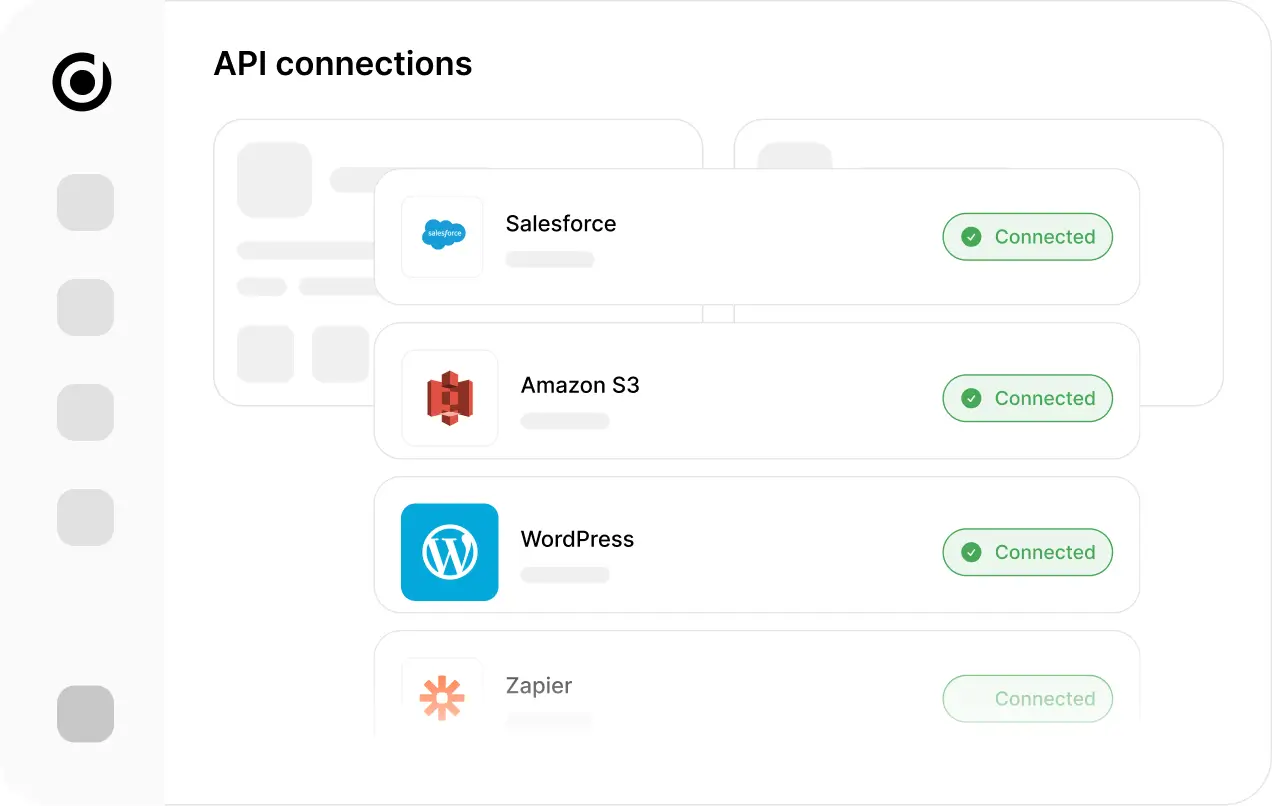
Daminion API allows you to easily integrate Daminion with your existing local and cloud solutions, like corporate CMS, Adobe Creative Suite, Dropbox, MS Office, etc.
Integration via XMP metadata
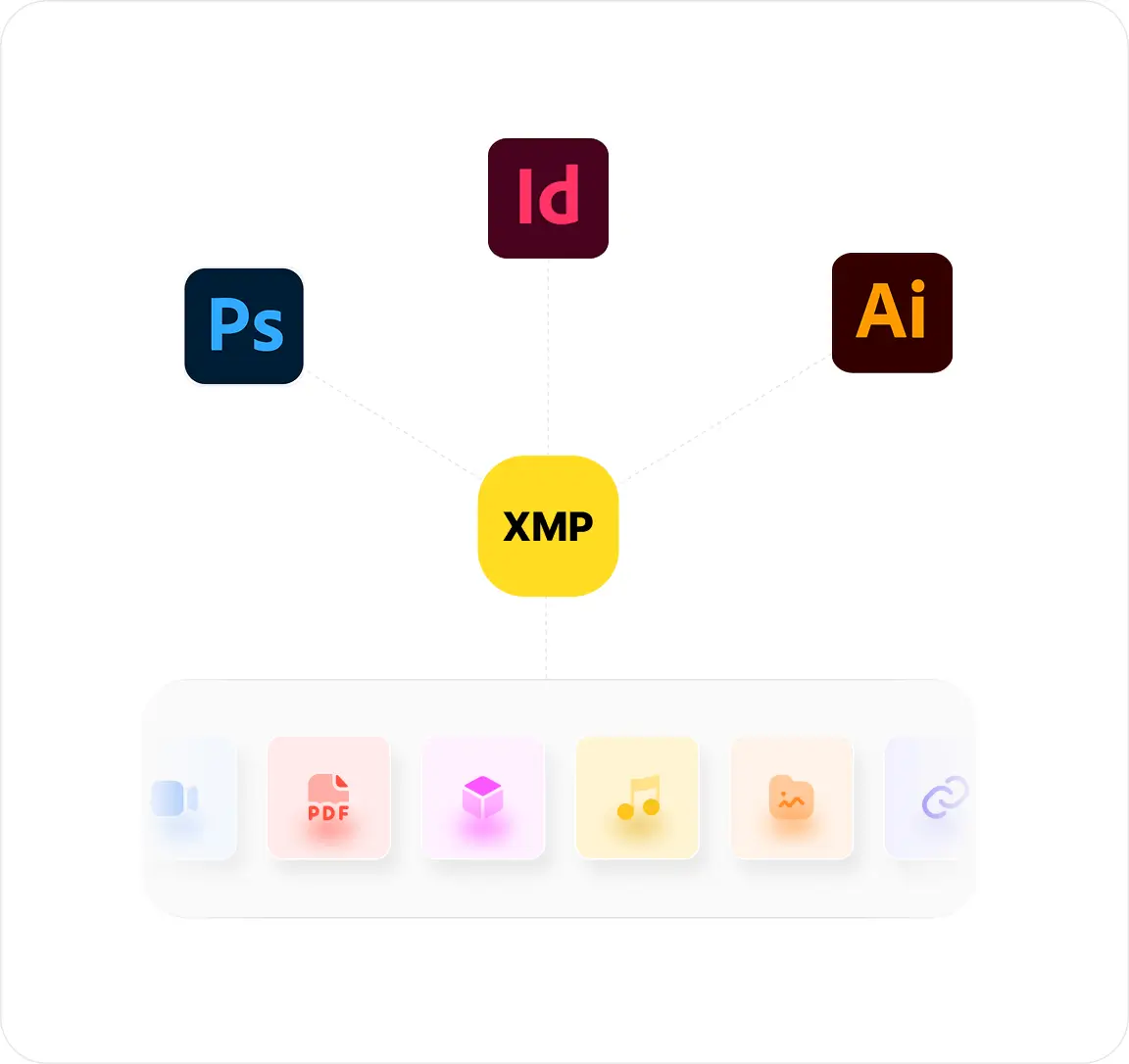
Many file formats — including JPEG, InDesign, and AI — can store information directly inside the file using XMP metadata. This enables smooth data exchange between systems like Daminion and Adobe InDesign without relying on changing API versions . Daminion reads and writes metadata across various formats, including images, RAW files, vectors, videos, audio, and PDFs, all recognized by tools such as InDesign, Photoshop, Flickr, and Facebook.
By embedding metadata within files, Daminion ensures that keywords, copyrights, and tags stay with your assets wherever they go. This guarantees interoperability, prevents data loss, and keeps information consistent across different software and platforms.
By embedding metadata within files, Daminion ensures that keywords, copyrights, and tags stay with your assets wherever they go. This guarantees interoperability, prevents data loss, and keeps information consistent across different software and platforms.
Open/Edit With a Content Editor
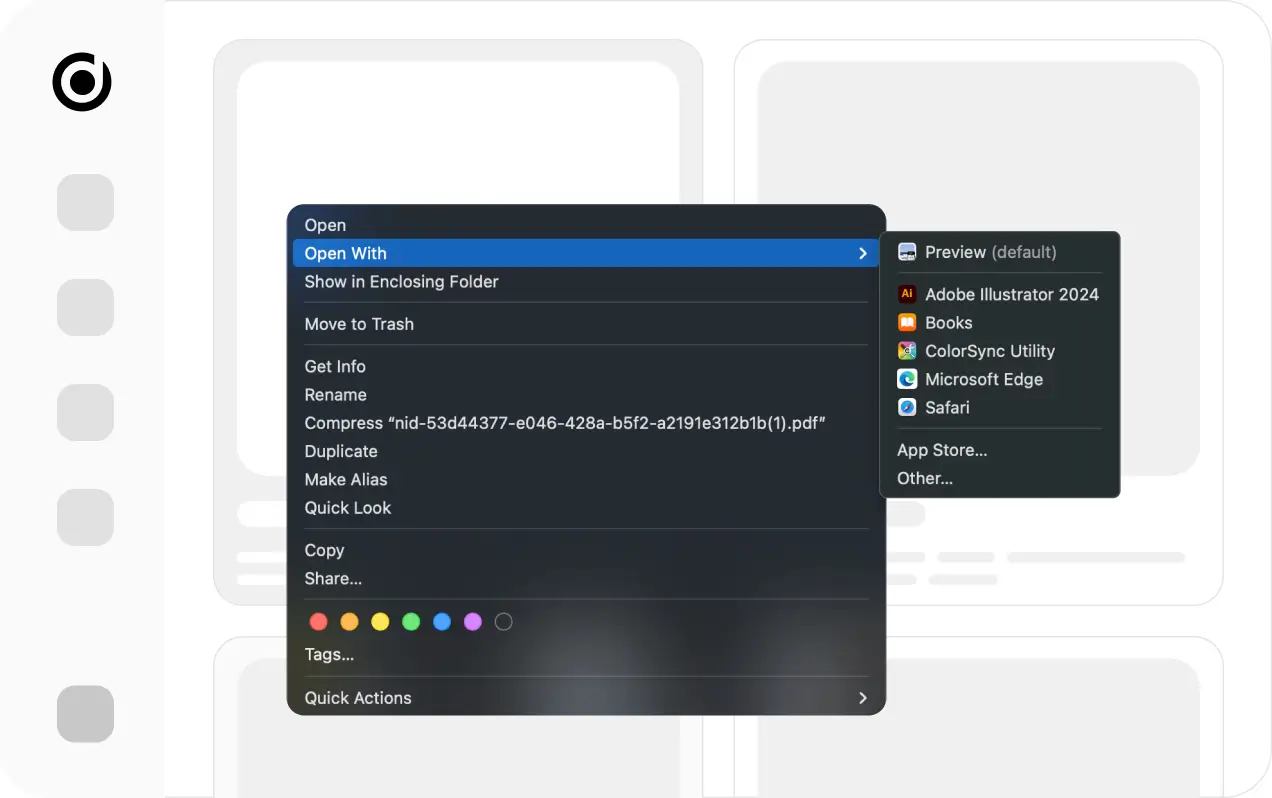
Daminion can preview 150+ media formats . While it doesn’t include built-in editing tools, it can be easily configured to open or edit files using applications installed on your local computer, such as Adobe InDesign or Photoshop.
Use the “Open With” option in the context menu to view a file in an external application. Selecting “Edit With” will automatically check out the file before opening it for editing. This feature is available in both the Web and Windows desktop clients when the Daminion Server is installed locally.
Use the “Open With” option in the context menu to view a file in an external application. Selecting “Edit With” will automatically check out the file before opening it for editing. This feature is available in both the Web and Windows desktop clients when the Daminion Server is installed locally.
Daminion Export SDK
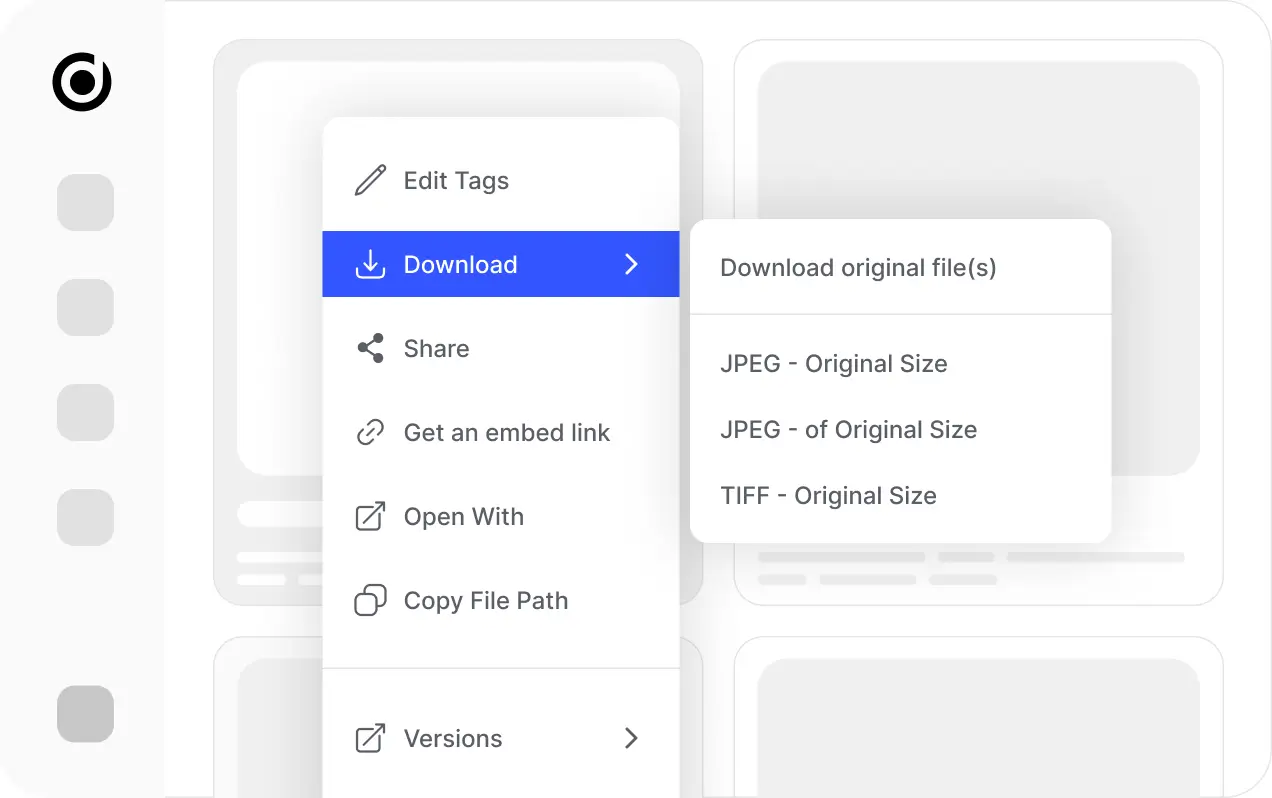
The Daminion Export SDK lets you extend the export capabilities of the Daminion Desktop client by creating custom export add-ons. By default, Daminion includes standard export options such as Export to Folder (Export → Copy to Folder) and Send by Email (Export → Send to Email).
Supported Languages
Daminion Add-ons can be written in any .NET compliant language, including C# or VB .NET. The target platform for the addon project must be .NET 3.5 or higher.
Let’s Talk
Let’s Explore Your Asset
Management Needs
Curious how Daminion can simplify your workflows? Schedule a call with our DAM experts and see it in action.