October 7, 2026
Updated


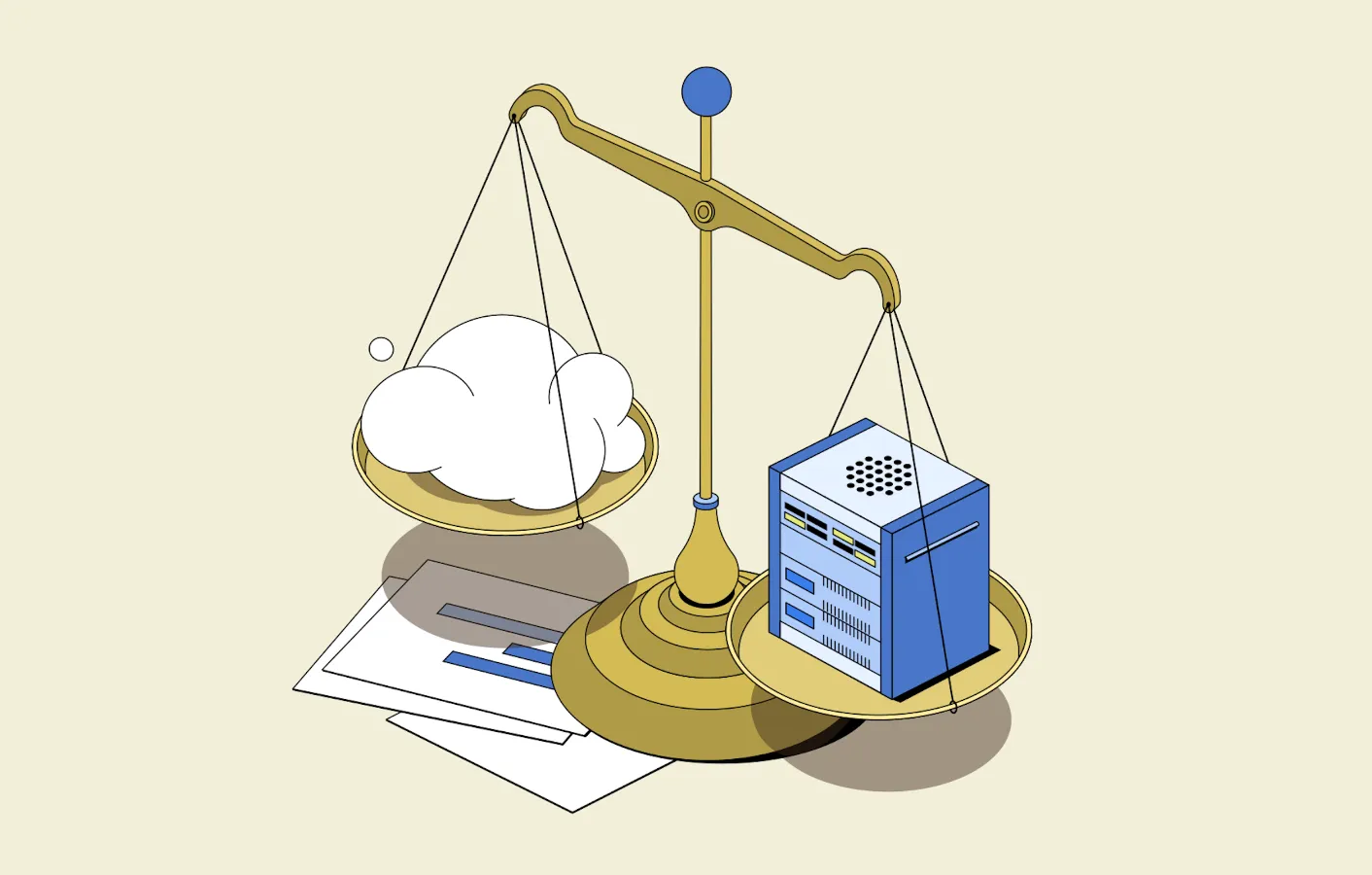
Picking a digital asset management system is only half the decision. The other half is where that system — and often your files — will actually live.
Daminion is well positioned to weigh in here. We go back nearly two decades — we started by organizing media on shared folders and file servers, and today we build for self-hosted, cloud, and hybrid alike. That's how we know where each approach works and where it doesn't.
For most businesses it comes down to two setups. A cloud DAM is hosted and maintained by the vendor, and you reach it through a browser. A self-hosted deployment runs inside your own infrastructure, usually alongside storage you already have. Both can organize, search, secure, and distribute assets. What separates them is everything around the software: who does the IT work, how fast large files move, how you scale, where your data sits, and what it all costs over a few years.
There is no version of this where one model wins for everyone. A cloud DAM tends to suit distributed teams that want to be up and running quickly with minimal IT. A self-hosted setup tends to suit teams already sitting on large libraries on a NAS or file server, working with very large files, or operating under strict rules about where data can live. And the line between them has blurred — private-cloud and hybrid deployments now sit comfortably in the middle.
Here's how to think it through.
If you just need a starting point:
If neither list quite fits, keep reading — that's the situation the rest of this article is here to help with.
And before we go any further: if you are completely new to the subject and don’t know much about DAM, it's worth understanding what it does before you compare deployment models. Our explainer on DAM asset management is a good place to start.

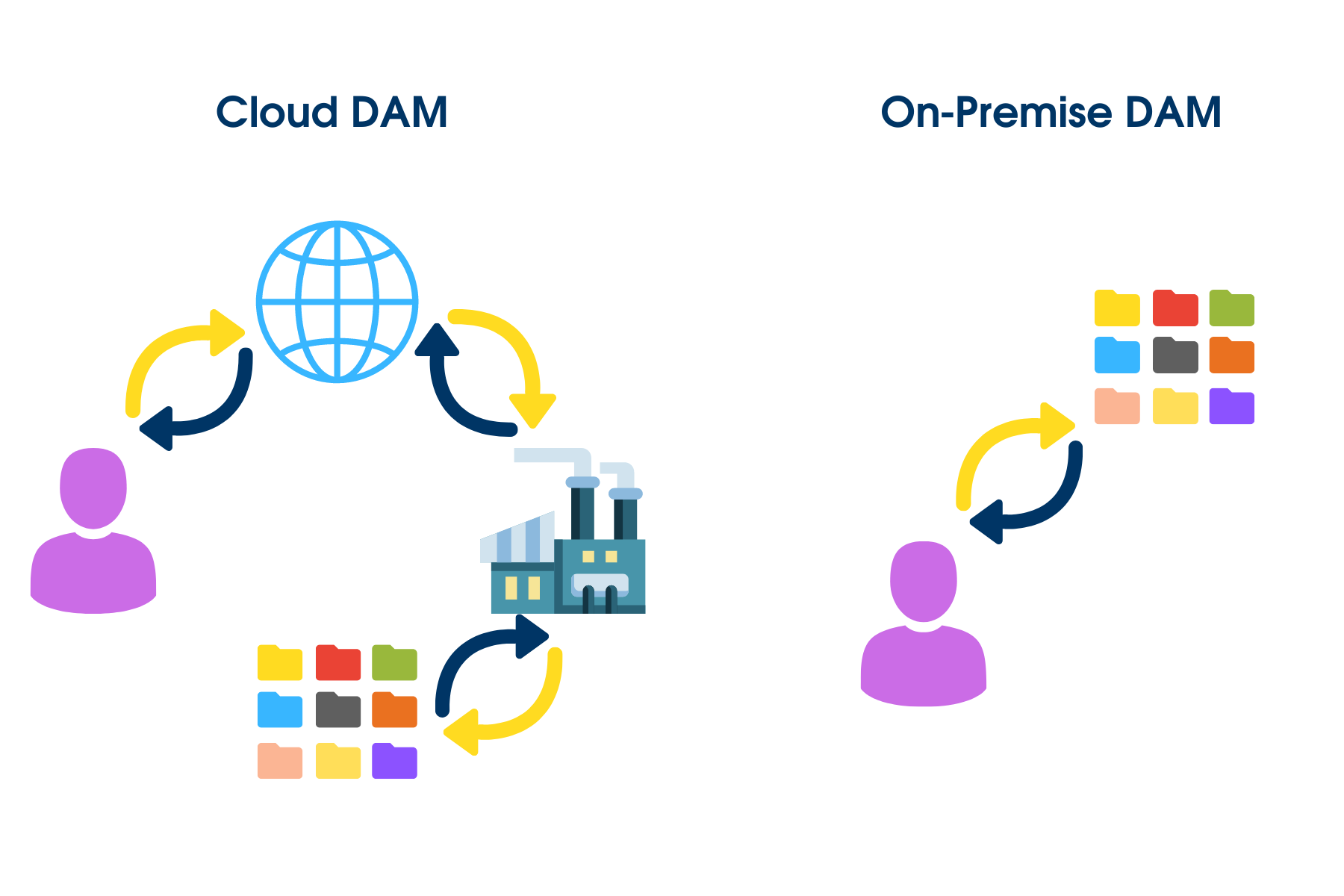
A cloud DAM lives on cloud infrastructure instead of on servers inside your building. In the usual SaaS arrangement, the vendor runs the application and the infrastructure under it, and your team just opens a browser. That quietly removes a lot of work from your side. Depending on the provider, the vendor may handle server provisioning, backups, updates, security patches, monitoring, storage scaling, and disaster recovery. In effect, a cloud-based DAM solution rents you the whole stack for a monthly fee: servers, storage, and a cloud computing DAM layer on top.
That's why cloud-based DAM landed so well with marketing, communications, and creative teams: centralized access to assets without another server to babysit.
Not every cloud DAM works the same way, though. Some vendors host the whole platform and all the storage themselves; others let you pick a hosting region, plug into your own corporate cloud, or combine cloud services with storage you already own.
Daminion Cloud, for instance, runs in certified data centers that meet GDPR, CCPA, and HIPAA requirements — and for teams that want more control, Daminion can run inside your own cloud environment instead. It's easy to skim past these differences when you're comparing providers, but they change what you're actually buying: not just the software, but where your files end up sitting.

A self-hosted DAM runs inside infrastructure you control — on an office server, in a company data center, a virtual machine, or a private cloud environment. Often the assets stay on an existing NAS or file server instead of being moved into storage the vendor operates. The software then layers search, metadata, previews, permissions, and other DAM capabilities on top of that storage.
The main difference is control over the infrastructure and where the original files live. That can be useful for organizations working with large media libraries, sensitive assets, or existing server and NAS environments. The trade-off is that someone still needs to handle backups, OS updates, storage capacity, and occasional maintenance.
That doesn't always require a full-time IT department though. Some smaller teams use an IT contractor to set up the server, storage, and network initially, then bring them back only when infrastructure support is needed.
Daminion is one example of this model: Daminion Server can run on Windows or Linux and work with existing NAS devices, file servers, and other company-controlled storage. Users can access the DAM through a browser, while Windows users can also use the native desktop application. You can check the Daminion Server system requirements before planning a deployment.
The table makes it look tidy. But several of these rows deserve a closer look, because that's where the real decision hides.
Start with the honest version: if your IT team is already underwater, or there isn't one, cloud is the kinder choice. There's no server to buy or prepare, and the vendor owns the environment, which shortens the gap between signing up and letting people in. That's a real advantage where IT is already stretched — or where there's no dedicated IT team at all.
Self-hosting asks for more upfront: enough server resources, storage, networking, backups, and a maintenance plan. But the size of that gap depends heavily on what you already run. If you already operate a well-maintained NAS or file server, adding DAM software on top of it can be far less work than lifting a large archive into a brand-new cloud environment.
Cloud usually wins when you want to minimize infrastructure work. Self-hosted wins when the infrastructure is already there and you'd rather keep using it; but also when control, local-network speed, and predictable costs outweigh the convenience of letting a vendor run everything.
Cloud fits distributed work naturally. A designer in Berlin, a manager in Chicago, and an agency partner in Singapore all reach the same library without sharing a physical network — which is exactly why cloud DAM took off with marketing and creative teams. Sharing with outside collaborators tends to be simpler too: browser access, shared collections, download links, portals, and permission controls, none of which require the external user onto your corporate network.
Self-hosted DAM can support remote, browser-based access as well, though it takes some deliberate configuration. Depending on the setup, people connect through a secure web interface, a VPN, or another company-managed method. That hands you more control over how external access works — and, in the same breath, responsibility for maintaining it.
Here's where the "distributed means cloud" assumption breaks down. Daminion's Web Client gives browser-based access to a self-hosted library, so teams can work across offices while the underlying storage stays inside their own environment. Enerfín, part of the Elecnor Group, runs exactly this way — using Daminion as a central media repository across a group of companies with offices in some 50 countries, all while keeping the storage on their own infrastructure.
So remote access is on the table with both models. The real difference is who runs the infrastructure behind it: the vendor in a typical cloud setup, or your organization and its IT partner in a self-hosted one.
This is where the type of asset you manage starts to decide things. If your team mostly handles compressed web images, PDFs, and presentations, a modern connection makes the cloud-versus-local difference nearly invisible day to day.
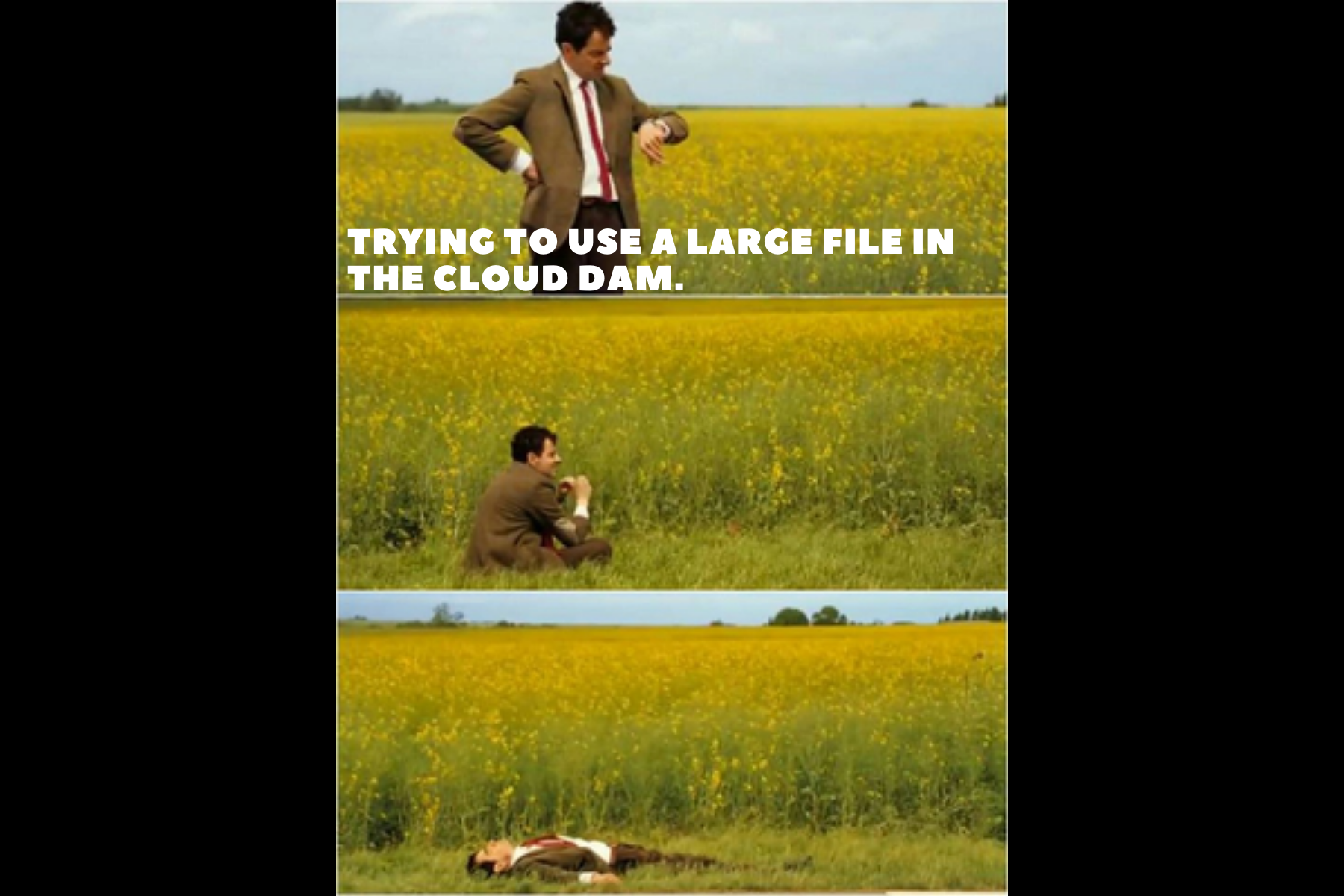
Large files change the math. Video masters, RAW photography, high-resolution TIFFs, Adobe production files, CAD exports, and 3D models can run to hundreds of megabytes or several gigabytes each. Pushing a 4 GB video master up and down through a browser is like sipping a milkshake through a cocktail straw — technically it moves, but you'll be there a while.
With a cloud DAM, moving an original ultimately rides on your internet connection. With a self-hosted setup, people on the same network can work over the LAN instead — and for teams pulling large originals in and out all day, that's a difference you feel.
Connectivity varies by geography, too. The internet keeps getting faster on the whole, but plenty of regions still live with slower, patchier, or pricier connections, especially outside major cities and out in remote areas. Parts of Australia are a classic example. Where the pipe to the outside world is the weak link, keeping the asset library on local infrastructure means a bad connection day doesn't bring work to a halt.
Cloud services do compensate with previews, proxies, caching, and CDNs, so file size alone doesn't rule cloud out. The honest test is to run your real production files during a trial rather than judging speed from a demo library of JPEGs.
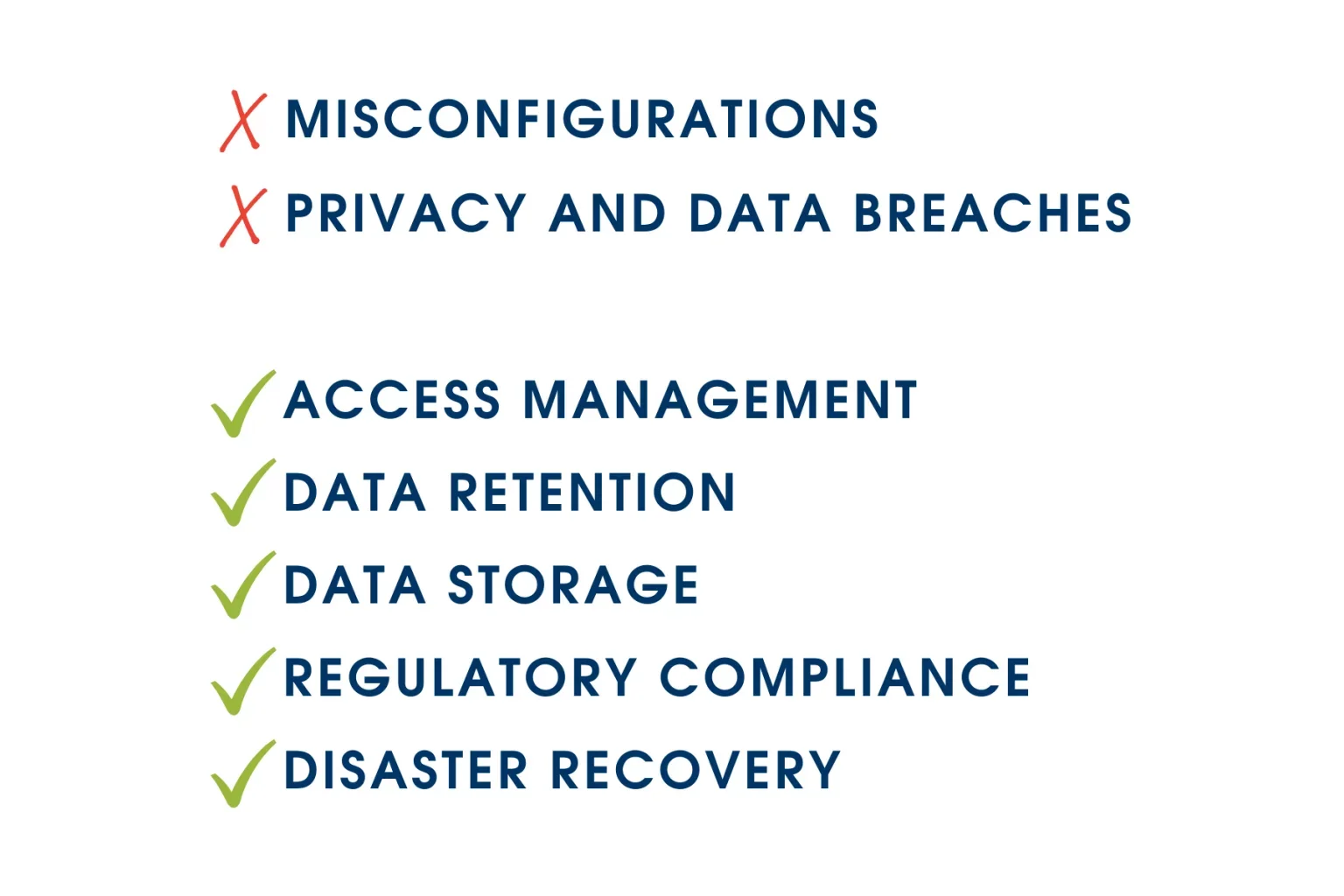
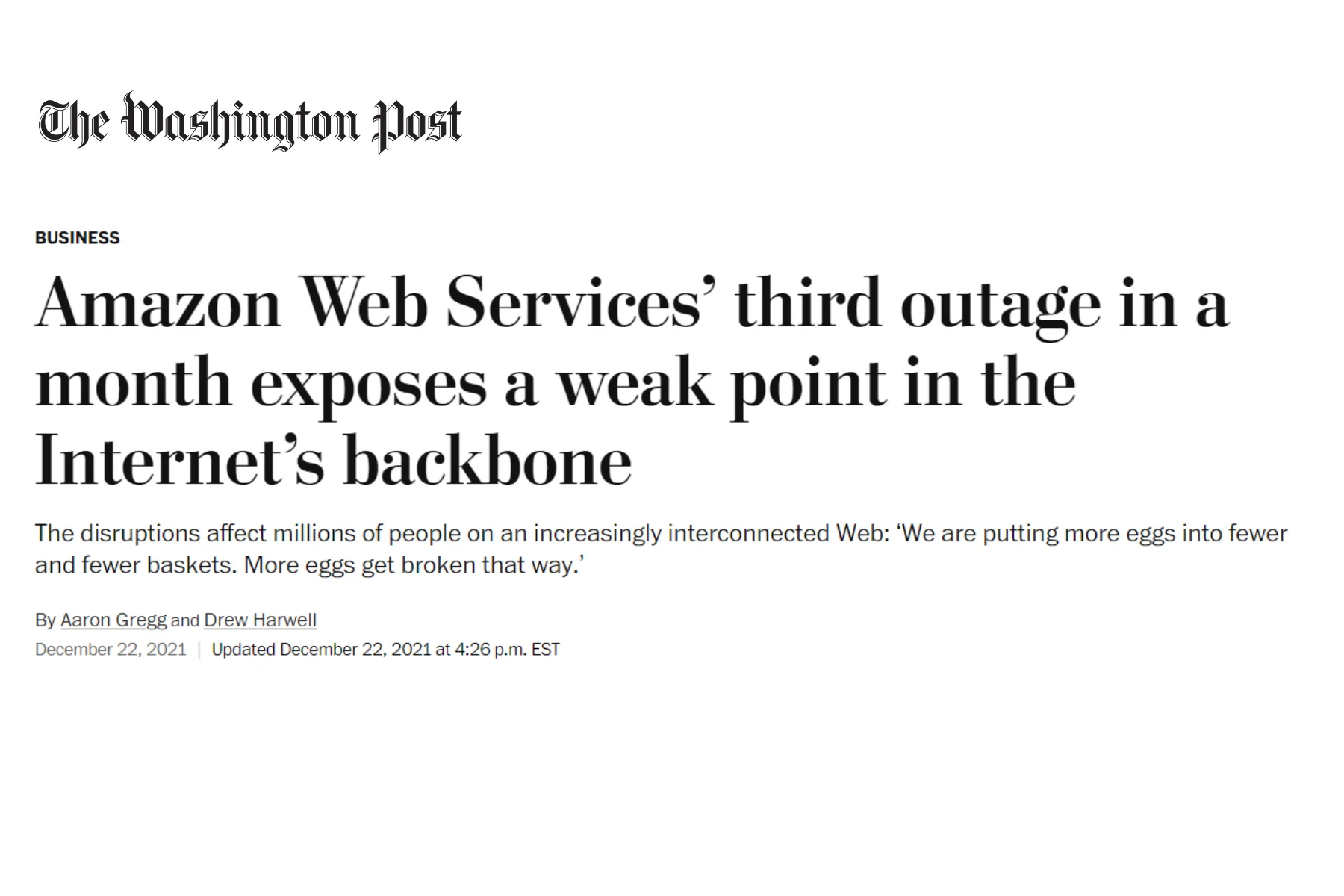
The common assumption is that self-hosting is automatically secure, cloud is automatically risky. In reality, a serious cloud provider may run infrastructure with security resources a smaller organization couldn't reproduce internally. At the same time, going cloud means delegating parts of the security model to the vendor and its hosting providers.
Self-hosting hands you more direct control and more responsibility in the same move — infrastructure security, OS updates, backups, network configuration, disaster recovery, physical or virtual server security all become yours.
So the useful question isn't "which deployment is secure?" It's "who needs to control each part of the security model?"
Data residency often makes the answer obvious. Some companies, agencies, research institutions, and manufacturers have policies dictating where files can physically sit or which external services may touch them.
Teams evaluating a DAM for local councils or municipalities, for example, usually have to weigh records policies, departmental permissions, existing public-sector infrastructure, and limits on externally hosted data. Where files must stay inside a specific environment, self-hosting is often just simpler. Where cloud is allowed, judge the vendor on its hosting regions, subprocessors, backup locations, encryption, authentication, certifications, and data-processing terms — not on the word "cloud" itself.
There's one more thing worth checking before you commit, and it rarely makes the comparison tables: where your AI tagging runs.
Many DAM platforms run their AI features over the internet, sometimes through third-party AI services or integrations. If your organization has strict rules around sensitive content or external processing, check where the files or previews actually go, which providers touch them, and whether that fits your security and compliance policies.
This is one area where self-hosted has a genuine edge. Daminion is one of the few vendors that can run AI tagging fully locally, so your media never leaves your own environment to be processed — and you can pick the models you want to use, including OpenAI-compatible ones. The trade-off is compute: local AI wants a capable server, especially for large libraries or heavier workloads. In many cases, investing in solid hardware is the more practical route — automatic tagging takes so much of the manual grind out of organizing a media library that giving it up would cost you more than the server does.
No universal answer here either. Cloud DAM generally lowers the upfront outlay — instead of buying servers and storage, you pay a recurring subscription, which makes early budgeting easier. But the advertised license price isn't the whole cost; it's just the tip of the iceberg.
Depending on the vendor and architecture, cloud bills can move with the number of users, storage volume, higher storage tiers, bandwidth and transfer, API usage, external portals, AI features, support level, and retention requirements.
A growing library can quietly change the number over time — Wasabi's 2026 Global Cloud Storage Index found that 49% of organizations exceeded their cloud storage budget in 2025, and among the reasons, 91% pointed to at least one fee-related cause.
Self-hosting works differently. You pay for your own infrastructure, power, backups, administration, and eventually hardware replacement, while the software may be an annual subscription, a perpetual license, or something else depending on the vendor. Starting from nothing, those costs can make cloud the cheaper route. Already owning enough storage and servers flips the equation. A team with 30 TB on a NAS should price not just a subscription but what it costs to transfer, store, back up, and repeatedly pull that archive from the cloud.
The comparison that matters is total cost of ownership over several years — not the first-year invoice.
Cloud is built to scale without you installing anything. Jump from 5 TB to 15 TB and adding capacity is mostly a commercial decision — change the plan or buy more storage. This can be genuinely convenient for fast-growing teams.
Self-hosted infrastructure is more finite: eventually you add drives, extend the NAS, replace hardware, or stand up another server. But "automatic" scaling isn't automatically the cheapest scaling. For a steadily growing archive, it's worth comparing the long-run cost of buying capacity yourself against paying to keep the same volume in the cloud year after year.
Cloud software follows the vendor's release schedule. Upside: fixes, security updates, and new features arrive without you running upgrade projects. Downside: less say over when changes land. For most marketing teams that's a fair trade. For teams with validated environments, custom integrations, unusual workflows, or strict change management, controlling upgrade timing can matter a lot.
Self-hosting gives more room around the deployment environment. It doesn't make every product infinitely customizable. The APIs and configuration options still depend on the software, but you control more of the system surrounding it. Worth noting the flip side: heavy customization needs upkeep, and a major version upgrade can break what you've built, which is why locally deployed teams often stick to dot releases and patches and skip full upgrades for a while.
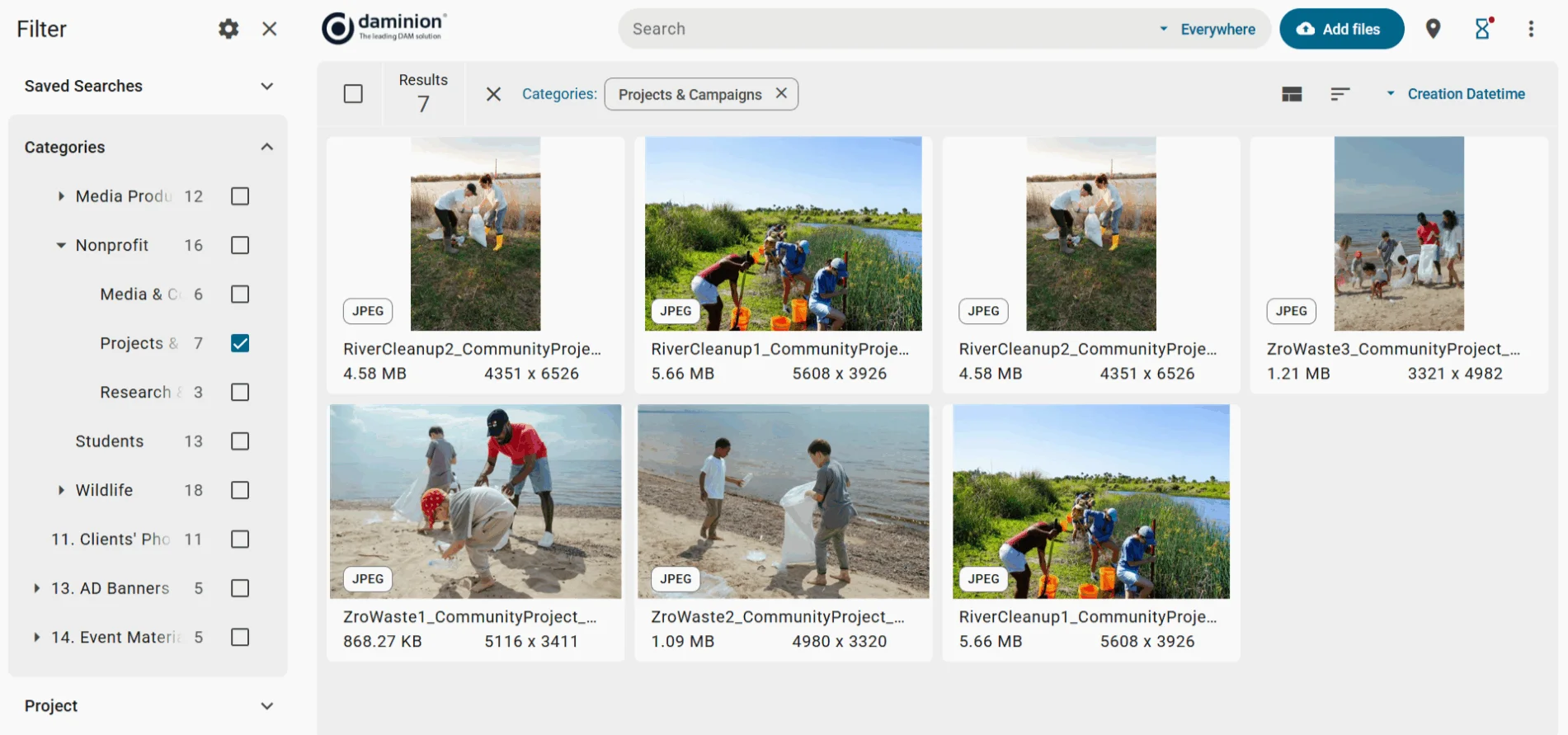
Cloud versus self-hosted is an infrastructure decision. It does nothing for the information-management problems that sent you looking for a DAM in the first place. You can park a disorganized garage in a nicer building; it's still a disorganized garage. A beautifully hosted system with inconsistent tags and no taxonomy is still miserable to search.
Whichever model you pick, look hard at metadata fields, taxonomy and controlled vocabulary, permissions, versioning, duplicate handling, AI-assisted tagging, rights and licensing metadata, search filters, and the workflow for adding new assets. Our guide to DAM metadata best practices covers this side in depth. In practice, these factors usually shape adoption more than whether the server sits in your office or a data center.
Cloud is usually the stronger call when several of these describe you:
A local deployment earns a closer look:
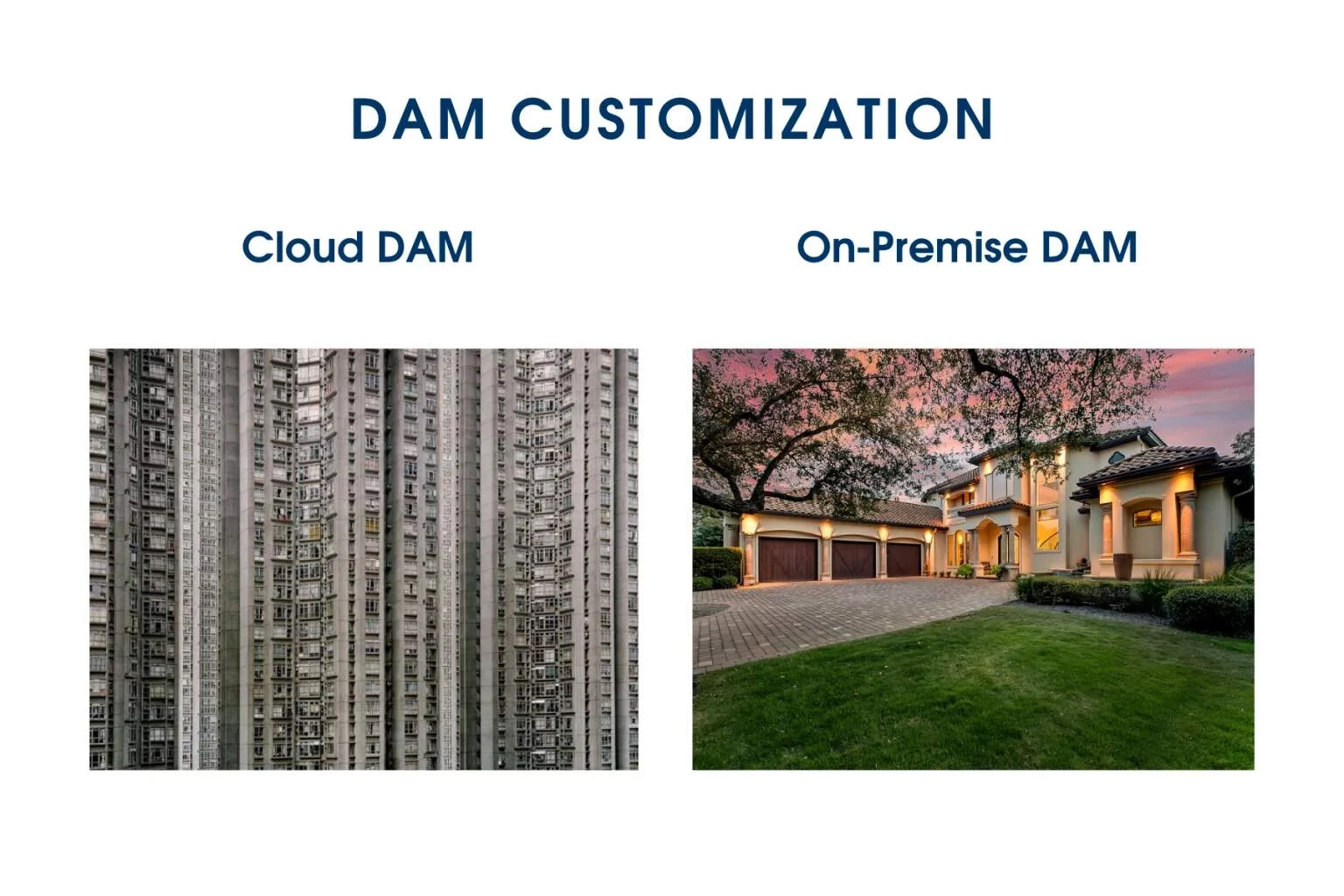
The market is no longer split cleanly between "SaaS" and "a box under someone's desk." A DAM can run in the vendor's cloud, in your own AWS or Azure account, on infrastructure a hosting partner manages, inside your data center, or across a mix.
Private-cloud deployment helps when you want cloud infrastructure but more control over the hosting environment. Hybrid setups help when some assets need to stay local while others need easy external distribution.
If you're weighing private cloud DAM and dams cloud options, ask each vendor what they actually mean by "cloud," "private cloud," "hybrid," and "self-hosted" — the terms get used differently, and the gaps are where surprises live.
Rather than opening with "cloud or on-premise?", start from your requirements:
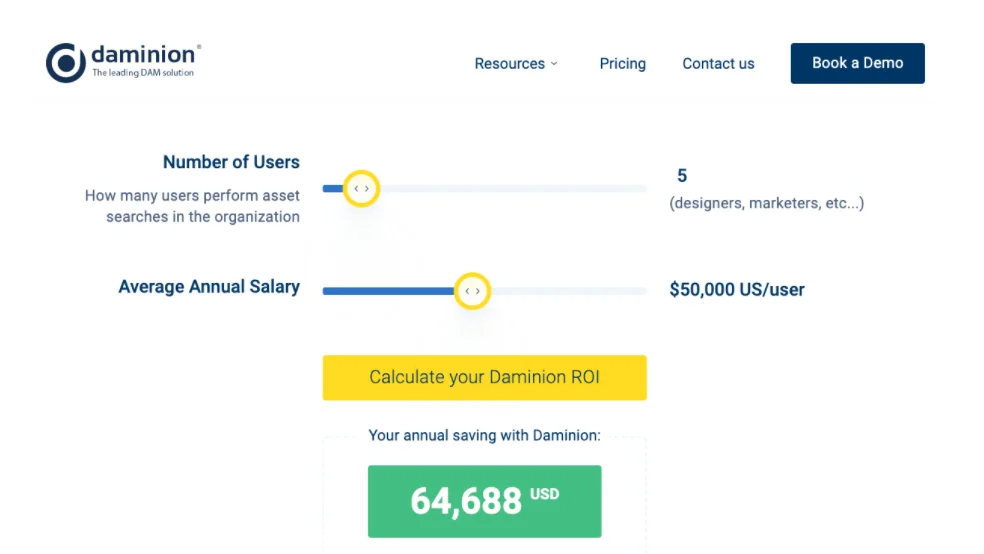
Daminion supports teams on both sides of this line. If you want a managed environment, you can run Daminion in the cloud. If you already have infrastructure, you can deploy it locally and work with assets on your existing NAS or file servers — and because it reads files where they sit, you can point it at a folder you already use and let it index without migrating anything first. For teams that want cloud infrastructure but more control over where the system is hosted, Daminion can also run inside a corporate cloud, including a private cloud DAM setup. Pricing is per user and doesn't grow with how much you store, which keeps the cost predictable as the library expands.
The goal is the same in every model: one searchable system for organizing, finding, controlling, and sharing photos, videos, documents, design files, and everything else. The deployment model should follow your requirements, not the other way around.

Cloud DAM became the default for good reasons — quick to deploy, reachable from almost anywhere, light on internal IT. But "cloud-first" was never the same as "cloud-only." Teams with large archives, high-volume media, strict data-location rules, or mature local infrastructure often have equally good reasons to keep the DAM close to their storage.
The simple rule: choose cloud when convenience, remote access, and low IT overhead lead your priorities; choose self-hosted when infrastructure control, local performance, or data location lead instead. And if you land in the middle, evaluate private-cloud or hybrid rather than forcing your workflow to an extreme. The right deployment is the one your team can run reliably, afford over the long term, and actually use every day.
Another point to consider is the ongoing cost. Cloud DAM vendors typically charge a monthly or annual subscription fee, which may include usage limitations. If your organization handles large files or requires heavy usage, these costs can add up quickly.
On-Premise DAM
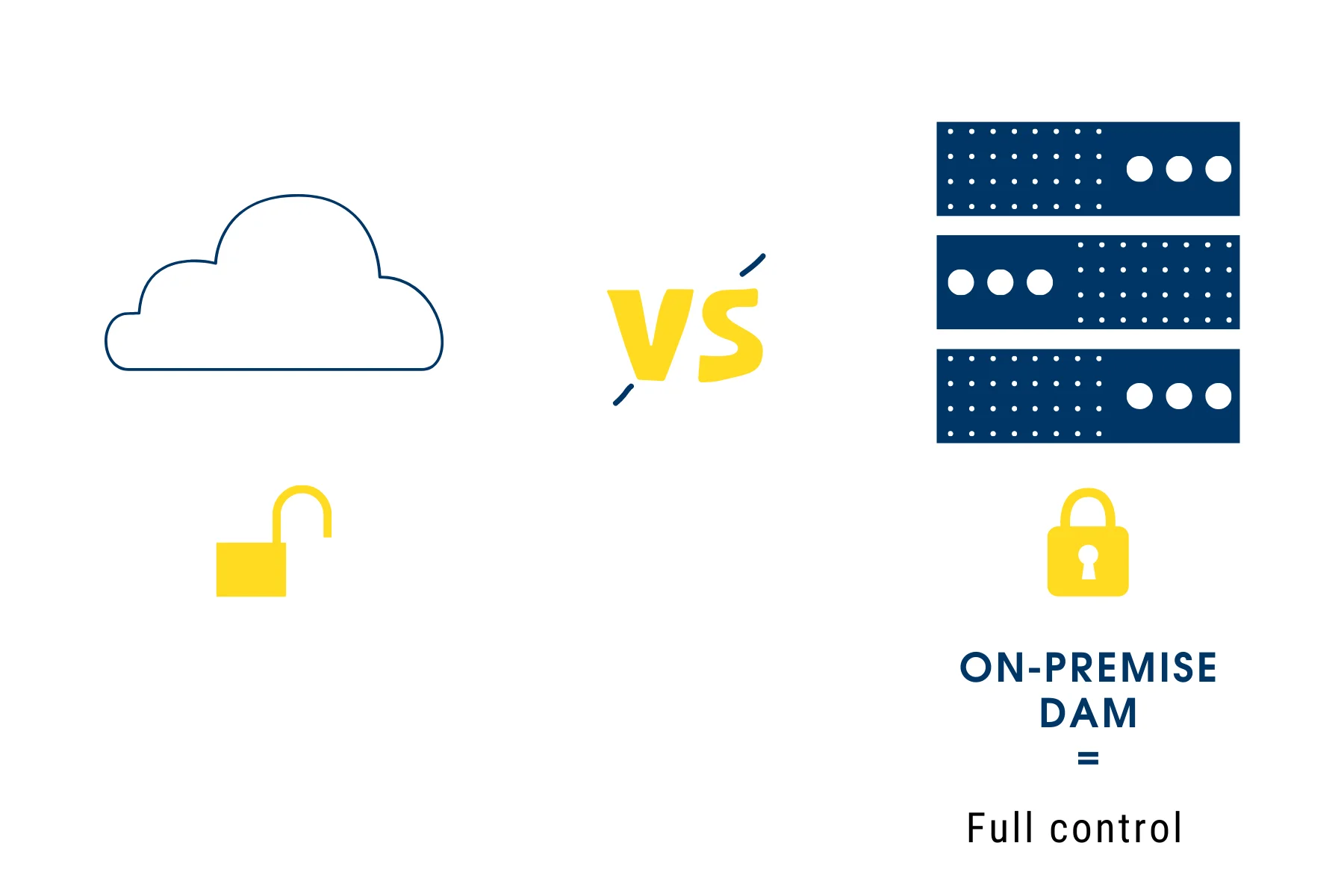
On the other hand, on-premise DAM systems are installed and run on your own servers. This setup gives you direct control over your data and assets, as well as the IT procedures and staff involved.
With on-premise DAM, you have the advantage of enhanced security, as your assets are protected behind your corporate firewall. Moreover, you can potentially experience superior performance, particularly if your organization works with large files, since you’re not dependent on internet connection speeds for access and distribution.
When it comes to cost, on-premise DAM usually involves a larger upfront investment to purchase the software and necessary hardware. But over time, this can turn out to be more cost-effective, especially if you consider the potential for customization and the absence of recurring subscription fees.
Lastly, remember that with on-premise DAM, you’ll need a capable IT team to handle system installation, maintenance, and upgrades. You’ll also be responsible for data backups and disaster recovery plans.
Whether you choose a cloud-based or on-premise DAM solution depends on your organization’s specific needs, resources, and strategic priorities. Both options have their pros and cons, and it’s crucial to weigh them carefully to make the best decision for your business.
When the decision has to be made quickly, two questions usually settle it. First: does any contract, client agreement, or regulation dictate where the files physically sit? Second: how often does the team need to pull large originals back out again? A firm answer to the first, or “constantly” to the second, points to self-hosted digital asset management. If neither applies, the cloud stays a reasonable option — and the choice comes down to who you would rather have maintaining the server.
If you have any more questions about setting up your digital asset management system, whether it’s cloud or on-premise, feel free to reach out to us. We’re here to help you navigate this important decision.
If on-premise is the direction, the two practical next steps are to run Daminion against your own storage and to check the licence options — both take less time than another round of comparison.
A fair thing to be sceptical about. The honest test is whether the feature lists differ — if they are identical, one version is being oversold. Daminion’s cloud edition is genuinely narrower than the on-premise one, and the differences are listed below rather than hidden.
Face recognition, 3D file support, sign-in through Entra ID, folder structure and folder-level permissions, automatic import from a watched folder, import by direct link, tag import from .txt or CSV, and export to a chosen folder. Assets appear as a catalogue rather than in familiar folders. If any of that is load-bearing, cloud is not the right fit.
You take on the server. Backups, updates, uptime and disaster recovery become your team’s responsibility, and there is a real hardware cost up front — a dedicated Windows Server with SSDs. Teams without an administrator usually feel that within the first year.
Cloud is simpler for people who are never in the office. But on-premise is not the obstacle it is assumed to be: the desktop client works over VPN and the web client can be published on a public address, so remote access does not require moving the archive to a vendor.
On-premise is priced per user and does not move when the archive grows, with the server as a one-off cost. Cloud subscriptions typically scale with storage, so the bill grows with the library. Which is cheaper depends less on the licence and more on how fast your archive is growing.
Technically yes, but treat it as a migration rather than a switch: metadata, taxonomy and permissions have to be carried across, and the folder structure the cloud edition does not keep has to be rebuilt. If on-premise is the likely destination, starting there saves that work.