May 13, 2026
Updated


You know the asset is there. The product photo that needs to become a LinkedIn banner. The event image that should be cropped for Instagram. The interview clip with the right quote. The approved packaging render someone used three campaigns ago.
It is all in the archive. Somewhere.
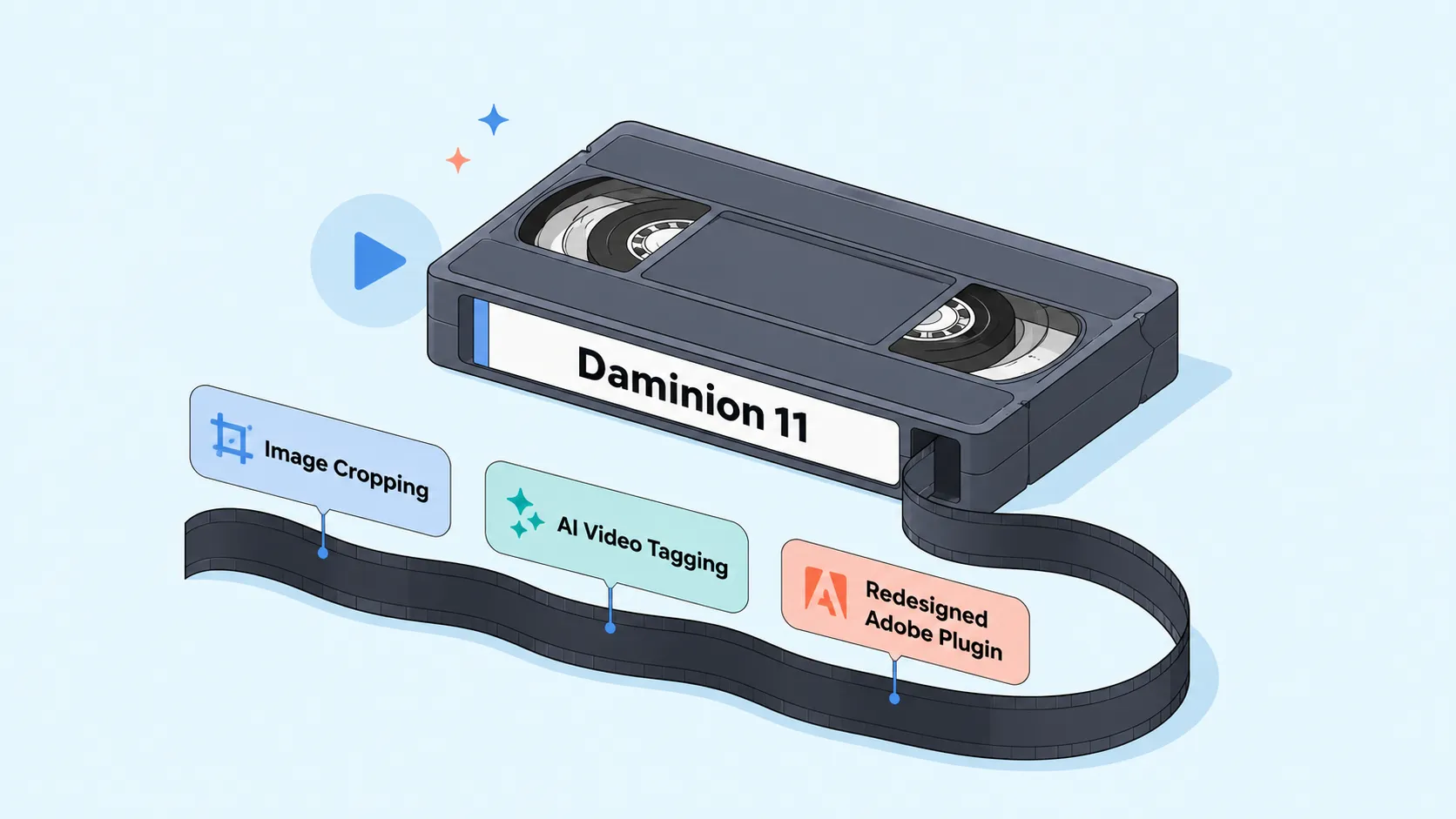
Daminion 11 is about making that “somewhere” less frustrating. Not by adding one large feature and calling it a release, but by improving several places where real asset work usually slows down: preparing image crops, searching video, opening the right tools faster, browsing large catalogs, and working with creative files.
Here’s what changed.
Let’s start with one of the most practical updates in Daminion 11: image cropping.
Marketing and creative teams rarely use the same image in one place only. A single approved photo may need to become a website banner, a LinkedIn post, an Instagram square, a story format, a newsletter image, and a smaller preview for internal use.
That usually means downloading the file, opening another editor, cropping it manually, saving a new version somewhere, and hoping everyone knows which version to use.
Daminion 11 makes this workflow easier.
You can crop images directly from the catalog, choose the focus area, and use ready-made presets for common social media formats. Instead of treating every crop as a separate mini-design task, teams can prepare the right version closer to where the asset is already managed.
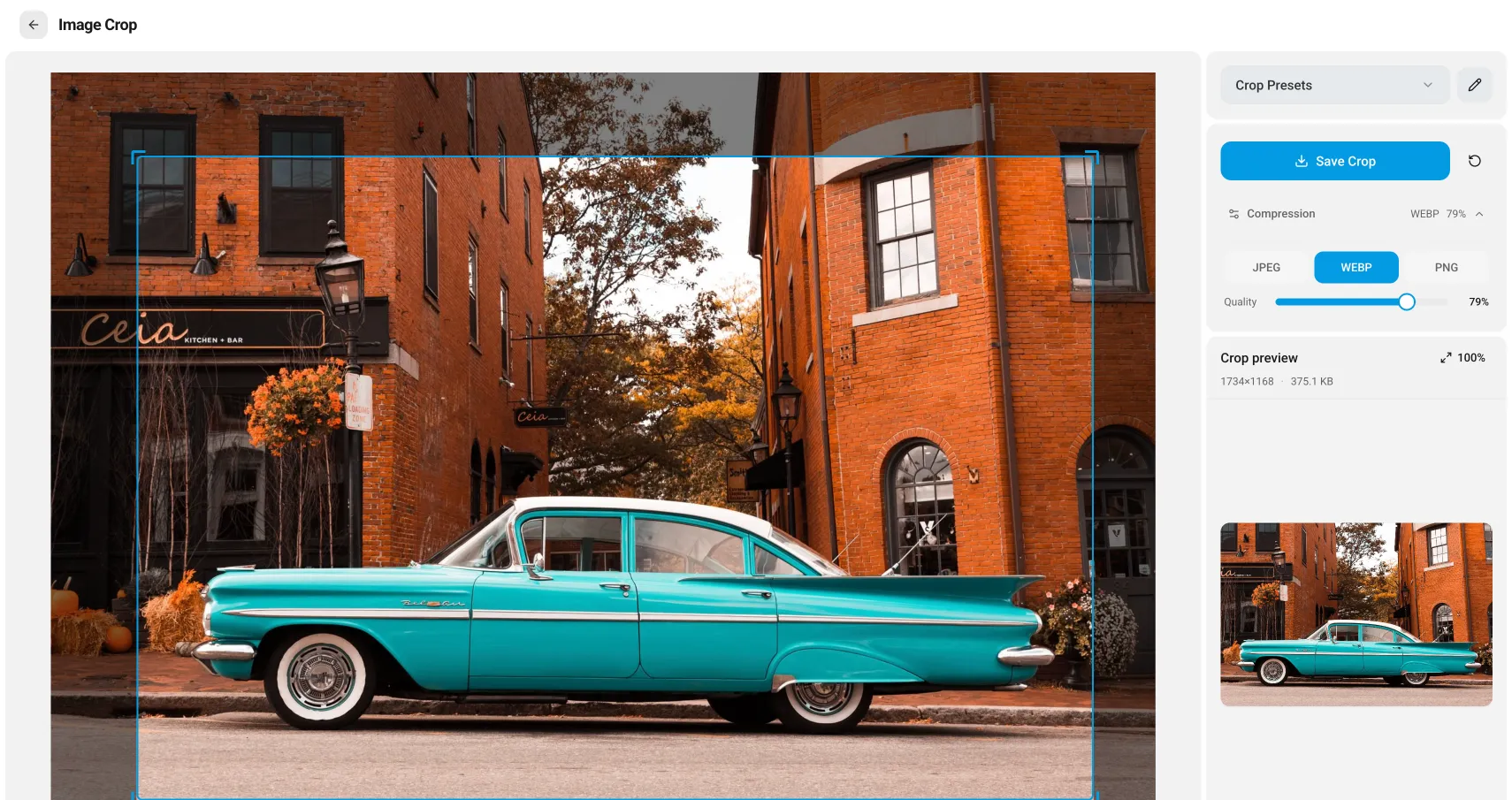
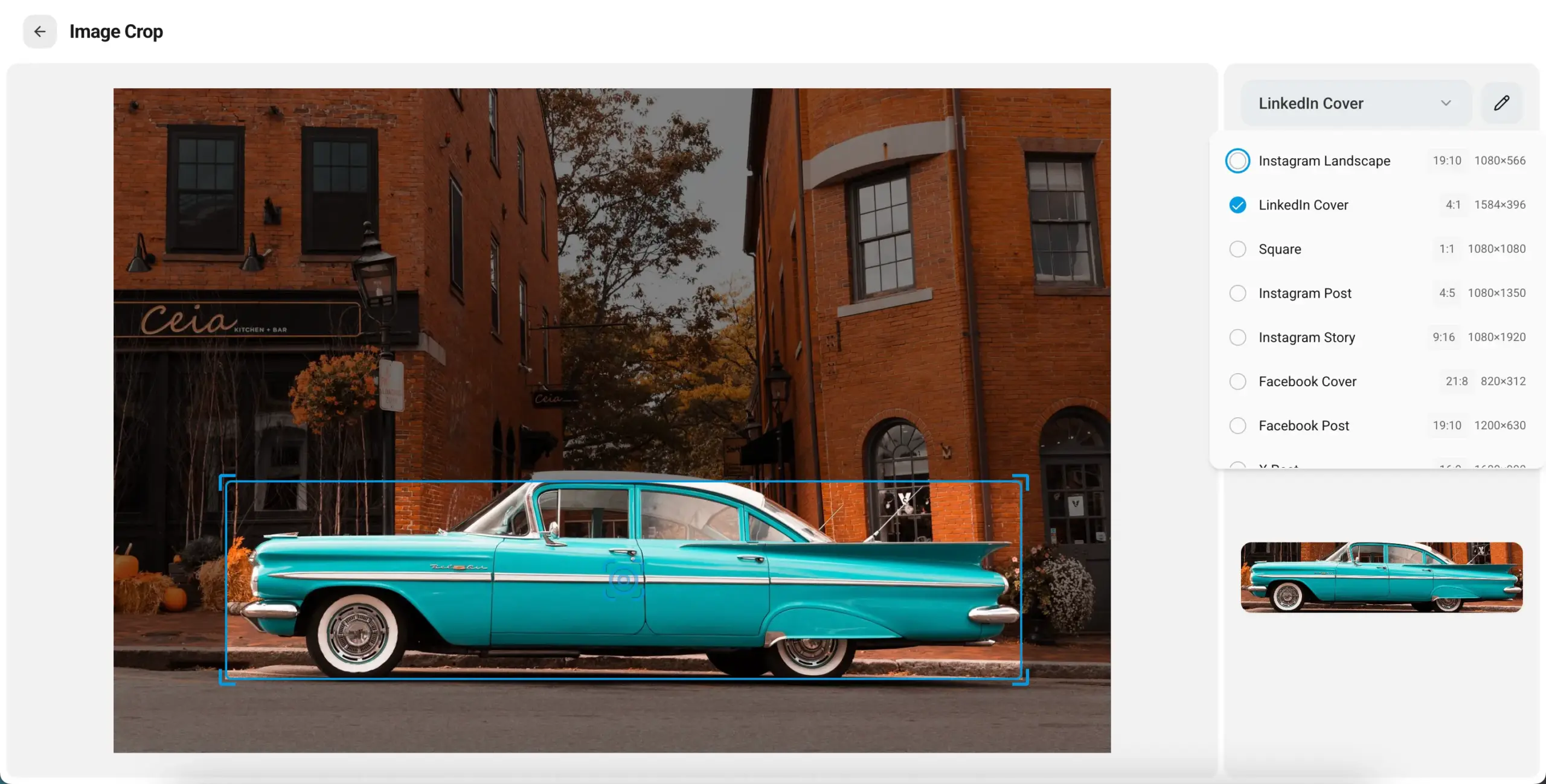
This is especially useful when the important part of an image is not the whole frame but a specific detail: a product, a person, a logo, a technical element, a location, or a visual fragment that needs to stay in focus across different formats.
For teams that constantly reuse the same approved visuals across channels, this removes a small but repetitive step from the process.
Daminion has been moving further into AI-assisted asset management over the last few releases.
In the previous release, we introduced Speech-to-Text for audio and video files so users could search inside spoken content instead of relying only on filenames or manual notes.
Daminion 11 continues that direction.
This release adds support for newer GPT models, including GPT-5, GPT-5 mini, and GPT-5 nano. AI translations now support all languages available in ChatGPT, including Turkish, Chinese, and many others.
The most visible AI update is video tagging.
Video files are easy to store, but hard to search. A few clips are manageable. Then come interviews, product demos, training videos, event recordings, drone footage, social media cuts, webinars, and five versions of the same edited file with slightly different names.
At some point, nobody knows what is inside unless they open the video and watch it.
Daminion 11 adds AI tagging for video files, so teams can make footage searchable not only by what was said in a recording but also by what appears in the video.
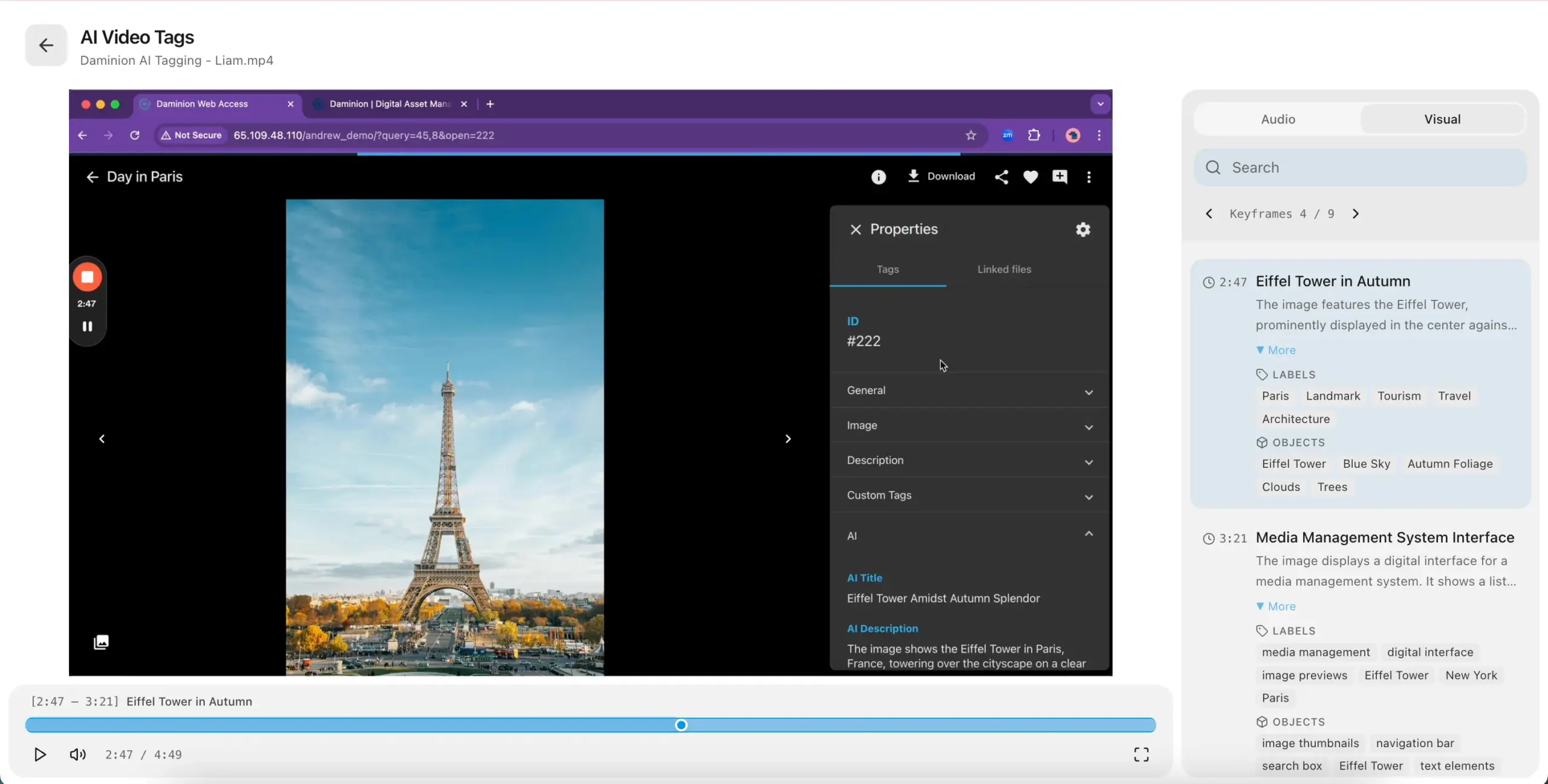
For teams with large video archives, this can make old footage more useful after the original project ends. The clip from last year’s event. The product angle from a demo. The interview segment that would fit a new campaign. These assets are easier to reuse when the catalog can describe them more clearly.
Daminion 11 also adds AI tagging progress indication. When files are sent for tagging, users can see where they are in the process instead of wondering whether the system is still working.
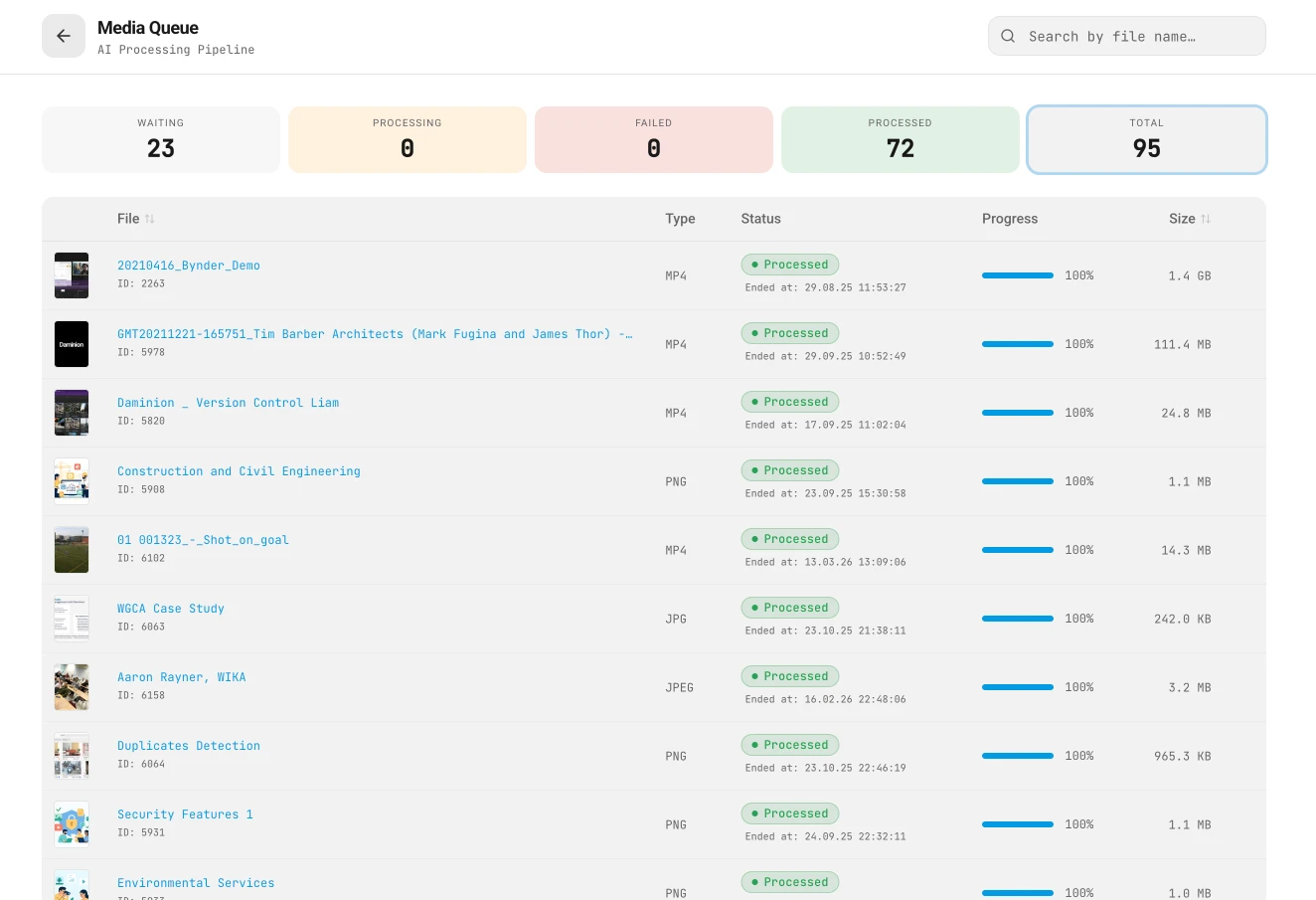
It is a small detail, but a useful one when processing batches of media files.
The Web Client now includes Quick Access Tabs that can be customized for the way users actually work.
Most users do not need every tool every time they open a catalog. They need quick access to the things they return to constantly: saved searches, frequently used collections, recent work, important folders, review queues, or the parts of the archive they manage every day.
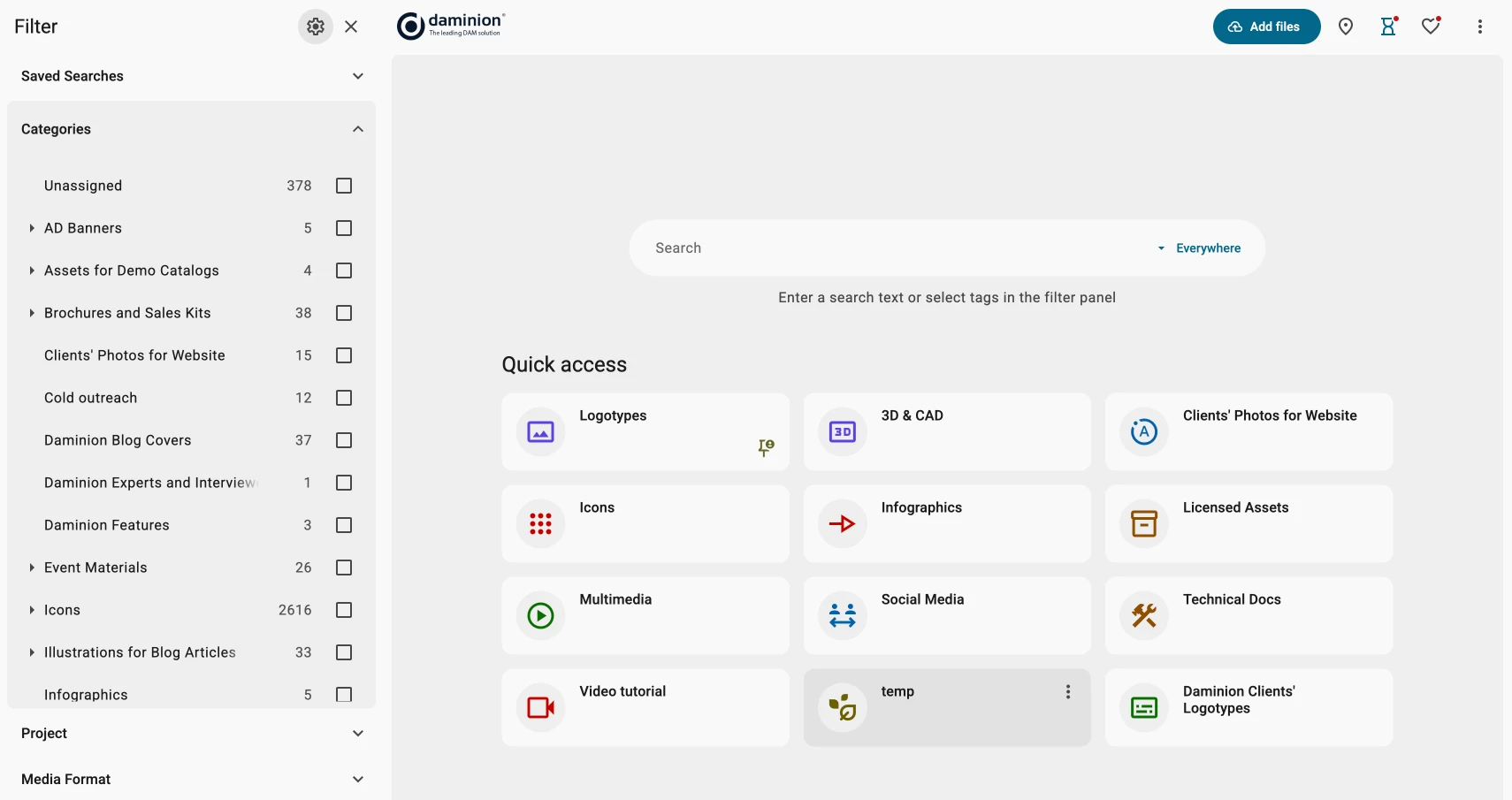
With Quick Access Tabs, the Web Client becomes less of a place where users have to start from scratch and more of a working surface they can shape around their own tasks.
For example, a marketing user may want one-click access to approved campaign assets. A designer may keep saved searches for current product visuals. An archive manager may need quick access to files waiting for metadata review.
The point is simple: fewer clicks before the user gets to the assets they came for.
Daminion 11 optimizes scrolling performance in the Web Client and reduces memory consumption.
This matters most when people work with long search results, large folders, or thumbnail-heavy collections. The kind of catalog where users do not open three files and leave. They browse, filter, compare, check versions, and keep going.
There is another useful detail: files marked as offline can still display their generated previews in the web interface.
For teams with archive storage, external volumes, or files that are not always immediately available, this keeps the catalog useful as a visual reference. Even if the original file is offline, users can still recognize what they are looking at.
The Adobe plugin got one of the most visible updates in this release.
Daminion 11 brings a completely updated design, an improved thumbnail browser, and a better filter panel. It also fixes several small workflow issues, including the Back button on the start screen and selection reset during scrolling.
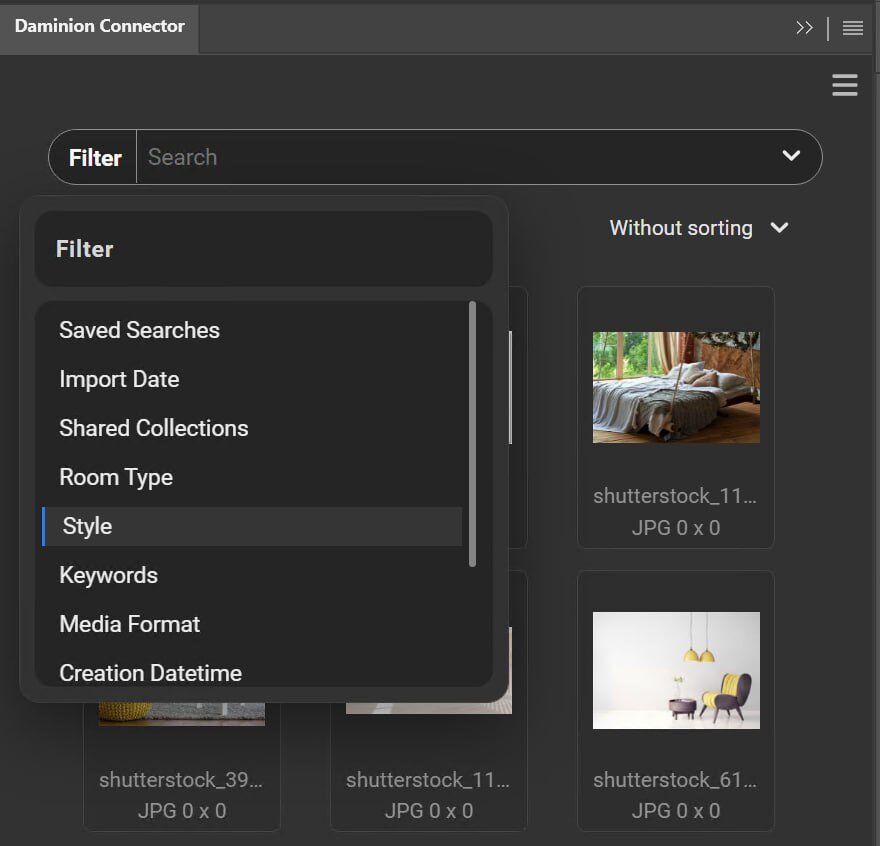
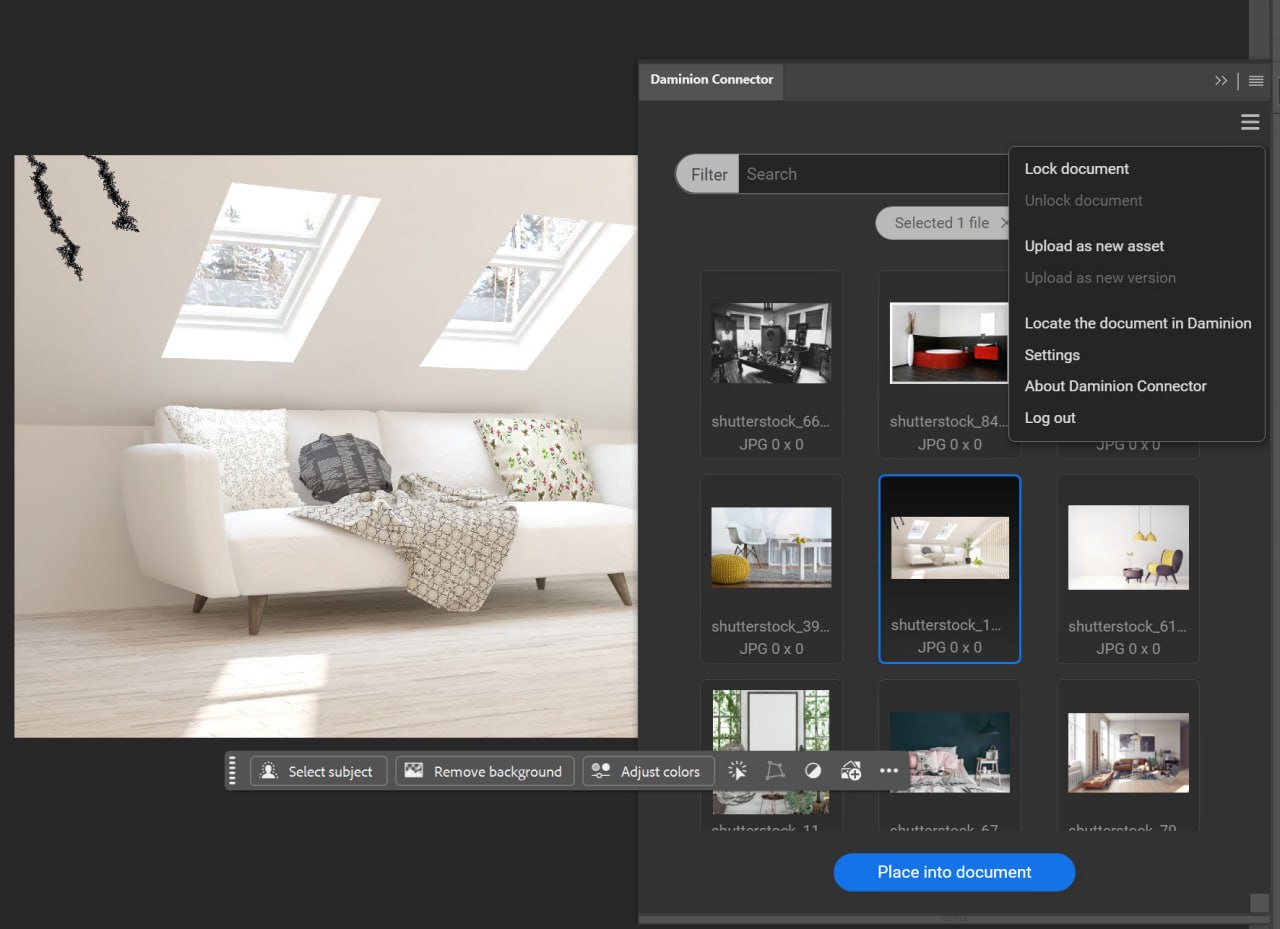
The plugin sits in the middle of real work: finding a visual, checking the right version, opening it in the Adobe workflow, and moving on without breaking concentration. If that experience is clunky, people start saving local copies or asking colleagues to send files again.
A cleaner plugin helps keep Daminion closer to the actual creative process.
The plugin is also notarized for macOS now, so Mac users should no longer run into security warnings during installation.
Daminion 11 adds native thumbnails for CorelDRAW CDR files.
Design teams often have older CorelDRAW files sitting next to newer assets: packaging layouts, print materials, signage, logos, product graphics, or campaign files. Without thumbnails, those files are hard to browse. Someone has to open them just to check what they are.
With native CDR thumbnails, the archive becomes more visual and less dependent on filenames that may or may not still make sense.
Daminion 11 also changes how video processing works. It now runs as a single service for all catalogs, and optional WebM proxy support has been added.
For users, the important part is not the architecture itself. It is that video workflows continue getting lighter and more practical for large files and browser-based access.
The release also improves 3D preview handling. 3D previews are now stored using a safer storage scheme, which helps prevent access errors when previews are generated. Manual 3D thumbnail generation is processed entirely on the server, and temporary files are no longer saved next to the original files.
There is also a fix for a memory leak in the 3D Agent.
Daminion now supports Simplified Chinese and Traditional Chinese. Translation quality across the system has also been improved.
For international teams, this makes Daminion more accessible to users who need to work in their own language, not just search through assets created by someone else.
A good product update is also about removing the things that make users pause, retry, or message an admin.
Daminion 11 includes many fixes across Web and Desktop, including improvements for Safari drag and drop, Dropbox import, macOS mappings, Access Control group editing, CSV tag import, connected device import, Lite license login, and shared collection language behavior.
It also fixes export behavior for transparent images such as SVG, PNG, and WEBP when converting them to JPEG.
Individually, these are small. Together, they make daily work less interrupted.
Behind the interface, Daminion services and platform components have also been updated, including the move from .NET 8 to .NET 10.
If your Daminion installation uses Microsoft Entra login, you need to update the Redirect URI in the Microsoft Entra admin center by adding:
/signin-oidc
Please check this before updating, so users do not run into login issues after the upgrade.