September 21, 2026
Updated


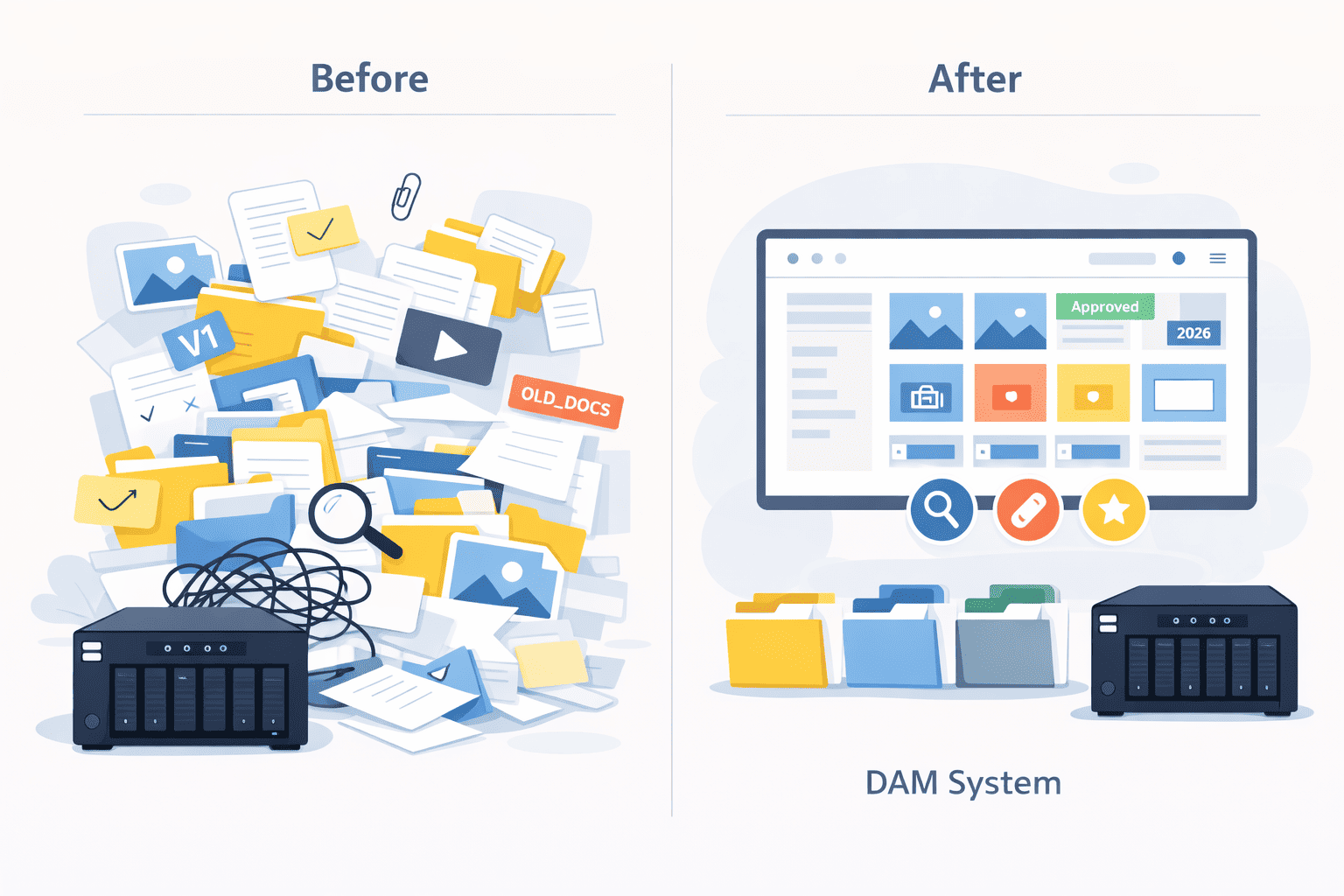
This is a guided tour that explains why storing media archives on corporate servers or NAS without Digital Asset Management (DAM) is ineffective.
Only 3% of DAMs can work with local media archives in a local network. We will guide you through the selection process, recommending the best way to choose the right DAM solution for your NAS or File Server.
You will also learn about DAM, types of DAMs, and the benefits of DAM for NAS or File Servers A NAS covers the storage layer; the cataloguing on top of it is what self hosted digital asset management adds.

Corporate File Servers and NAS is a home for all your company’s digital assets. But this home quickly becomes a mess of tons of files and folders scattered across multiple network locations…
Something like my sons who try to find the right Lego brick among thousand of others.

Organizing this by folders or file names requires enormous time and effort and most companies and people organize this just as somehow.
Fortunately, special programs have long existed for organizing chaos in digital documents, getting rid of duplicates and questions “where is the latest version of the required document?” Which are called Digital Asset Management solutions (DAM).
This task always has a low priority and there is usually never enough for it. The advantage of the DAM system is that it can automatically sort files using AI and metadata.
Disorganized media archives is a bottleneck in effectiveness of all your digital specialists who at least need to access them once a week.
I was a bit surprised of how my wife classified what a DAM is:
If your archive already sits on a file server or NAS you intend to keep, you can point Daminion at that share and see what indexing finds before changing anything.
There is a vast array of file storage solutions, ensuring that your files are always accessible, but the most popular are file servers and NAS.
Network Attached Storage, or NAS, is a dedicated file storage device connected to your network, allowing multiple users and devices to retrieve data from centralized disk capacity. It’s a specialized computer focused on one task: storing and serving files to other devices on the network.
NAS devices come with their own operating system and file system, designed specifically for managing large volumes of data. They are typically easy to set up, offering plug-and-play convenience for both home users and small to medium-sized businesses.
Popular NAS vendors include Synology, QNAP, NETAPP, NETGEAR and Western Digital, each offering a range of devices to suit various needs and budgets.
File servers have been around for decades, serving as the backbone of many corporate IT infrastructures. A file server is a computer responsible for the central storage and management of data files so that other computers on the same network can access them.
File servers are typically more robust and customizable compared to NAS devices. They can run various operating systems, support a wide range of applications, and offer advanced features like user permissions, backups, and integration with other IT systems.
Popular vendors for file servers include Dell, HP, and IBM, known for their powerful and reliable server solutions.
Storing a media archive in a folder structure on a file server or NAS has one major drawback: it secretly steals a huge amount of time from employees working with the company’s files, making the company inefficient.
According to Gartner, on average, each designer or marketer in companies spends up to 20% of their time searching for files. For the sales department, this also poses the risk of losing clients due to untimely or outdated selections for product presentations.
Eventually, many employees perceive these inefficient 20% of their time as part of their job because they are used to it. This is especially true when employees are paid by the hour.
I worked as a graphic designer for three years, and there was nothing more exhausting, boring, demotivating, and useless than the routine search for needed files and endless sifting through folders. Failed expectations (in terms of search and search time) always result in decreased motivation and creative drive.
The companies that first start thinking about digital asset management systems are those with deadlines: for example, project delivery on time, preparation for an upcoming exhibition, presenting a suitable selection of photos to a client, and so on.
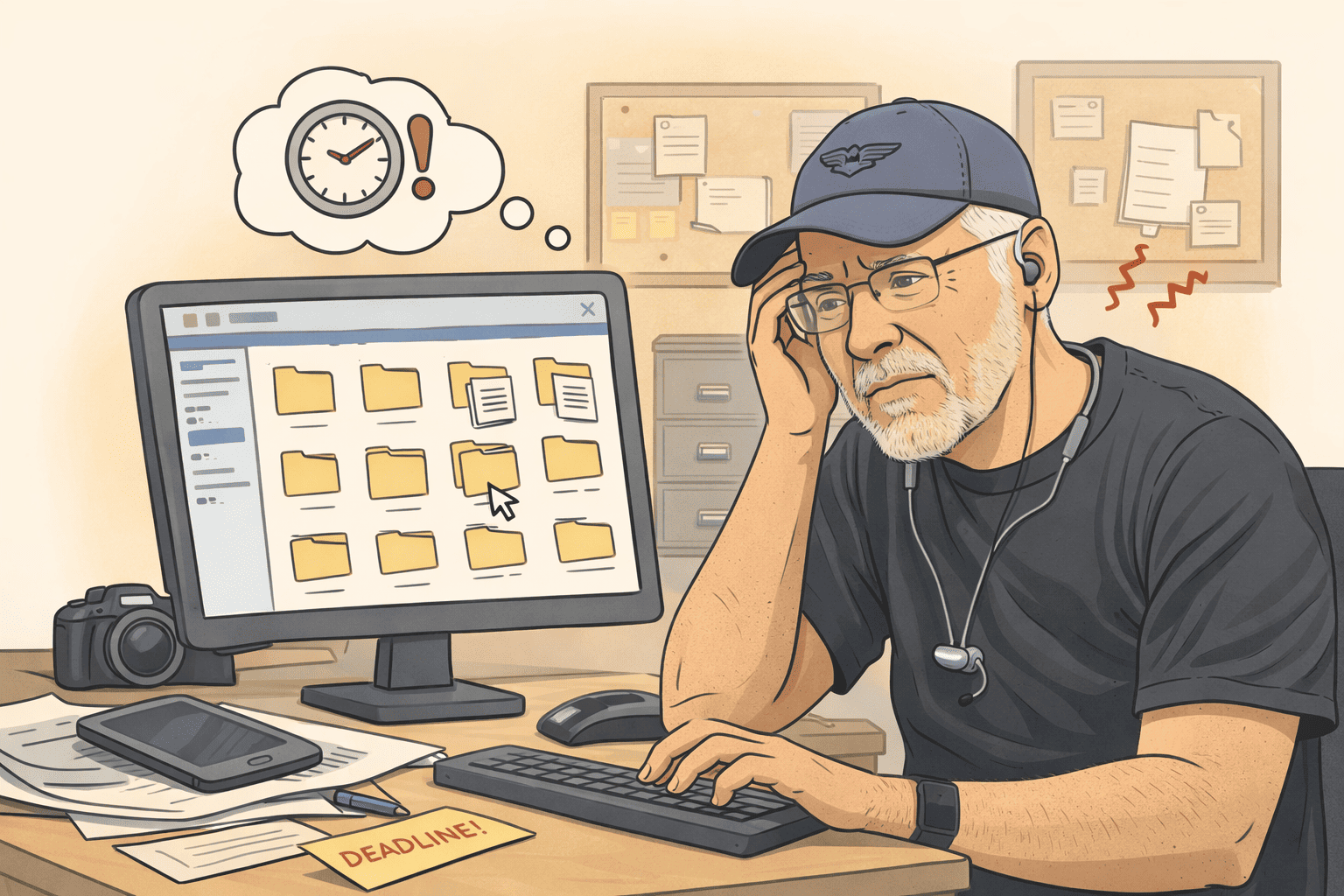
DAM, like any IT tool, increases productivity, provides instant access to the latest file versions for any employee, and automates routine tasks, leaving more time for creative tasks or tasks that require manual effort and are hard to systematize.
This makes both employees and the company more efficient. This is especially true for departments that actively work with digital content: marketing, sales, design, and digital content production.

Let’s compare media archives built on a folder system on a file server/NAS with media archives built using an on-premise DAM.
Files can only be searched by the name of the folder or file. If the search term is not in the folder or file name, the search turns into an hours-long quest.
Long, tedious folder browsing leads to constant interruptions among colleagues, and often you have to open the wrong file just to confirm it's not the one you need.
All employees who need to find a file must know the exact path to the file, including new hires and management.
You have to add keywords to folder and file names, making them long and difficult to manage and read.
Typically, there’s neither time nor desire to name many files properly, so most file names end up looking like projectA_document.docx or DCM1033987.jpg.
File previews are low quality and small in size. Many formats do not have previews at all. If we don’t see a thumbnail, we have to open the file with a third-party application each time to confirm it’s the right one.
It’s not easy to find and accurately count the duplicates of a file. It’s often difficult to determine if a document is the latest version. When multiple designers work on the same layout, collisions frequently occur.
One of the quickest and cheapest ways to speed up the creation of digital content is by reusing previously created templates or digital assets.
Due to the difficulties or impossibility of finding files in a folder structure organization, it is often easier to create digital content from scratch. Although the content already exists somewhere, or there is a template that could make the process ten times faster.
For example, 1GB TIFF, PSD, or video files may open slowly due to the bandwidth limitations of the local network.
There are many other limitations that are not present in a DAM system, such as:
A DAM saves:
All marketing and design materials on different servers and network folders are accessible through a single interface. No need to sift through hundreds of folders or bother colleagues.
A DAM scans files, tags them, and makes them easily searchable using a combination of search criteria. For example, you can tell the Daminion system to find:
all vector images with keywords “green” AND “blue” from the category “events” created between 2020 AND 2022.
Just type in a search phrase and then narrow your search using different metadata or filters.
If media files have GPS coordinates recorded, they can be quickly found on a map. It is also possible to search for content within documents.
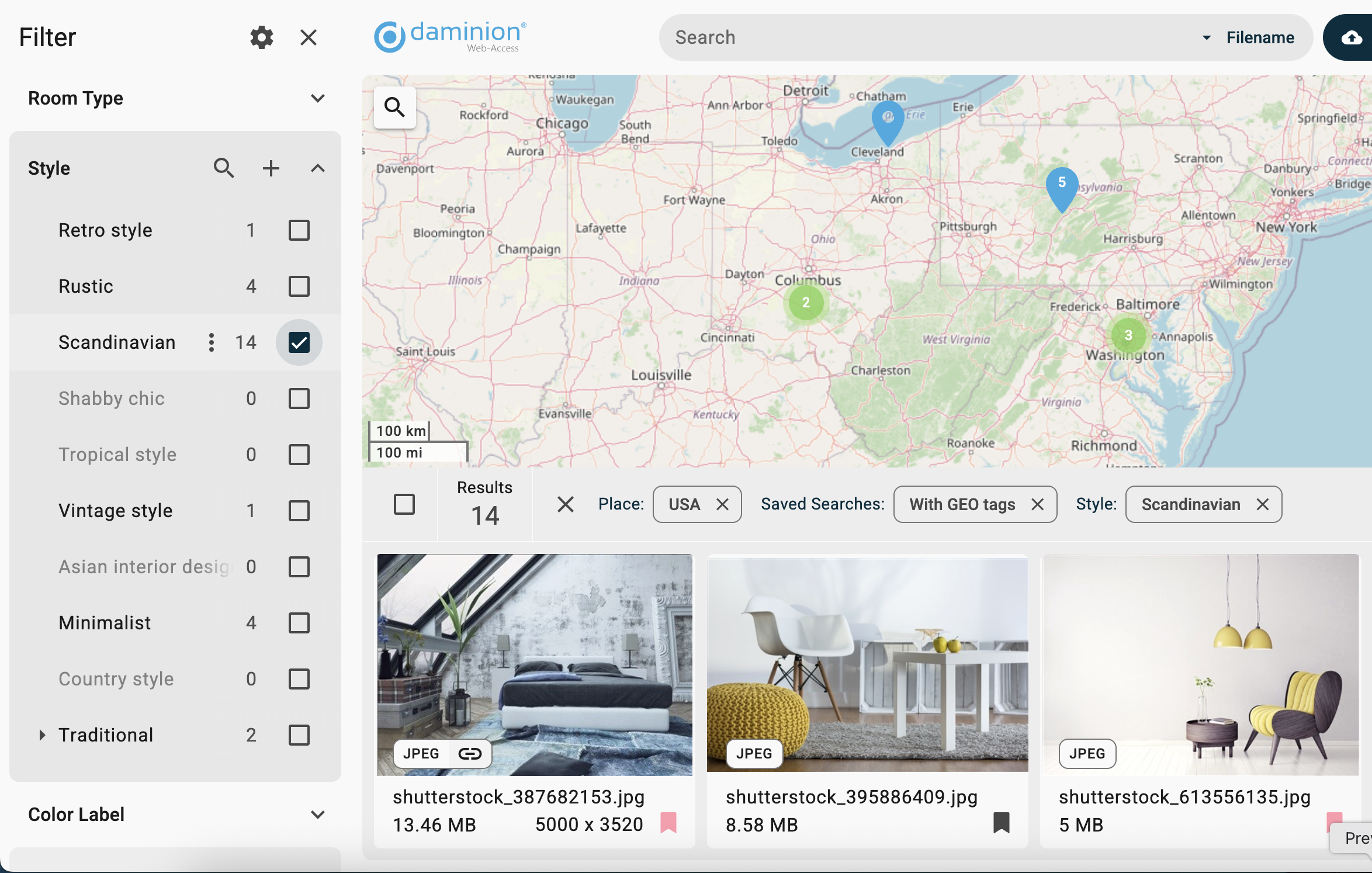
Before AI, the core issue that prevented the adoption of DAM systems was the resources and time a company needed to allocate in order to organize and classify the corporate media library and start using it.
Now, in the AI era, 95% of tagging is automated. DAM systems like Daminion DAM automatically create different search filters and taxonomy based on the analysis of media file content:

Sometimes AI cannot properly understand some very specific objects. For this case, Daminion has a batch tagging tool that allows you to assign dozens of tags to hundreds of files at once. On average, 5,000 files can be classified by one person per hour. The DAM ROI for an accurately organized media archive is huge.

One way to speed up digital content production is to avoid starting from scratch every time and instead actively use previously completed work. Many creatives can be produced based on existing templates, on which the company has already spent resources (time and money).
The only requirement is that they must be organized and always readily accessible.
Some of our clients have shared that before implementing Daminion, it was sometimes easier to create a calendar from scratch or even reshoot video footage rather than find it in the chaos of folders and files.
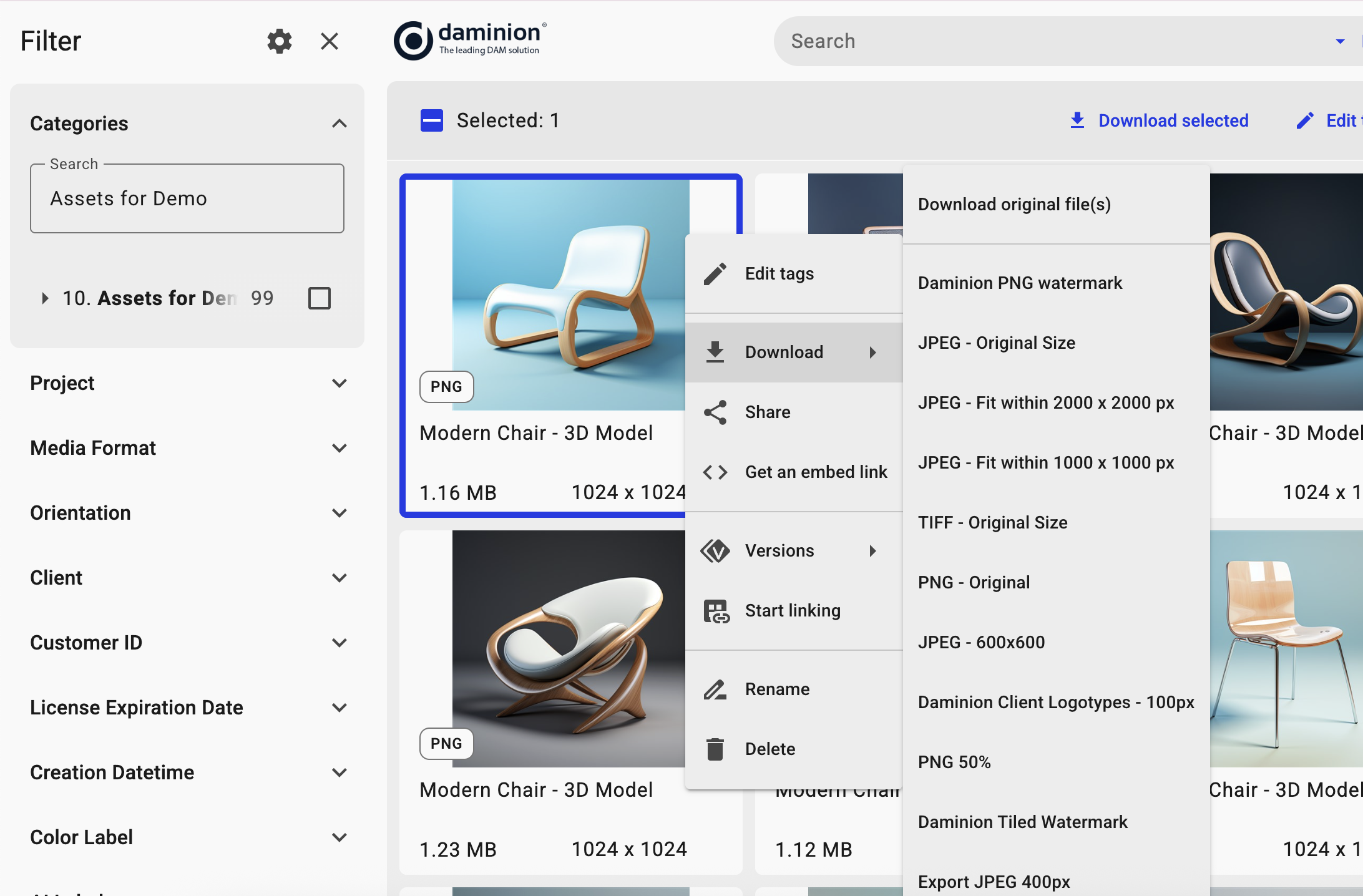
Without visual previews, you need to open a file with a heavy application like Illustrator or InDesign just to realize that it is the wrong brochure or drawing.
Daminion can create small proxy previews of sufficient quality for viewing, allowing you to see the file without launching native applications. This means you don't have to download a large file from the server to your local computer for 20 seconds just to confirm it's the wrong file.
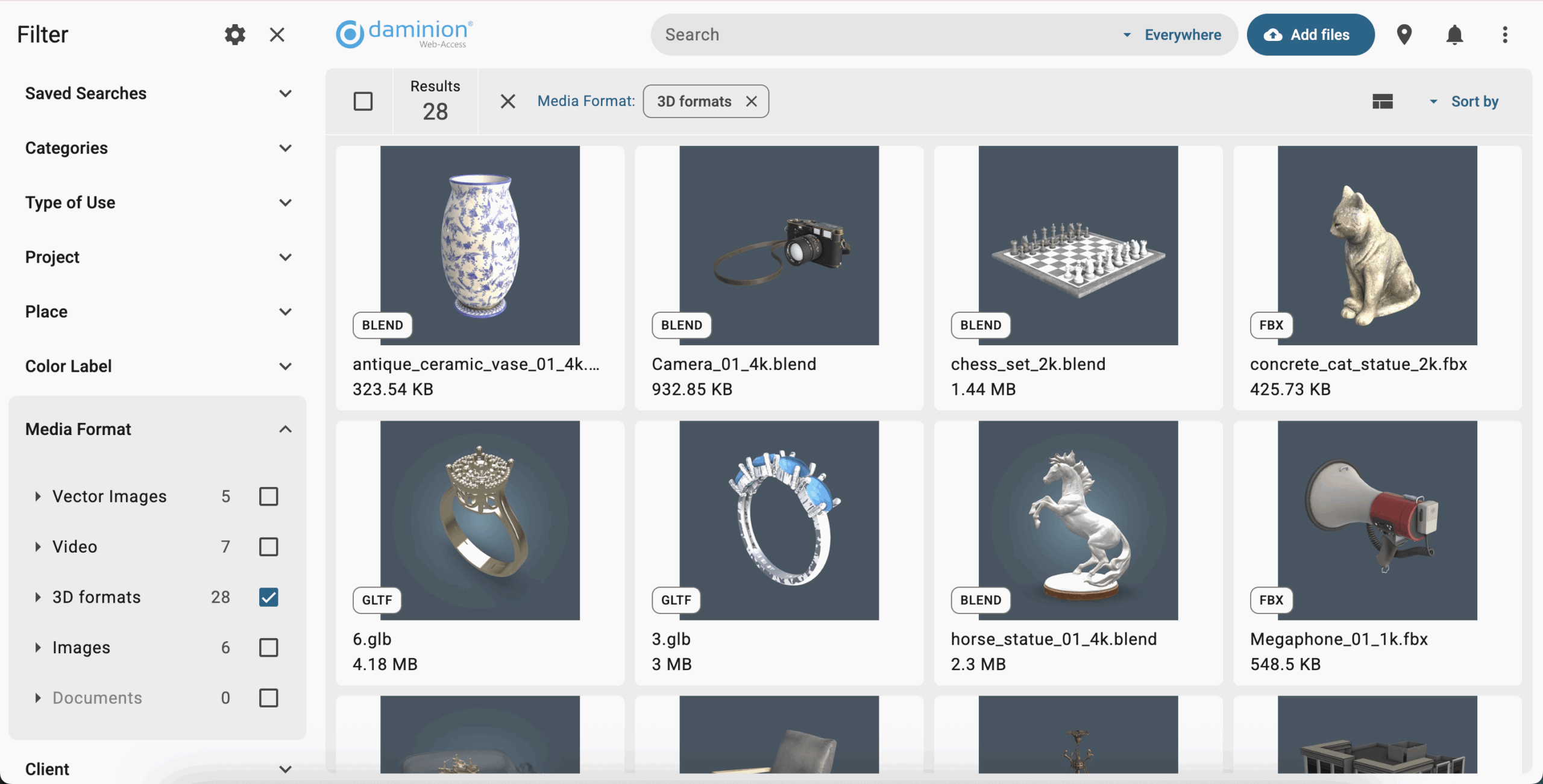
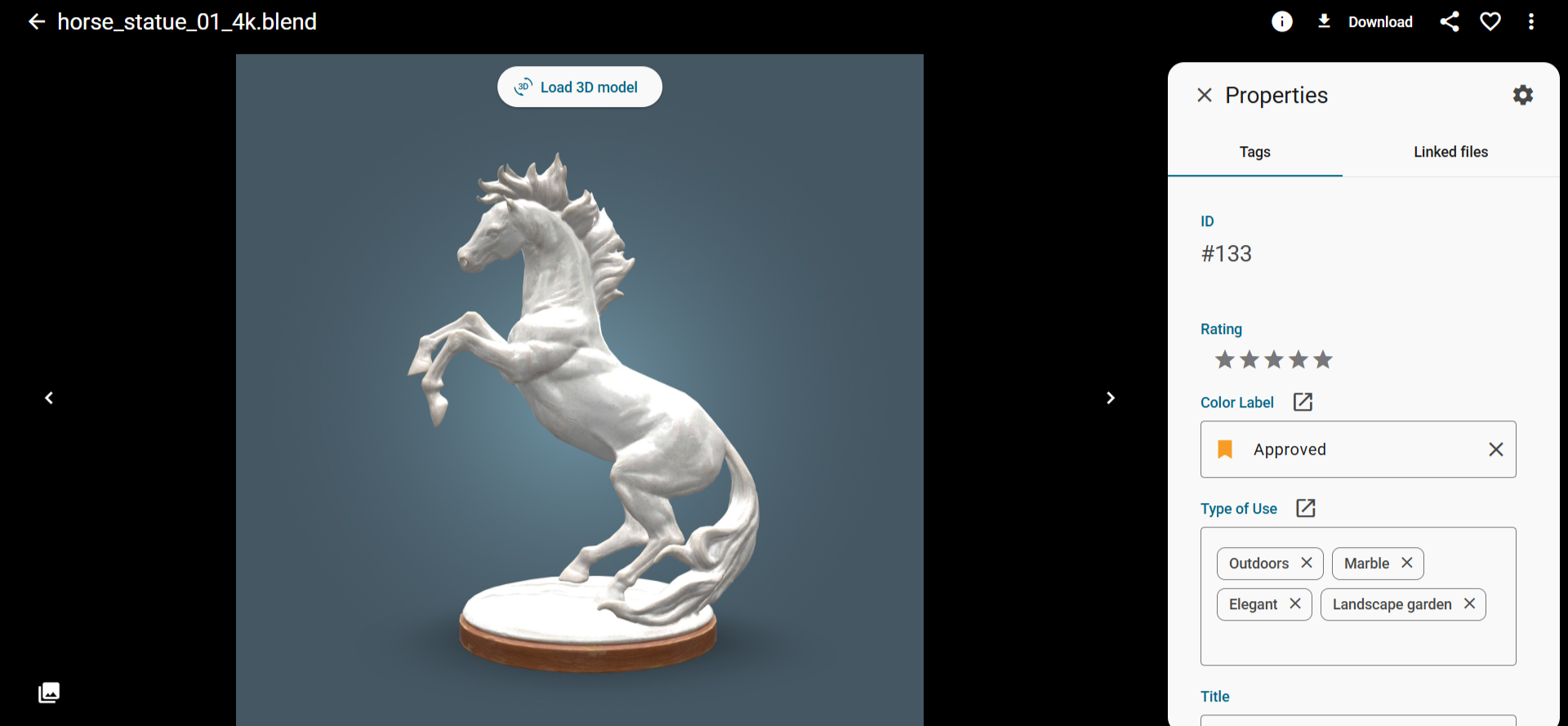
For 3D formats (3Ds Max, Blender, Maya, Cinema 4D, Rhinoceros, STL, CAD, etc.), rotatable previews are generated.
Opening large files in formats like TIFF, PSD, and Camera RAW can take significant time. To address this, Daminion DAM can create high-quality large JPG previews for instant viewing.
These previews are stored on the computer with Daminion installed, but are 100 times smaller than the original files.
The core principle of effectiveness is working within time blocks and focusing on one task at a time without any distractions, ideally sitting alone in a meeting room with a black shawl over your head.
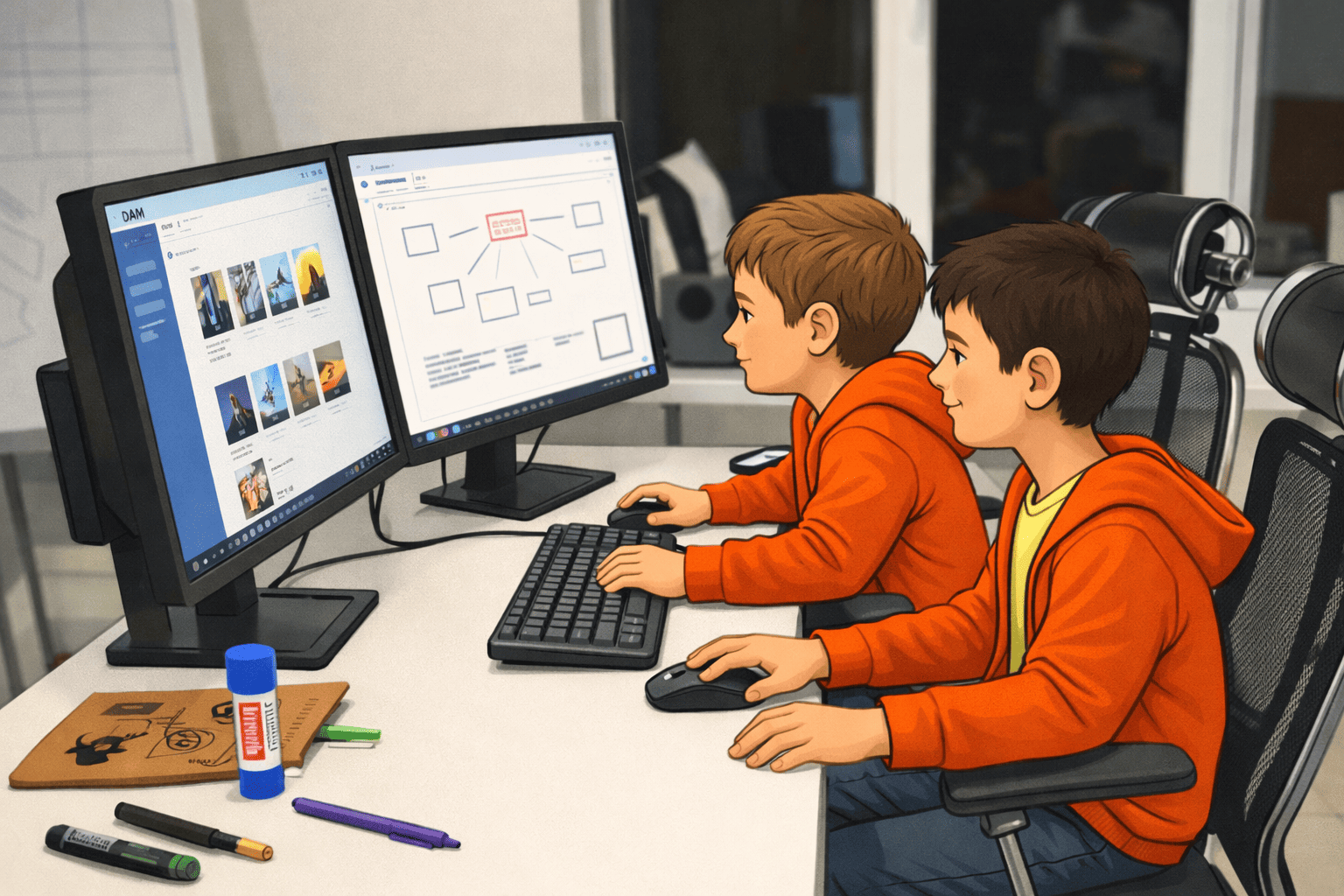
What usually happens when someone can't find something is they ask their colleagues, distracting them from their work.
DAM systems have advanced collaboration tools, so there's no need to interrupt a colleague to ask about a color or request the removal of a bad background. Simply write it in a comment on the layout and place a marker on it.
Email and messengers are the most popular communication tools nowadays, but they have very inconvenient limitations for file size attachments, especially if you are sharing a collection of files, not just a single one:
DAM allows sharing files via links, eliminating the above-mentioned troubles.
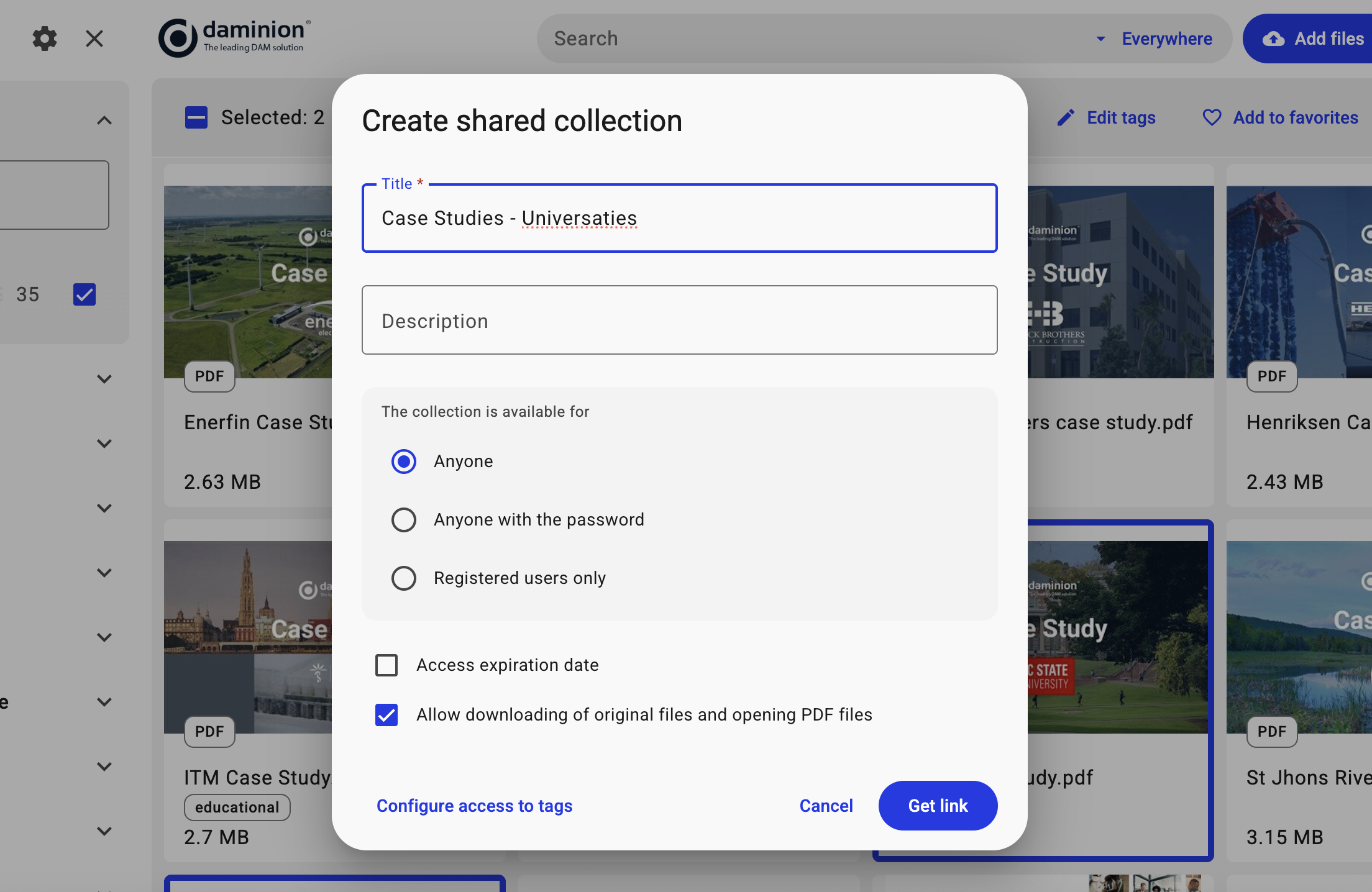
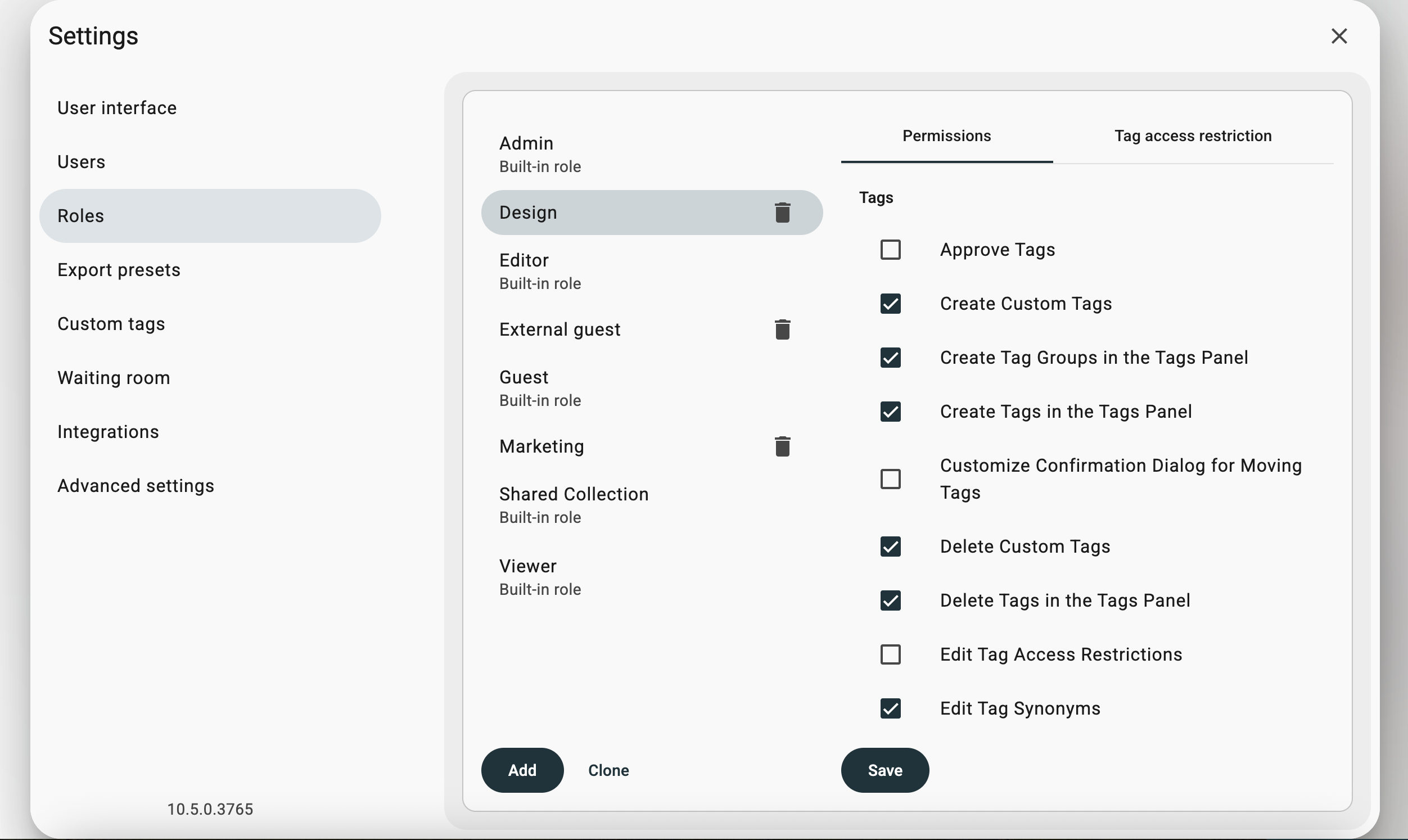
In addition to restricting access at the folder and file level, a DAM system can restrict access to the archive at the level of roles, individual system functions, as well as tags and collections.
Designers and marketers can create temporary collections of related assets. For example, if a user needs a good green cup illustration for an ad banner, they can add appropriate pictures to a tray and save them later as a collection.
Some, but not all, possible features of DAM systems include:
Owning a car also has drawbacks, even though it provides comfort and allows you to earn money. Let's call them features.
How many people would you need to hire to improve the efficiency of creative departments and the sales department? It would be 10-20 times more expensive than a tool that boosts the productivity of your current staff by 20-30%.
Here's how it works using the on-premise version of Daminion DAM as an example.
Daminion is like a local Google for your file server or NAS media files, automatically scanning and indexing everything, with a simple interface for quick searching, organizing, and collaborating on files.
Steps:
All company employees gain instant access to any files and documents using a web browser. After the DAM system is installed, any subsequent file changes will be automatically reflected in Daminion.

There are several main types of DAM systems, but only On-Premises DAM solutions are suitable for working with File Server or NAS. Let's list them and their nuances.
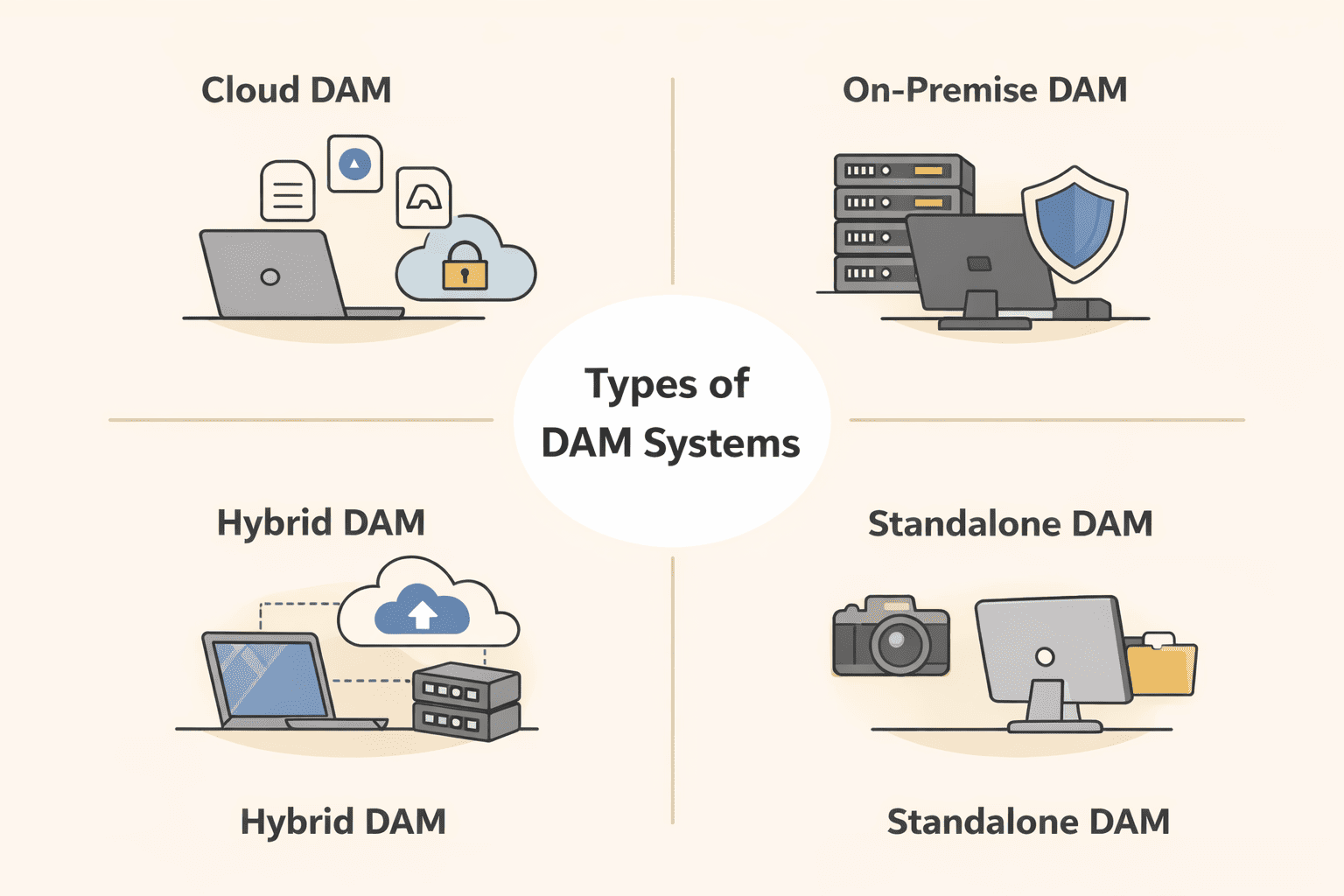
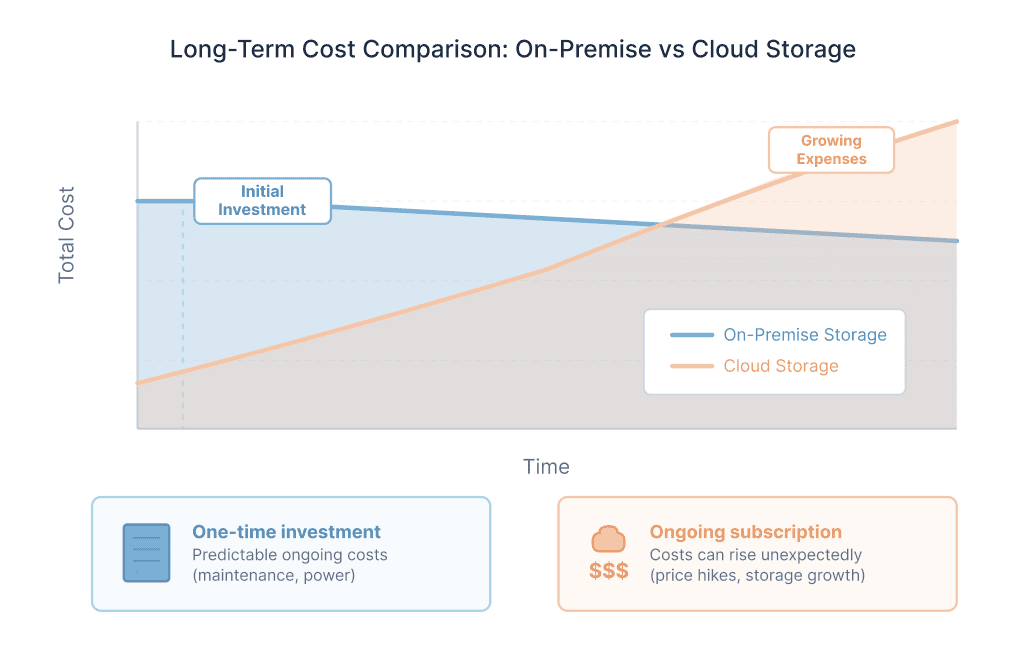
Today, most DAM systems are cloud-based. This is more convenient and profitable for vendors: development is much simpler, and so is implementation. Plus, the system can be sold to companies that don't have an IT specialist on their team or lengthy installation approval processes. Vendors additionally earn from file storage. The more storage, the higher the final price.
For vendors, the costs of supporting the diverse combinations of client-side technologies are significantly lower.
A big plus for the service provider is the subscription model – monthly or annual recurring payments. About 90% of all systems are cloud-based solutions.
But for users, things are not so simple.
Drawbacks:
Advantages:
Despite the smaller share of On-Prem systems among DAM systems, in some cases, this is the only suitable type of DAM system for a company.
Unlike cloud systems, On-Premise DAM does not create a duplicate archive; it only imports links to files. The original files remain on file servers or NAS.
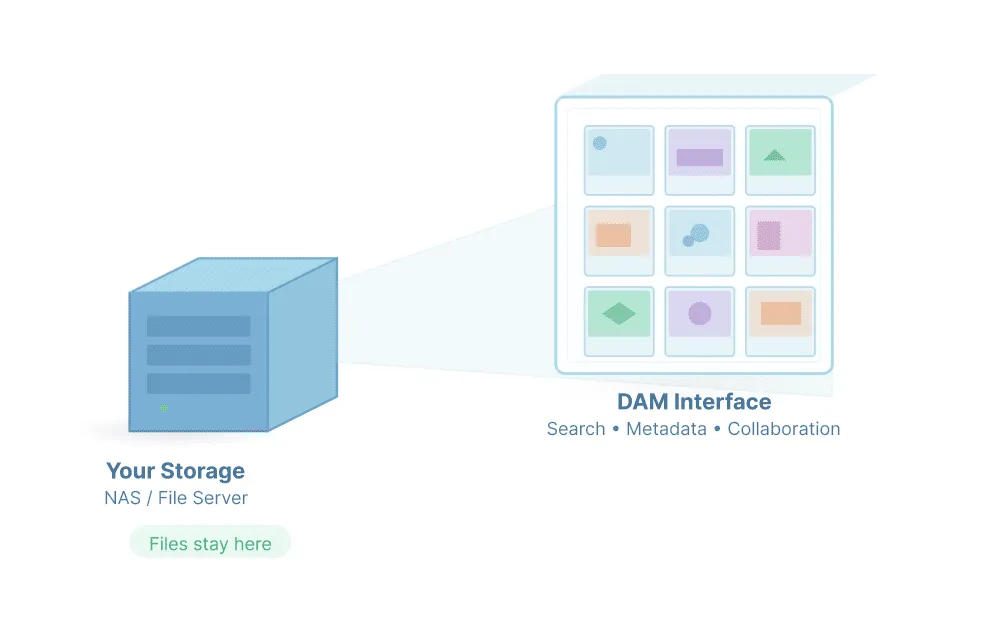
An on-premise system is better suited for you if your company has an IT specialist and:
Another increasingly popular type of DAM system is the hybrid solution. In this case, the company has its own private cloud storage or web server, where an on-premise DAM solution is installed.
This type combines many of the advantages of Cloud and On-Prem DAM systems with very few of their drawbacks.
Advantages:
Drawbacks:
These are small local installable solutions for a small fee designed for single-user operation.
This solution is suitable only if:
NAS devices and corporate file servers are great at storing files, but they aren’t built to manage growing media libraries. As the number of assets increases, folders turn into a maze, files get duplicated, and teams waste hours searching for the right version.
A Digital Asset Management (DAM) system adds the missing intelligence to your existing storage. It indexes your files, adds searchable metadata, generates previews, and makes every asset instantly accessible.
Instead of digging through folders, your team can find, reuse, and share media in seconds.
Curious how this works in practice? Schedule a free demo with Daminion team and discover how to turn your file server or NAS into a powerful digital asset management system.
The quickest way to judge the difference on your own archive is to install Daminion alongside the file server and index one department’s folder. If budget comes first, start from pricing — licensing is per user and does not grow with storage.
Rarely because of storage, almost always because of people. The usual threshold is a few dozen users touching the same archive, when naming stops being consistent, nobody can tell which version is approved, and finding an asset costs more than recreating it. Below that, a well-kept file server still works.
Search that works on metadata rather than folder paths, a permission layer that is finer than share-level access, version history that survives overwriting, and controlled vocabularies so two departments tag the same thing the same way. The file server keeps its job — the DAM sits above it.
Less than people expect, which is the point. Files stay where they were, and the folder structure is unchanged, so anyone who prefers the network drive can carry on using it. What is new is a search window that finds assets by content, project or client rather than by remembering where someone filed them.
The technical part is short: installation and first import in a session, then background indexing. The part that takes real time is agreeing the metadata scheme — which fields are mandatory, which vocabularies are fixed — because that decision is hard to change once thousands of assets carry it.
No. Each department’s structure is preserved, and the shared layer is metadata rather than folders. It is worth reviewing the structure only where access has to be restricted, since permissions are applied per folder.
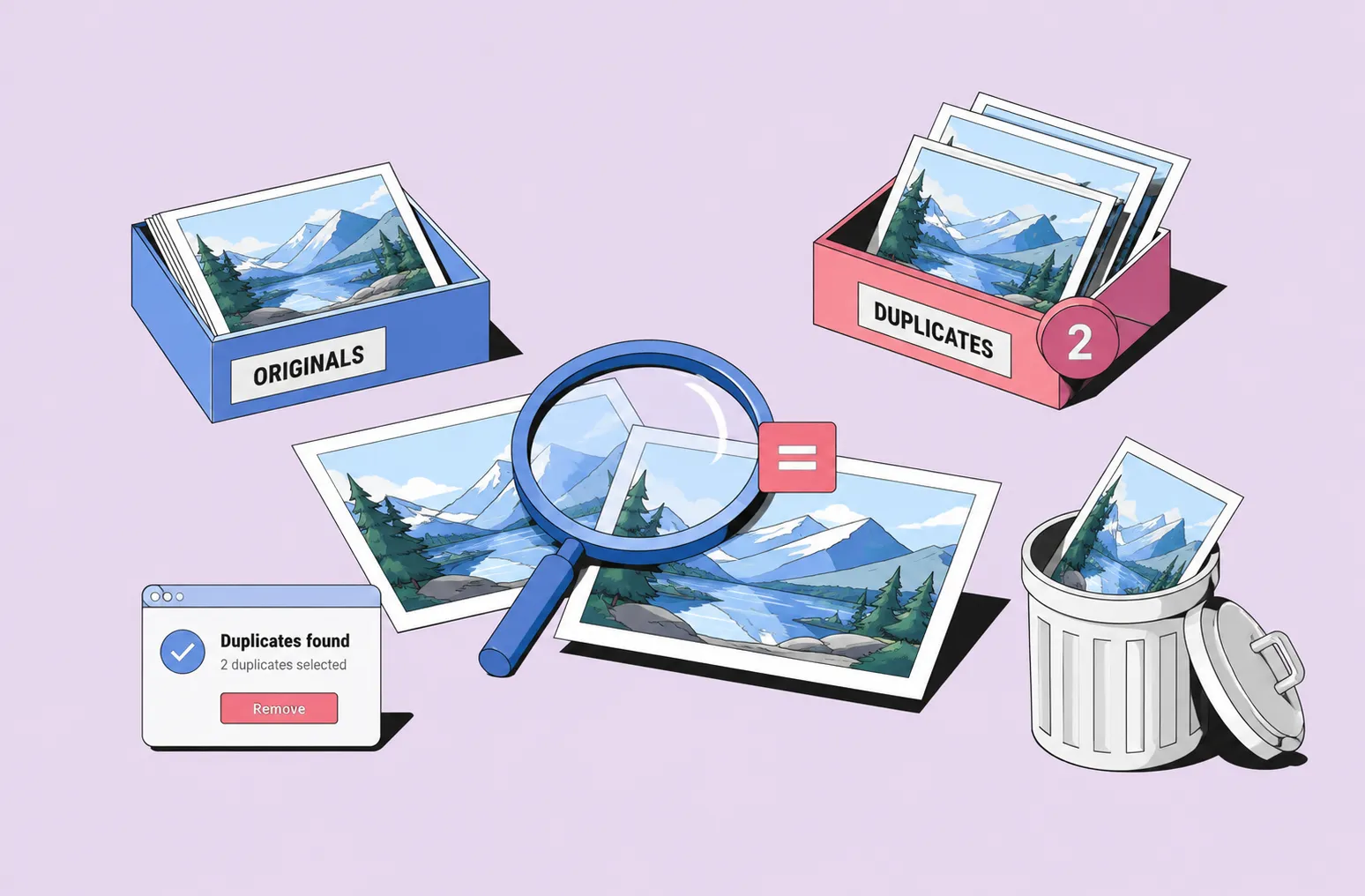
Duplicate detection finds identical copies during indexing so you can see the scale before deciding anything. Removing them is a separate decision and stays manual on purpose — automatic deletion on a shared corporate archive is how originals get lost.