October 9, 2025
Updated


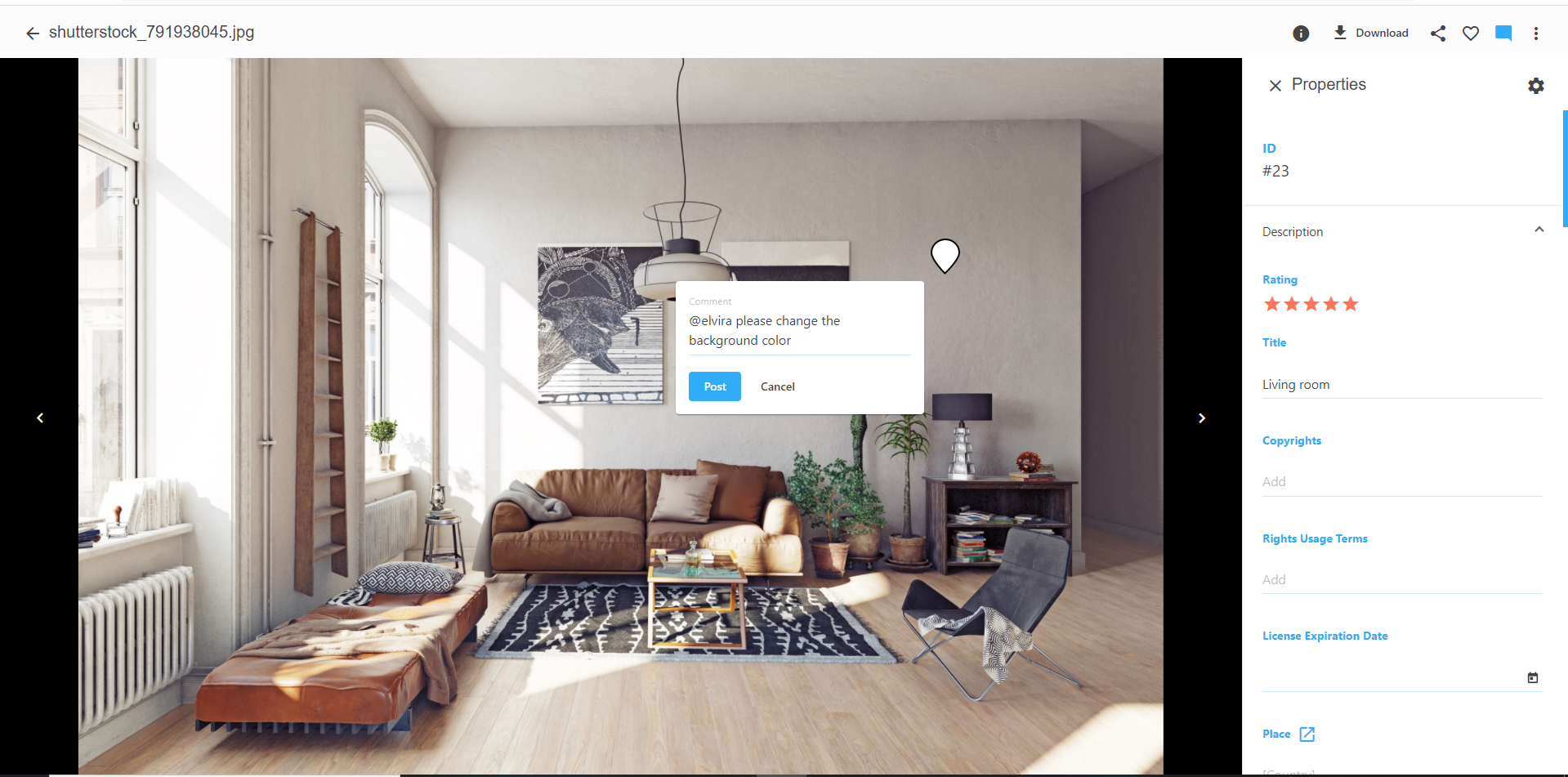
Digital asset management (DAM) is software for storing, managing, editing, retrieving, and sharing digital assets. A team (also departments) or person can use this smart centralized library that makes workflow with assets available to employees, contractors, shareholders, and clients.
| Image-Based Assets | Illustrations, photos, artwork, charts, logos | File FormatsPNG, JPEG, InDesign, Photoshop, Illustrator |
| Rich Media Assets | Audio, video, animation, 360-degree images | File FormatsMP4, MPEG, WAV, CAD |
| Document-Based Assets | Brochures, ebooks, documents, forms, spreadsheets | File FormatsMicrosoft Office, PDF, HTML, OpenOffice |
Before diving into the details of DAMS best practices, let’s first describe the process of the DAM system working. The digital asset management process begins with creating digital content (table with types of digital assets) in digital format.
It is then digitally encoded using image or text scanning, or digital audio recording techniques. Once encoded, the assets are indexed to identify the files in the asset inventory uniquely.
Managing 3D assets effectively is a critical aspect of digital asset management, especially in industries where 3D modeling plays a pivotal role, such as gaming, animation, architecture, and product design. Efficient 3D asset management involves organizing, categorizing, and tagging these assets to ensure easy retrieval and optimal usage. This process not only streamlines the workflow but also enhances collaboration by providing teams with quick access to necessary 3D models and related files. Implementing a robust 3D asset management system within your DAM strategy can significantly boost productivity and creative output, ensuring that these complex and valuable assets are utilized to their fullest potential.
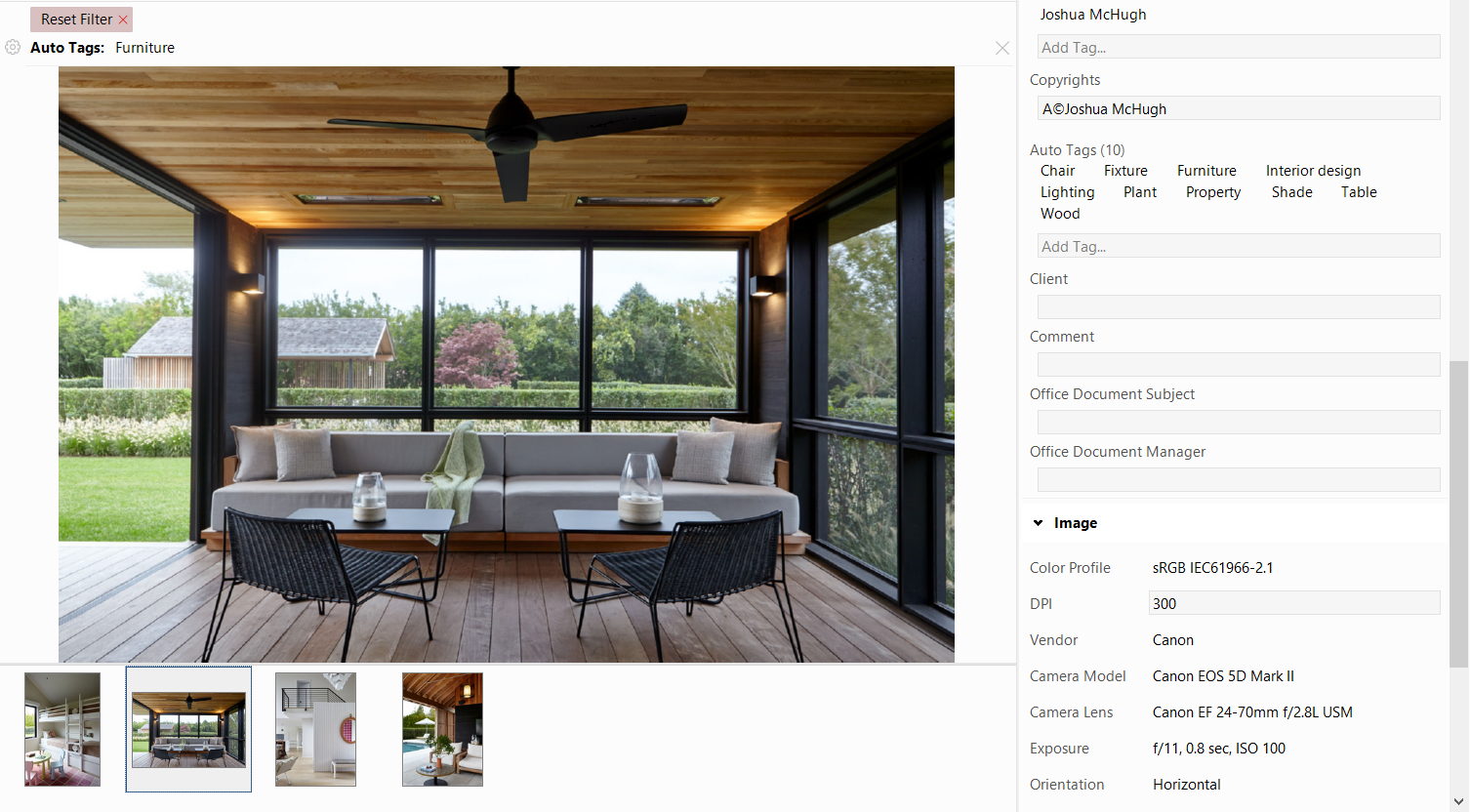
The indexing process is usually done with metadata tags that provide additional information, details, or description about an asset. Metadata can also capture a digital asset’s rights, permissions, and prices. Properly indexing assets with metadata is critical because it makes assets discoverable, retrievable, usable, and manageable.
Once an asset is indexed, it becomes an integral part of the business processes for performing tasks that DAM can track how, when, where, and what assets were accessed, modified, and applied.
So you just got your very first DAM system, but you are not sure where to start? Or have you been using the DAM system for a while now and looking for some time-saving tips?
Or maybe it is still unclear what the advantages of the DAM system could be for your daily work compared to file folders? No matter who you are and at what stage of exploring DAM systems you are right now, this guide to DAM best practices will help you on your way.
So let’s have a look at some of the essential practices.
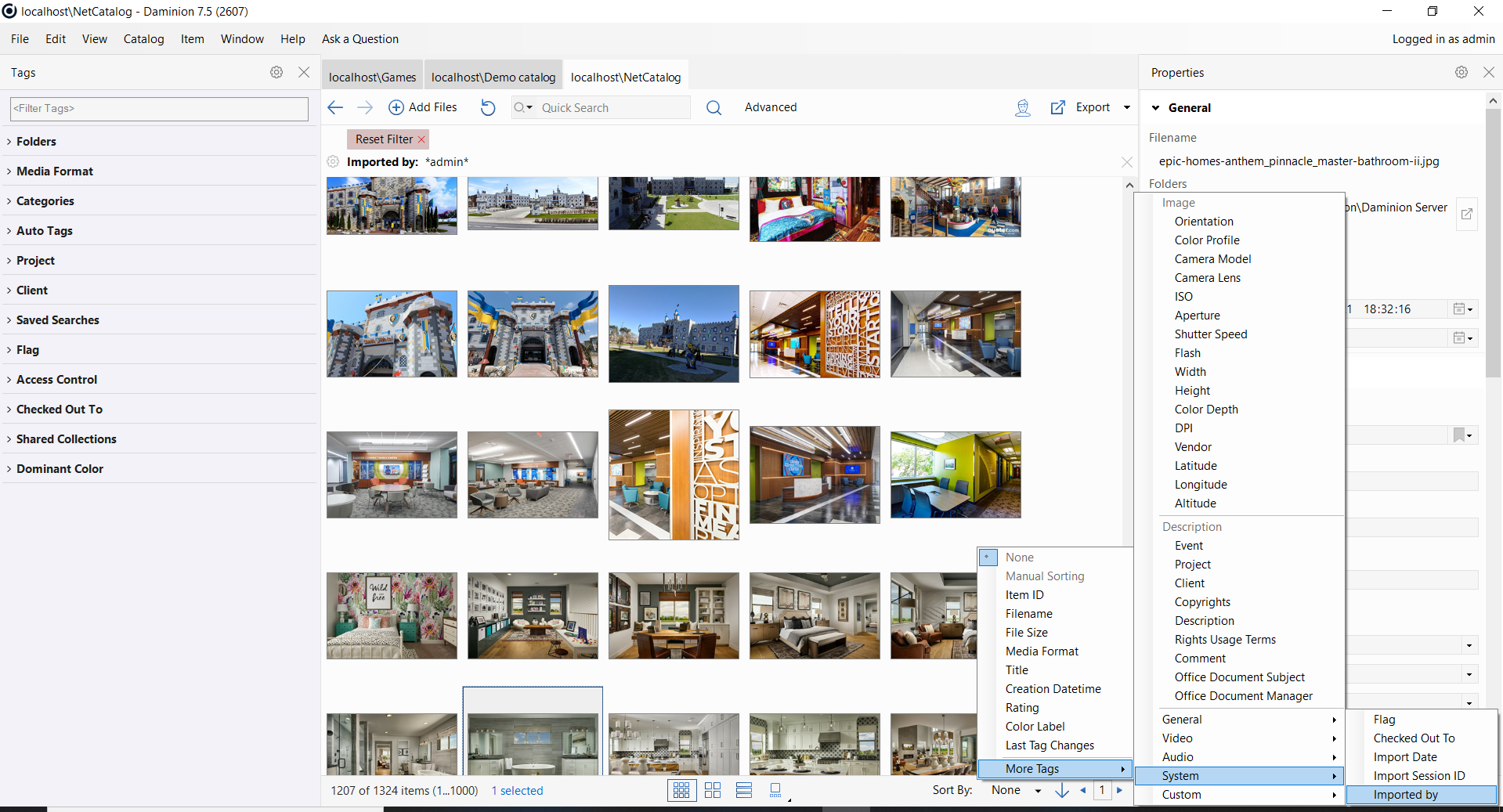
Automatic processes and workflow can save time and minimize your daily routine. There are many ways to benefit from automation in DAM systems. For example, Daminion offers automatic tagging – use this feature in general situations when it is easy for AI to designate digital assets with different content instead of doing it manually.

Digital assets tend to accumulate rapidly, and from time to time, it is essential to sort things out in your media archive. Perform an audit of all your digital assets from time to time to ensure that you only have relevant and necessary data-consuming space on your cloud or server.
DAM systems will be of great help for you in this sense, as many offer potent tools to review and organize your media library properly.
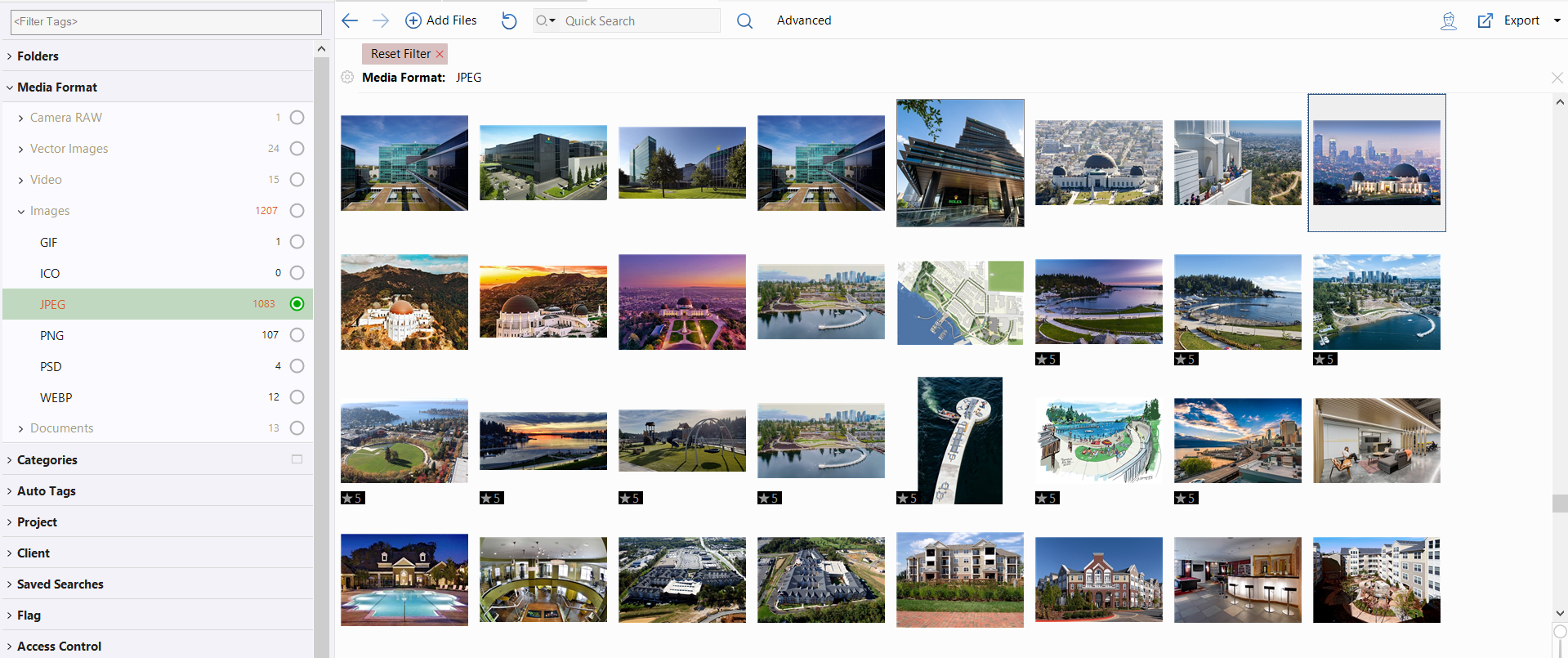
One of the best things that a DAM system can offer you is collaborating with your colleagues within the same ecosystem.
Hence, that’s an excellent solution for those who are tired of sending hundreds of emails with numerous attachments on every occasion. Now you can share all necessary digital content by sharing a link.
Having a big team that works with digital assets but different grading or areas requires different levels of access? Not a problem at all if you are using a DAM system.
Easily set and manage assets rights within the ecosystem of DAM to ensure that the right people have the proper access to the right digital assets.
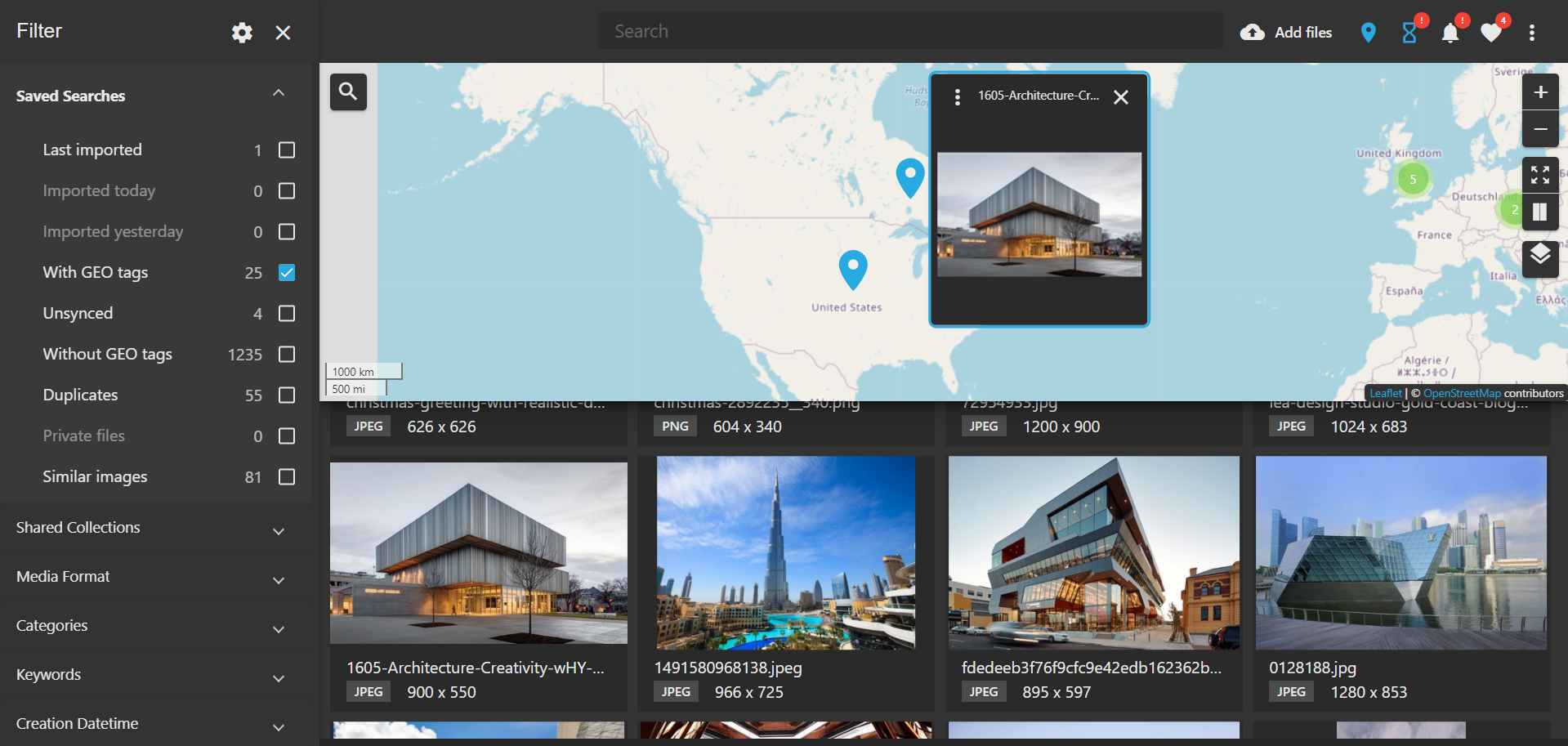
Are you having lots of stock images and photos, but you are unsure whether the license rights have already expired? This could be easily fixed with a DAM system.
Set the correct timing of your license when adding a digital asset to your media library, and it will be automatically blocked for users once the term of the license is expired.

In the realm of digital asset management, there’s an unsung hero – file naming. It’s a simple task, yet it holds the power to make or break your workflow. Let’s dive into some best practices.
First off, keep it simple. Choose file names that give a clear snapshot of the content. For example, “MarketingCampaign_June2023” is far more informative than “File123”.
Here are more file naming examples to illustrate the point:
Remember, the goal is to make the file name as descriptive as possible, without making it too long or complicated. The file name should give a good idea of what the file contains at a glance.
Next, consistency is your friend. Stick to a format that includes key details like the date, project name, or version. This not only organizes your files but also makes them easier to find.
Also, avoid repetition. If the project name is already in the folder name, skip it in the file name. This keeps your file names short and to the point.
Interestingly, transition words can be handy in file names. They link different elements of the file name, improving flow. Words like “Final” or “Draft” can indicate the file’s status.
Remember, brevity is the soul of wit. Aim for file names under 20 characters. Longer names can be harder to read and may not display fully in some software.
Lastly, use active, specific words. Instead of “Notes”, use “TeamMeetingNotes”. This gives a clearer idea of the file’s content.
In conclusion, a good file naming system is a game-changer in digital asset management. It’s all about being clear, consistent, and concise. Happy organizing!
Just as with file naming, creating an effective folder hierarchy is a cornerstone of efficient digital asset management. Here are some best practices to guide you.
Firstly, start broad. Your top-level folders should represent the largest categories. For instance, you might have folders for “Marketing”, “Sales”, “HR”, and so on.
Next, within each top-level folder, create subfolders for more specific categories. For example, your “Marketing” folder might have subfolders like “Campaigns”, “Brand Assets”, and “Market Research”.
Remember, your folder hierarchy should make sense to everyone who uses it. Use clear, descriptive names that reflect the contents of the folder.
Interestingly, it’s best to limit the depth of your folder hierarchy. Too many levels can make files hard to find. Aim for no more than three to four levels deep.
Again, consistency is crucial. Stick to a naming convention for your folders just as you do for your files. This makes your system easier to understand and navigate.
Lastly, don’t be afraid to revise your folder hierarchy as needed. As your projects evolve, your folder structure may need to evolve too. Regular reviews can help keep your system effective and up-to-date.
In conclusion, a well-planned folder hierarchy can make your digital asset management more efficient and user-friendly. It’s all about being organized, logical, and adaptable. Happy sorting!
Each company and team can find their specific benefits of using digital asset management software. Therefore, we found that:

DAM software is today a must-have for all industries. So, you can choose a user-friendly solution and better control your digital resources using our free trial version. Daminion is your first assistant in the world of managing digital assets.