Introduction: Why SharePoint Alone Isn’t Enough
Searching for a digital asset in SharePoint can feel like looking for a needle in a haystack—slow and frustrating.
While SharePoint excels at document collaboration, it wasn’t designed to manage rich media like images and videos. Outdated folders, missing metadata, and low-quality previews make the process inefficient.
That’s where Daminion comes in. As a dedicated DAM system, it complements SharePoint by adding the structure, searchability, and control needed to manage visual content effectively.

Discover How Daminion Can Work for You
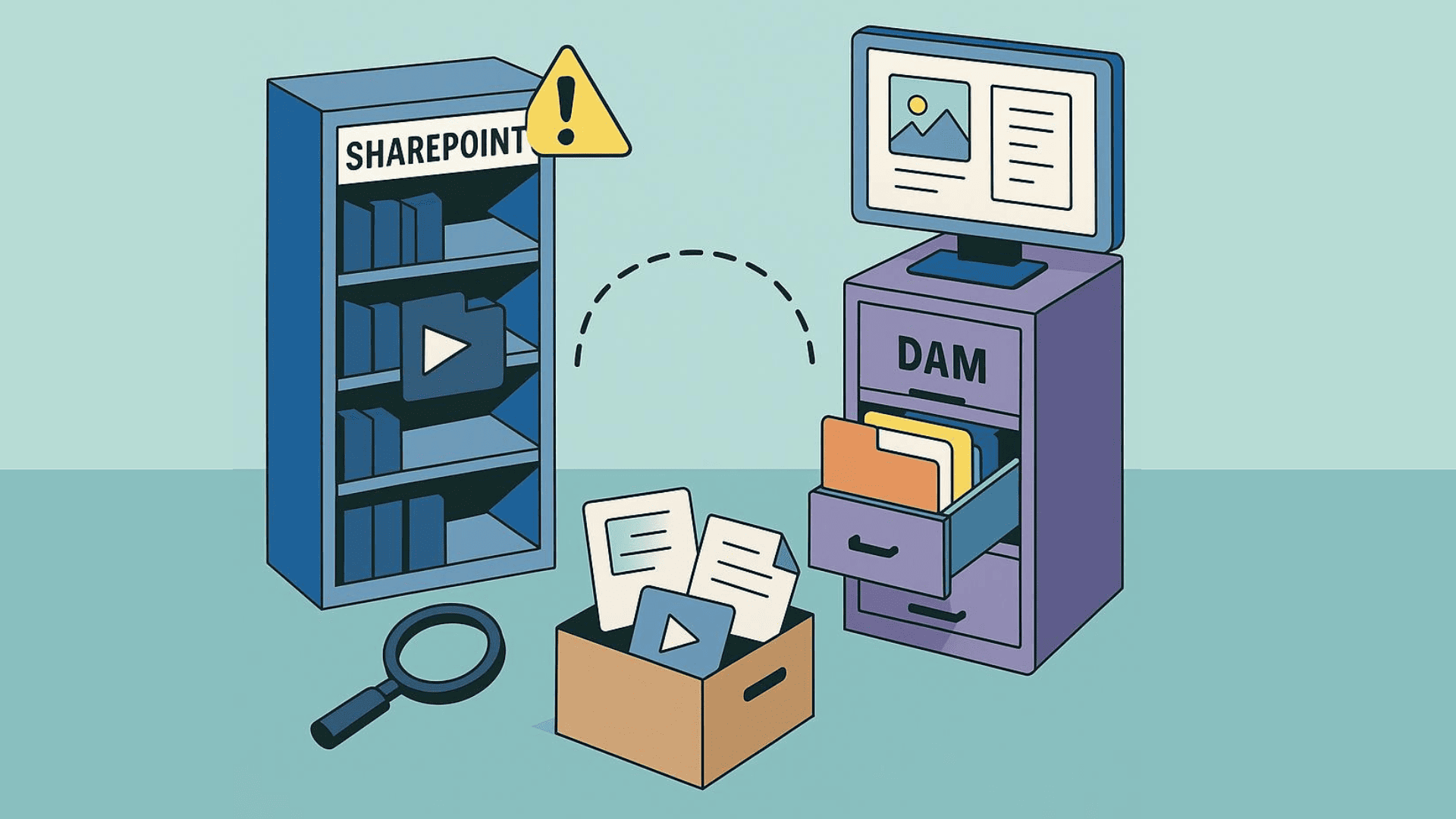
What’s the Difference Between DAM and SharePoint?
The difference is simple:
SharePoint is built for structured document storage and general collaboration.
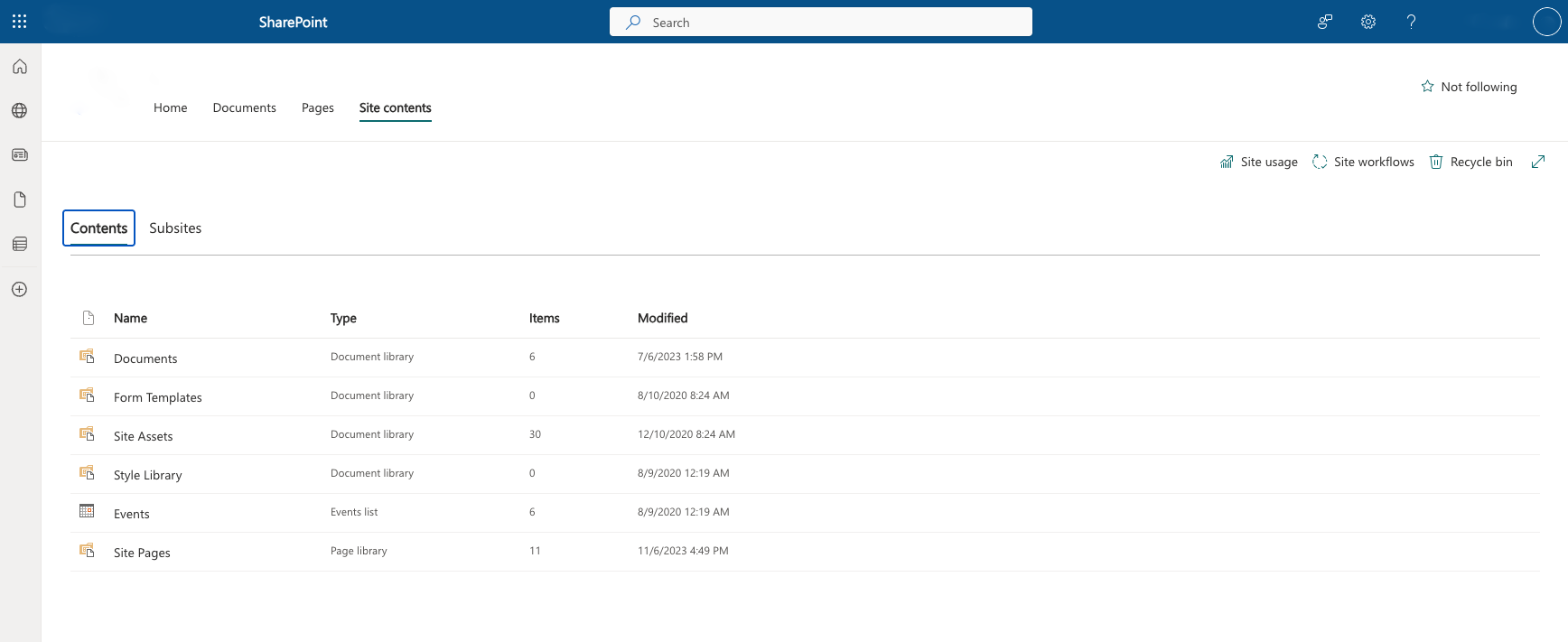
A DAM system, like Daminion, is designed specifically for managing visual media assets efficiently.
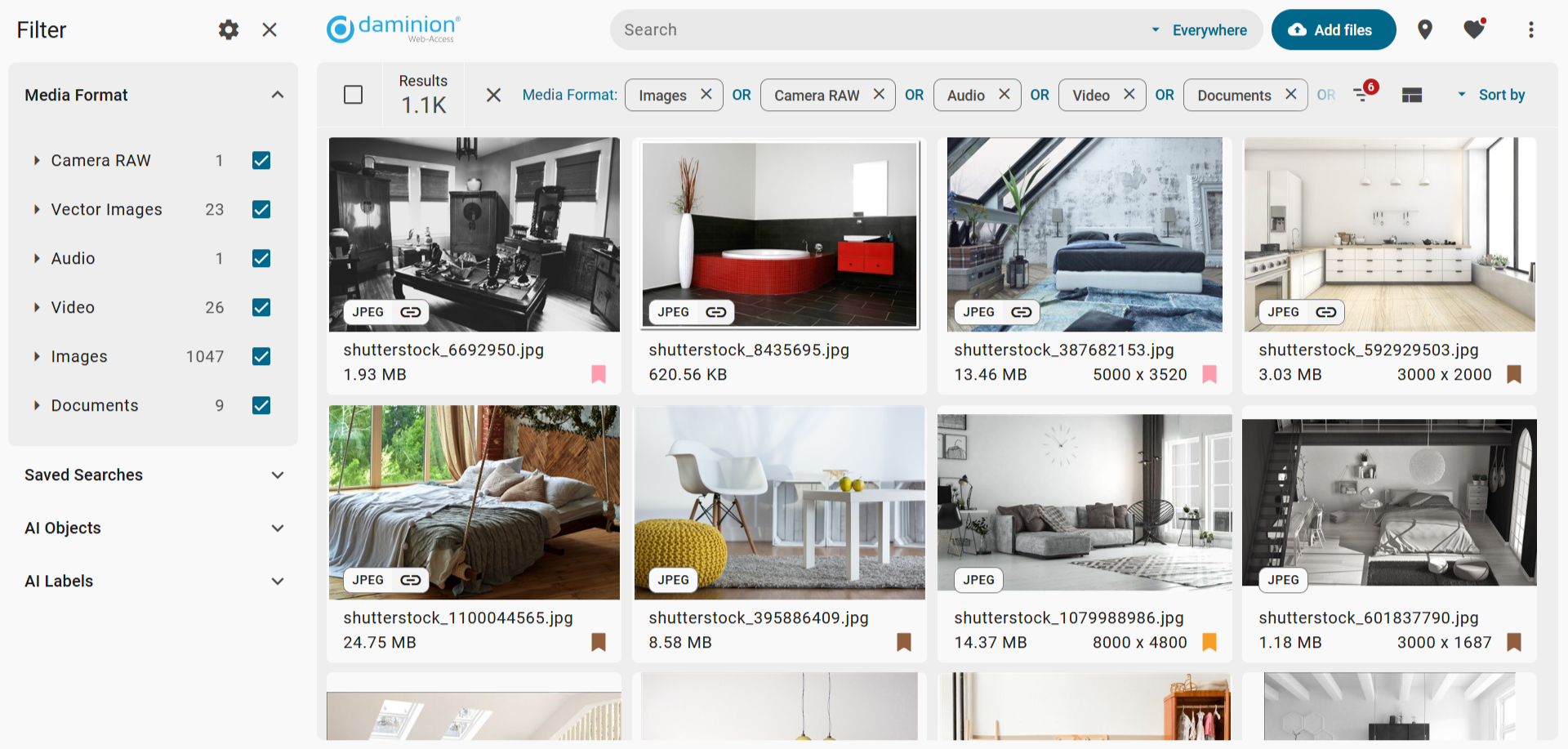
By enhancing SharePoint with a DAM, businesses no longer have to compromise—they can continue leveraging SharePoint for its strengths while integrating a powerful DAM system to manage and organize creative assets seamlessly.
Where SharePoint Falls Short in Media Asset Management
SharePoint is one of the most widely adopted enterprise tools for file storage and document collaboration. It integrates seamlessly with Microsoft 365, making it a natural choice for corporate teams. However, there’s a key distinction between document management and digital asset management.
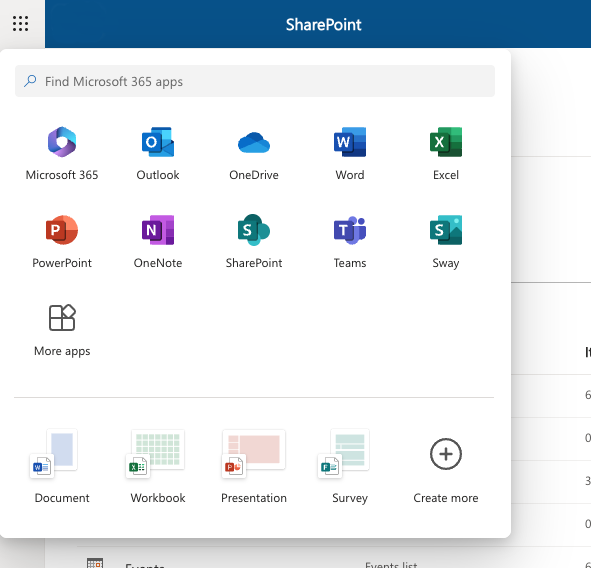
Here’s how a comprehensive DAM system like Daminion directly solves these challenges and extends SharePoint’s capabilities:
1. Smarter Organization Without Duplication
SharePoint relies on a traditional, folder-based structure. As your asset library grows, this becomes increasingly inefficient—especially when a single asset logically belongs in multiple locations. Teams are forced to duplicate files to make them accessible across folders, leading to wasted storage, version confusion, and difficulties locating the most current asset. Navigating deeply nested folders also slows down workflows and increases the risk of misplaced or overlooked content.
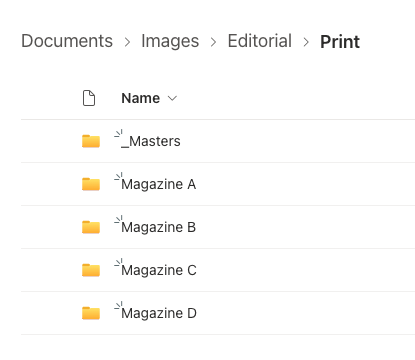
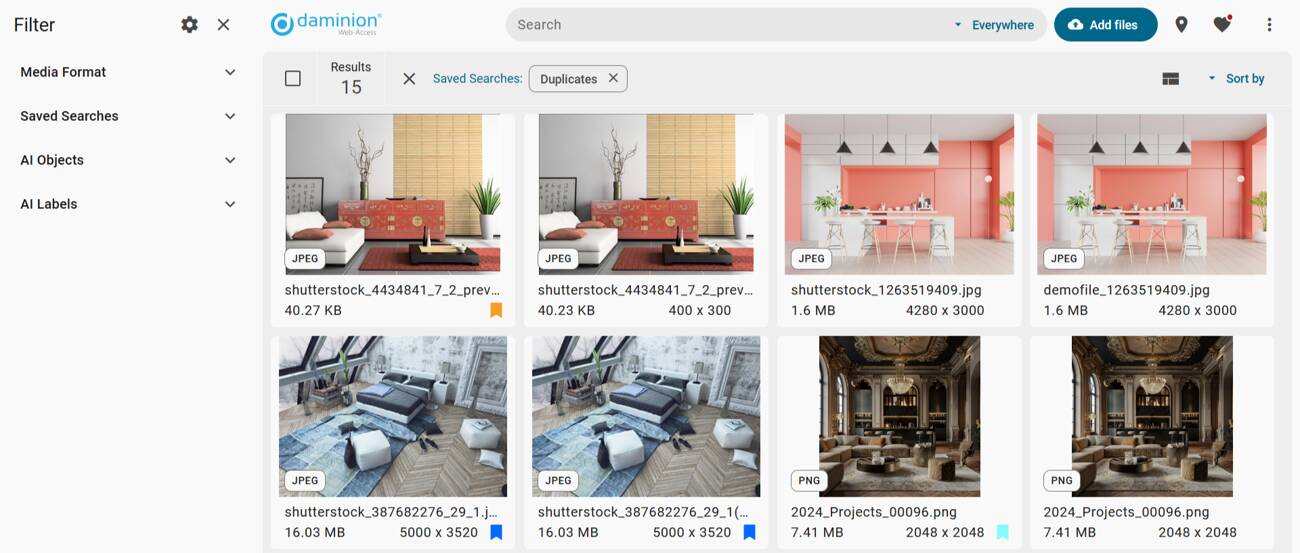
Daminion uses virtual collections, allowing assets to live in one place but be referenced across multiple categories—simplifying organization and eliminating duplication.
2. Better Indexing and Search Capabilities
SharePoint search works well for document names and basic metadata, but it falls short when users need to locate visual assets quickly—like an image from a past campaign or a product photo with specific usage rights.
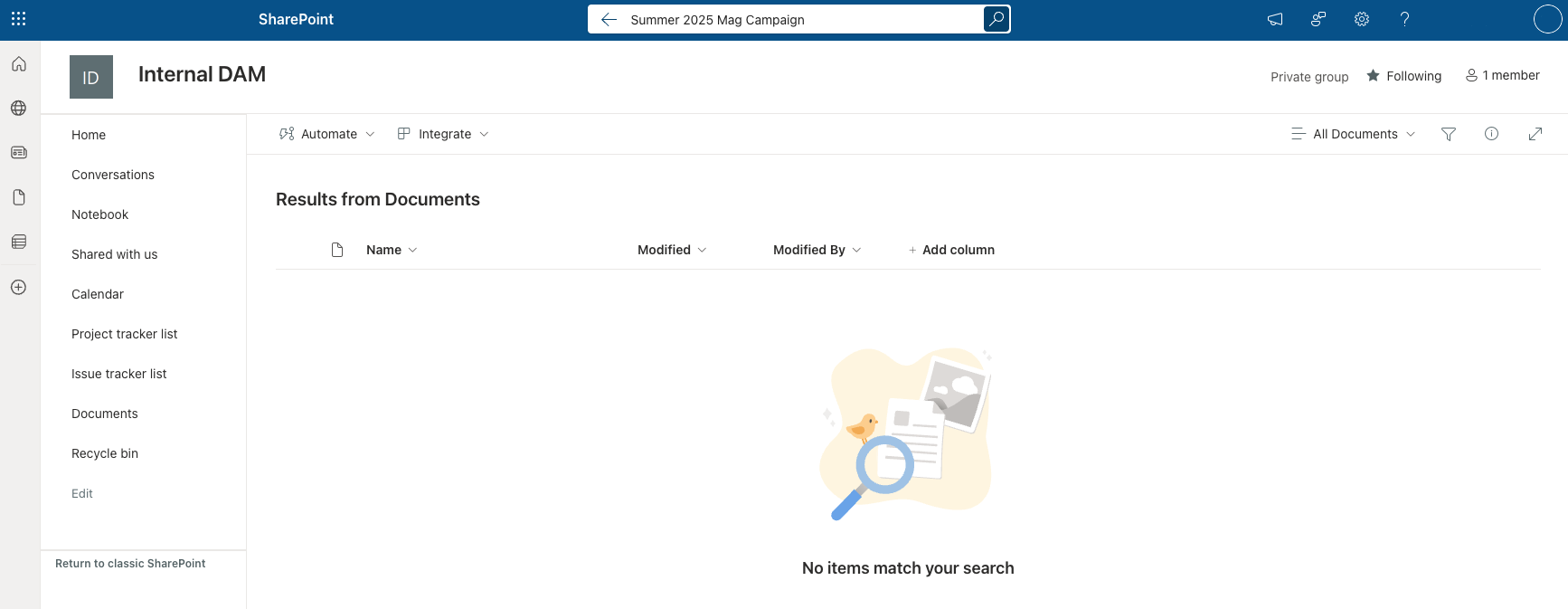
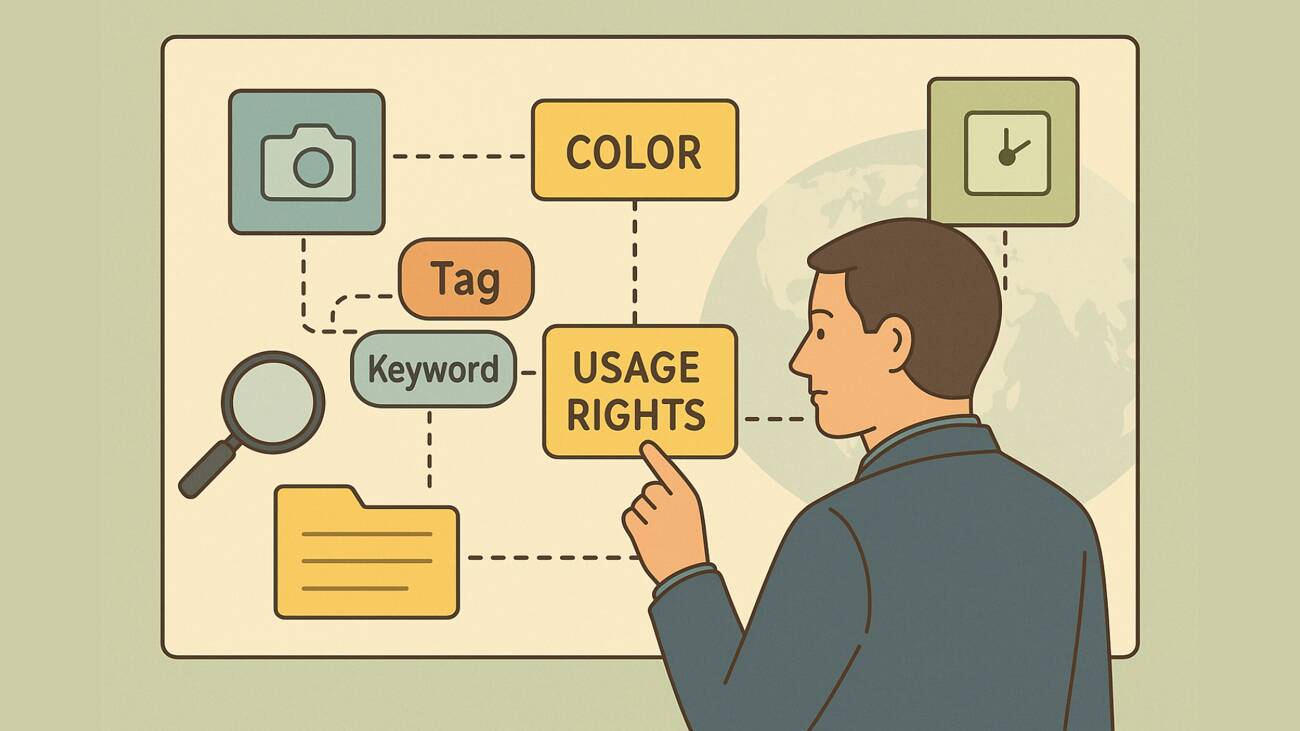
Unlike SharePoint, which relies on simple fields like file name and upload date, a DAM system like Daminion allows you to attach rich, customizable metadata to every asset. This means you can search by project name, file type, color, or even visual similarity.
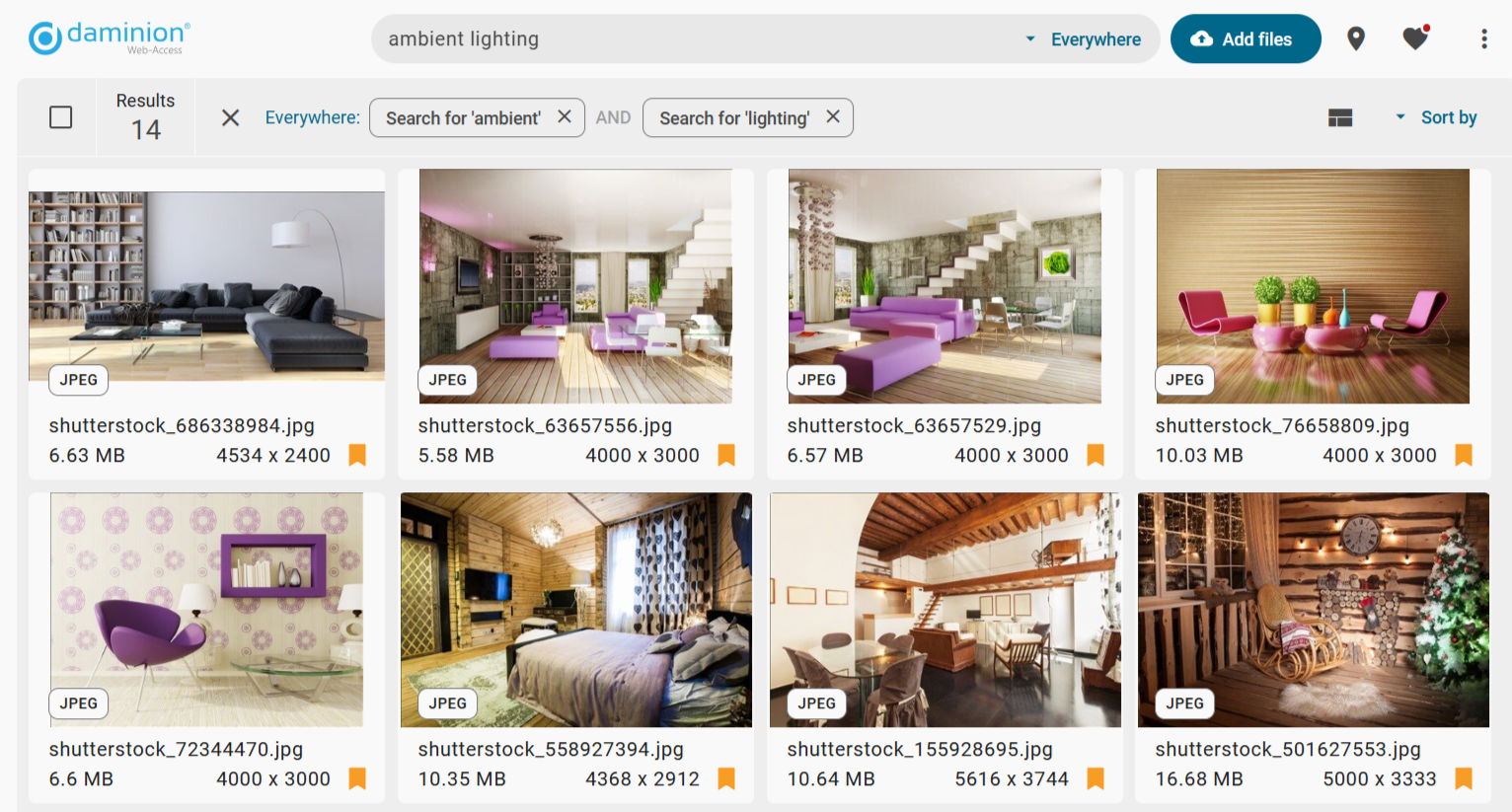
For example, instead of scrolling through folders hoping to find a banner image, a user could simply filter by tag, campaign, or asset type and get exactly what they need in seconds. This kind of precision transforms how teams manage, retrieve, and reuse digital content across departments.
3. Built-In Version Control and Audit Trails
In SharePoint, it’s easy for multiple users to download, edit, and re-upload assets without clarity on which version is the latest. This creates inconsistencies across teams and outputs.
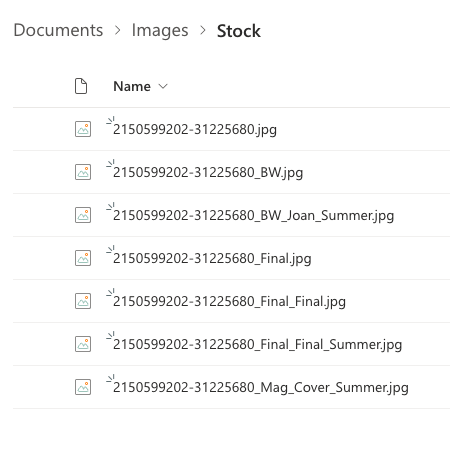
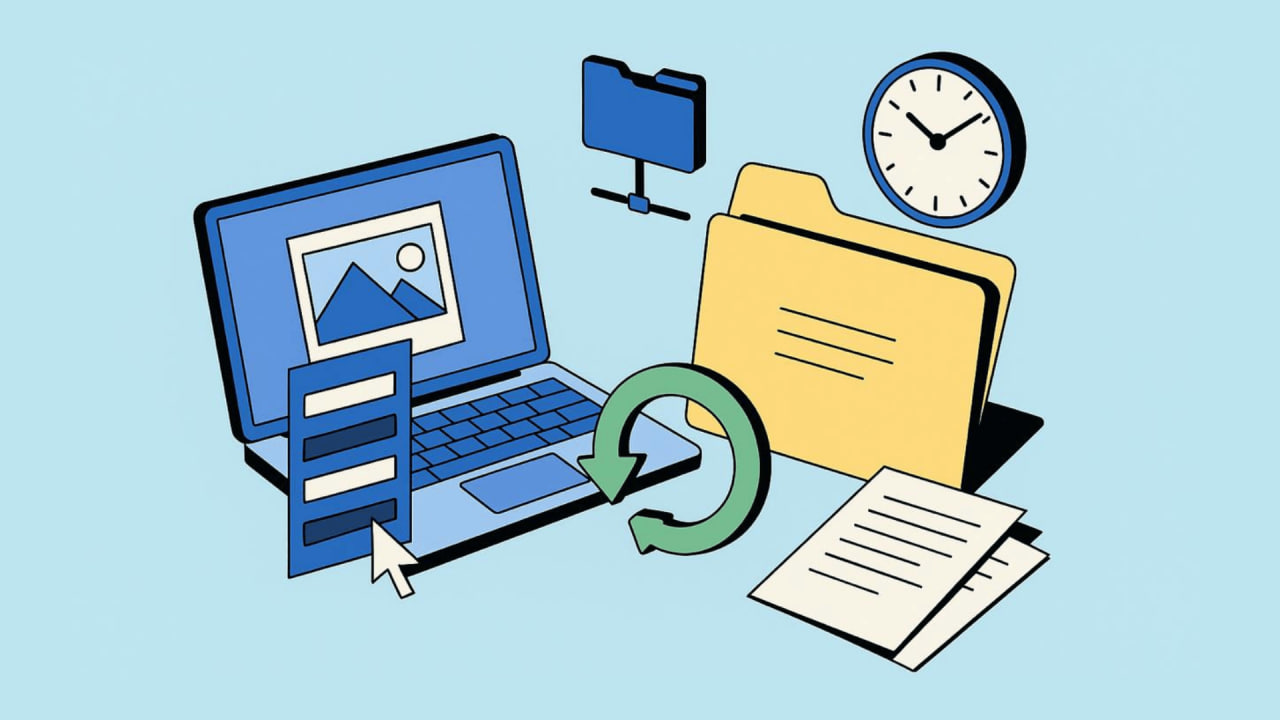
Daminion provides automated version control and detailed version histories, so teams always work from the most up-to-date file. Edits are tracked, and older versions are accessible if needed.
4. Granular Permissions at the Asset Level
SharePoint’s permission model is typically applied at the folder or site level, making it hard to control access to specific assets, especially when working with external stakeholders or embargoed content.
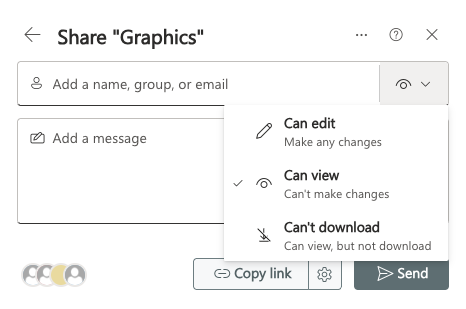
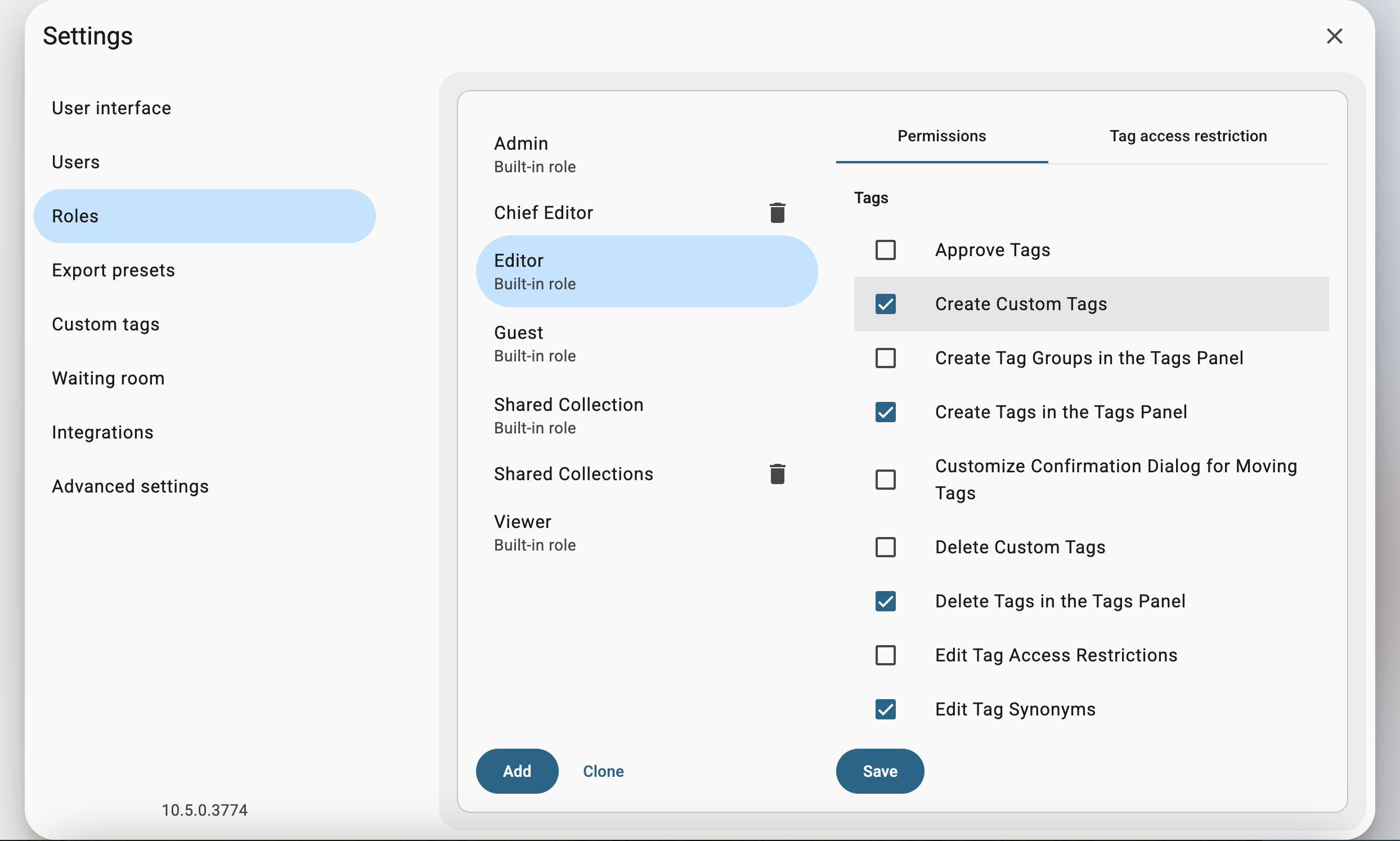
Daminion allows asset-level permissions, custom roles, and access rules based on metadata, user groups, or status—giving teams tighter control over who sees what and when.
5. High-Quality Previews and File Format Support
SharePoint’s ability to preview files is limited to standard formats. But, when it comes to design files (.PSD, .AI), RAW photos, 3D models, videos and many other creative assets, those file types often require downloading to view, slowing down workflows.
Daminion generates instant, high-res previews for hundreds of file types, allowing teams to browse and select assets confidently without unnecessary downloads.
6. Integration with Creative Workflows
Creative teams rely on tools like Adobe Photoshop, Illustrator, and Premiere Pro—but SharePoint doesn’t integrate with them, leading to frustrating workarounds. File compression, version confusion, and repetitive upload/download cycles create bottlenecks that slow down production.
Daminion removes these barriers with its built-in Adobe Connector, allowing users to interact with their corporate asset catalog directly within Adobe Creative Cloud applications. Designers can browse, drag, and drop files into their projects and upload edited versions back to the catalog—all without leaving the Adobe environment. Combined with check-in/check-out functionality and customizable download presets for web, print, or presentation use, Daminion helps creative professionals stay focused on design—not file management.
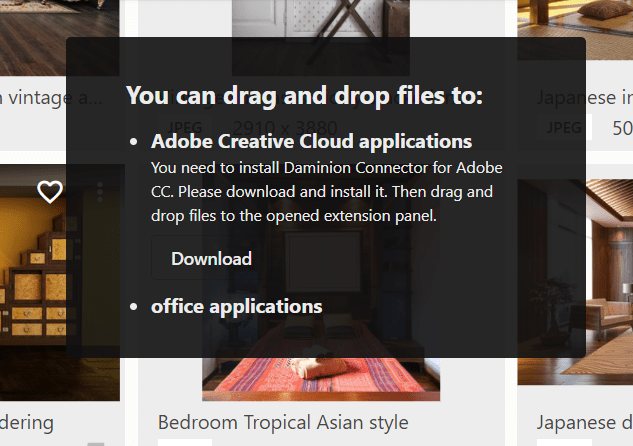
For broader workflows, Daminion also supports integrations with a wide range of tools across content, product, and marketing systems. Explore integrations here.
What Daminion Adds to SharePoint—And Why It Matters
Daminion isn’t just a feature add-on for SharePoint—it transforms how teams work with media assets. By filling critical gaps in search, organization, and workflow, it enables teams to spend less time managing files and more time creating value.
- Find What You Need, Faster: No more wasted time digging through folders or relying on memory to locate assets. Smart tagging and AI search help teams quickly surface the right file—exactly when they need it.
- Maintain Brand Consistency at Scale: With centralized access to approved assets and built-in version control, Daminion helps keep everyone—from marketing to sales—on the same page, using the most current visuals.
- Reduce Risk and Manual Oversight: Granular permissions and audit trails simplify compliance and minimize the chance of internal or external misuse of sensitive content.
- Streamline Creative Workflows: Direct integration with Adobe tools means designers can access, use, and update assets without leaving their workflow—eliminating repetitive tasks and speeding up production cycles.
- Stay Organized as You Grow: As asset libraries expand, Daminion keeps your system clutter-free with virtual collections, duplicate detection, and scalable taxonomy support.
Together, Daminion and SharePoint give teams the best of both worlds—structured document management and purpose-built media asset control, all in one integrated ecosystem.
Daminion + SharePoint: A Smarter Way to Manage Visual Assets
Trying to use SharePoint alone as a DAM can create more friction than flow. It’s built for document collaboration—not rich media. The smarter move isn’t replacing SharePoint, but complementing it with a powerful DAM system like Daminion.
By integrating Daminion with SharePoint, companies create a more scalable, efficient, and media-friendly environment for managing their visual assets.
Transform Your Asset Management Today
While SharePoint is an excellent tool for document collaboration and structured content, it wasn’t built for managing visual assets. Trying to force it into that role leads to frustration, duplication, and inefficiency. That’s why pairing it with a dedicated DAM system like Daminion is a smarter, more scalable solution.
Daminion enhances SharePoint’s capabilities with AI-powered search, metadata-driven organization, creative workflow support, and better control over asset versions and permissions. Together, they form a complete ecosystem—SharePoint for documents, Daminion for rich media.
Ready to see this powerful duo in action? Book a free demo with the Daminion team and discover how combining Daminion with SharePoint can transform the way your team manages documents and digital assets.
Getting Started with Daminion
Store, tag, search, and share media assets like never before