Daminion Logo Black

🎵 Understanding Digital Assets: What They Are and Their Types

James Outram
James Outram
Author
Updated
3 min read
Understanding Digital Assets
In This Article
Share with friends

In the digital age, we’re surrounded by a plethora of digital assets. But what exactly are these assets? And how can we manage them effectively? Let’s dive in and explore.

What are Digital Assets?

Digital assets are any data stored in a digital format that comes with the right to use. They can range from photos, videos, and audio files to documents, presentations, and 3D models. In essence, if it’s digital and holds value, it’s a digital asset.

As Bill Gates once said, “The advance of technology is based on making it fit in so that you don’t really even notice it, so it’s part of everyday life.” This quote perfectly encapsulates the role of digital assets in our lives today.

Types of Digital Assets That Can Be Stored in Digital Asset Management Software ️

Digital asset management software, like Daminion, can handle a wide variety of media formats. Here are some examples:

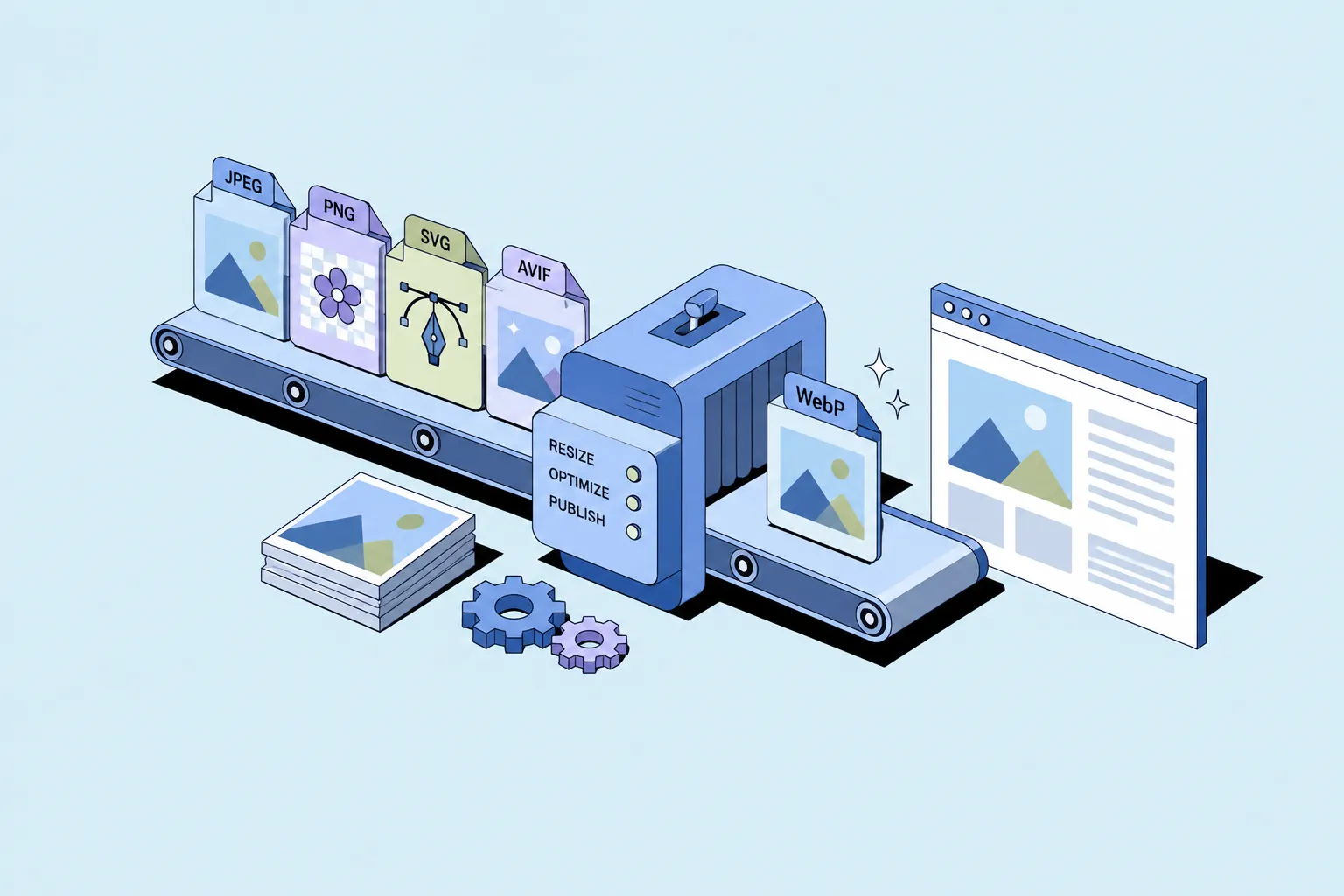
  1. Raster Images: These include common formats like JPEG, PNG, GIF, and TIFF, among others.
  2. Vector Images: Formats such as AI, EPS, and SVG fall under this category.
  3. Camera RAW Images: These are unprocessed image files directly from the image sensor of a digital camera. Examples include NEF (Nikon), CR2 (Canon), and ARW (Sony).
  4. Videos: Daminion supports a wide range of video formats, including AVI, MOV, MP4, and MKV.
  5. Audio Files: MP3, WAV, FLAC, and AAC are among the audio formats supported.
  6. Office Documents: Both older formats (DOC, XLS, PPT) and newer ones (DOCX, XLSX, PPTX) are supported.
  7. 3D Models and CAD Drawings: Formats like DWG, DXF, FBX, and OBJ can be managed with Daminion.
  8. PDFs and Text Documents: Daminion can handle PDFs, RTF, and TXT files.

As Steve Jobs once stated, “Technology is nothing. What’s important is that you have a faith in people, that they’re basically good and smart, and if you give them tools, they’ll do wonderful things with them.” Digital asset management software is one such tool that can help us manage our digital assets effectively.

How to Use Digital Asset Management Software ️

Using digital asset management software is a straightforward process. Here’s a simple plan:

  1. Upload Your Assets: Start by uploading your digital assets to the software. This could be anything from images and videos to documents and 3D models.
  2. Organize Your Assets: Use the software’s tagging and categorization features to organize your assets. This will make it easier to find what you’re looking for later.
  3. Manage Your Assets: Edit, update, and manage your assets as needed. Some software even allows you to edit metadata directly.
  4. Share Your Assets: Share your assets with your team, clients, or stakeholders directly from the software.

As Tim Berners-Lee, the inventor of the World Wide Web, said, “We need diversity of thought in the world to face the new challenges.” By effectively managing our diversedigital assets, we can face the challenges of the digital world head-on.

Conclusion

In conclusion, digital assets are an integral part of our digital lives. With the right digital asset management software, we can effectively manage, organize, and share these assets. As we continue to create and use more digital content, the importance of these tools will only grow.

Remember, as we navigate the digital world, it’s not just about having the right assets; it’s about managing them effectively. As the famous saying goes, “A place for everything, and everything in its place.” In the world of digital assets, this couldn’t be more true.

So, whether you’re a photographer with thousands of photos, a business with important documents, or a 3D artist with complex models, digital asset management software like Daminion can help you keep everything organized and accessible. ️

James Outram tracks the digital asset management market for Daminion β€” release notes, pricing changes, features vendors quietly drop from their lists, and what buyers actually run into once they're past the trial.

That research becomes the comparison and buying guides published here: side-by-side breakdowns of DAM, MAM, and photo management tools, honest about where each one β€” Daminion included β€” falls short, written for teams still working out which category of software they need.

Sources are vendor documentation, hands-on trial accounts, and verified review data, not press releases. James isn't a photographer or a systems administrator, and defers to Daminion's engineering team on deployment specifics. Product claims in his articles are reviewed by Murat Korkmaz, founder of Daminion.

Corrections and questions: [email protected]

Read more about James Outram
Let’s Talk

Explore our DAM system
with your personal manager

Discover the features of our DAM system with a personalized
demo from your dedicated manager.