September 30, 2026
Updated




Picasa was discontinued by Google in 2016 and is no longer a practical or secure option for managing photos. The best Picasa replacement depends on how you used it: Google Photos or Apple Photos for personal libraries, SmugMug for sharing albums, Daminion for team archives, and PhotoPrism or Immich for self-hosted workflows.
More than a decade after its peak popularity, people still search for terms like "Picasa download", "Picasa for Windows 10", "Picasa for Windows 11", and "Picasa alternative". That is hardly surprising. Picasa combined speed, simplicity, and useful photo-management tools in a way few applications managed to replicate.
The challenge today is not finding a way to reinstall Picasa. It is finding a modern tool that fits the workflow you originally used it for.
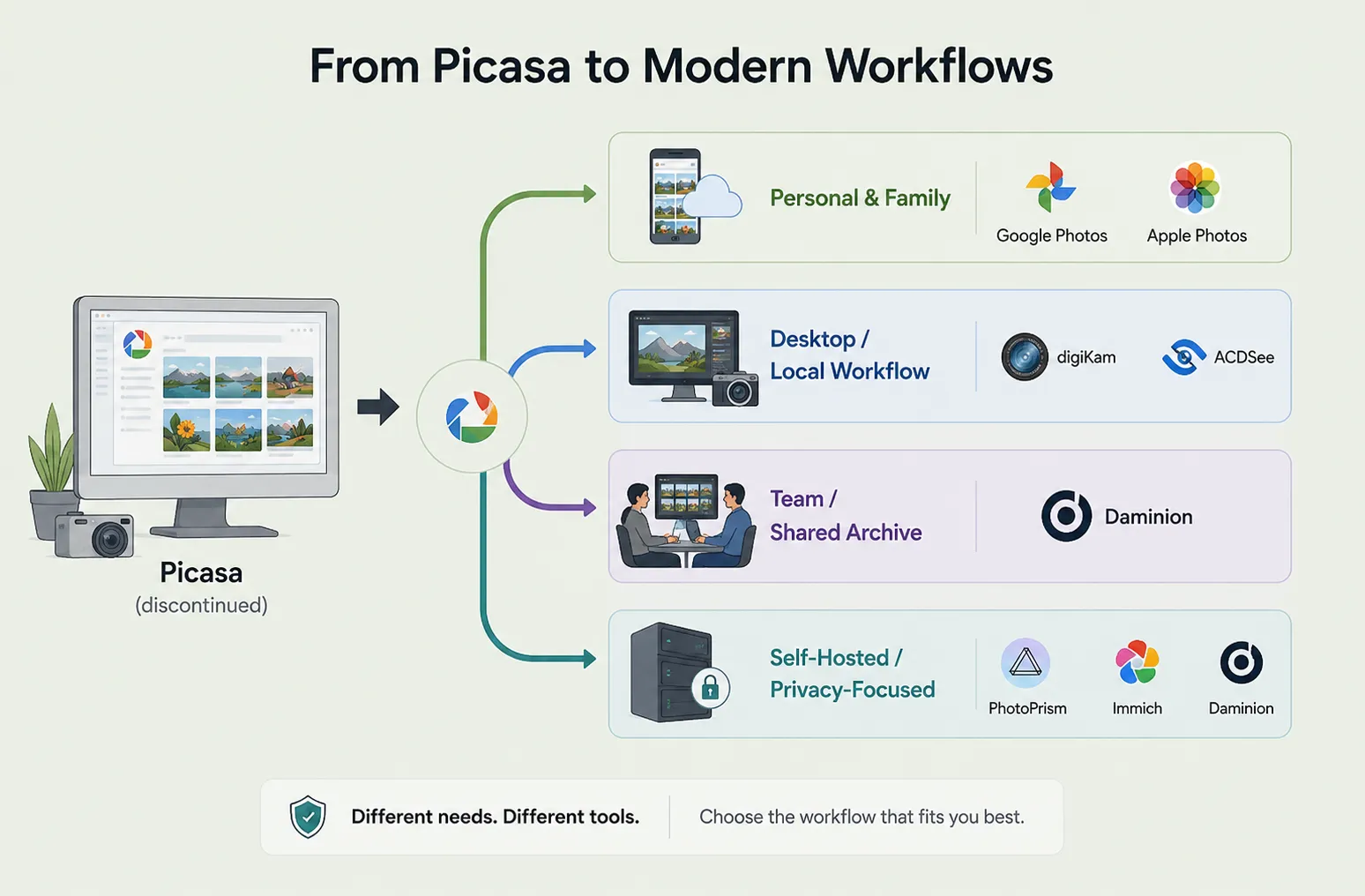
The best Picasa replacement depends on your needs:
For individuals and families, Google Photos, Apple Photos, and digiKam will meet almost every need. Organizations managing shared media libraries, however, often benefit from a dedicated Digital Asset Management solution such as Daminion.
No.
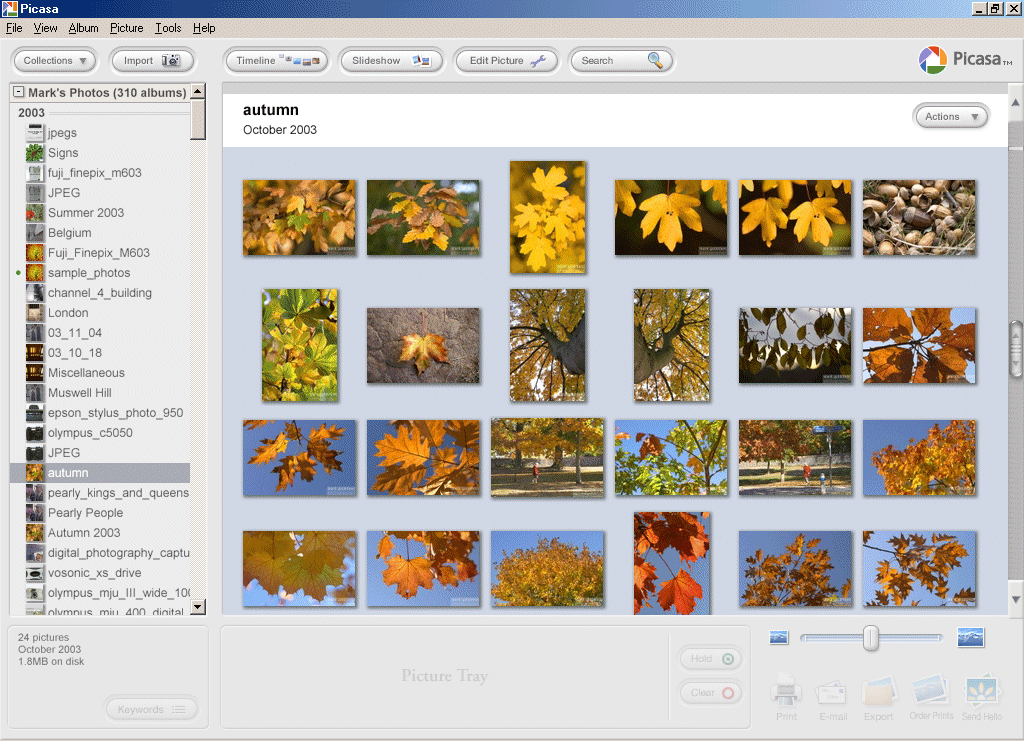
Google officially discontinued Picasa in 2016, shifting its focus to Google Photos. Since then, the application has received no updates, security patches, bug fixes, or support for newer operating systems and image formats.
Although archived installers can still be found on third-party websites, installing them is generally not recommended. Unsupported software becomes increasingly vulnerable to compatibility issues and potential security risks as operating systems continue to evolve.
People searching for terms like "Picasa for Windows 10" or "Picasa for Windows 11" are usually not looking for the original application itself. In most cases, they simply want a modern photo organizer that offers the same simplicity while supporting today's hardware, image formats, and workflows.
Fortunately, there are plenty of modern alternatives that continue to receive regular updates and long-term support. The best choice depends on how you used Picasa—whether you managed a personal photo library, shared albums with family, or maintained a large archive for a team.
No single application recreates every aspect of the Picasa experience. Instead, today's alternatives excel in different areas, so the best option depends on your workflow and the way you organize your photo library.
For most former Picasa users, Google Photos offers the smoothest transition. Automatic backups, intelligent search, facial recognition, and seamless synchronization across devices make it an easy choice for managing everyday photo collections.
Apple Photos provides a similarly polished experience for people already invested in the Apple ecosystem. Deep integration with macOS, iPhone, and iPad keeps libraries synchronized with minimal effort while preserving a familiar workflow.
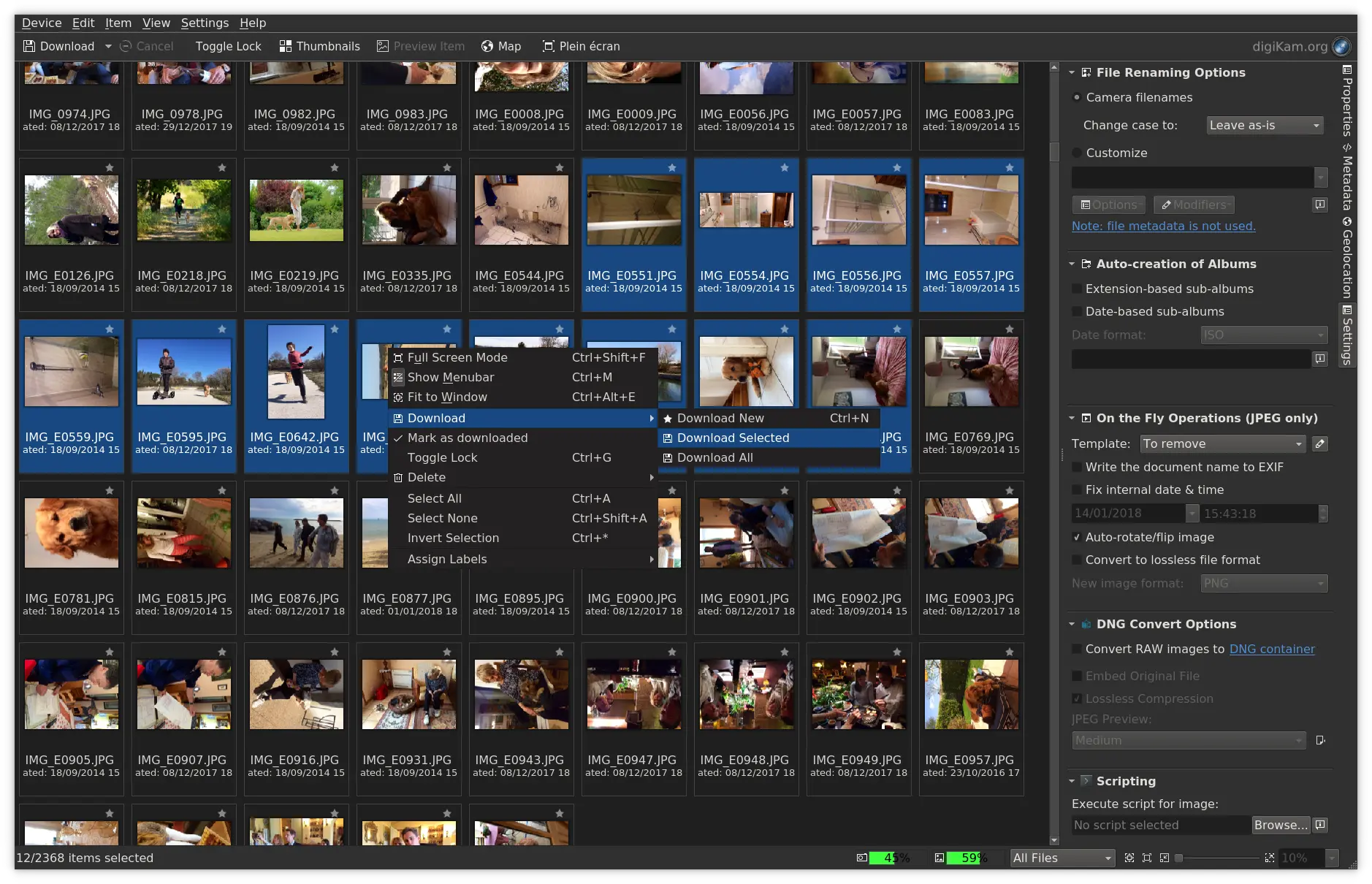
Users who prefer to keep their photos stored locally rather than in the cloud should consider digiKam. Available for Windows, macOS, and Linux, this open-source application combines powerful metadata management, extensive tagging capabilities, and excellent support for large photo libraries.
For most individuals and families, Google Photos, Apple Photos, and digiKam offer everything that made Picasa popular while adding the features, security, and compatibility expected from modern photo management software.
Many users relied on Picasa Web Albums as much as they relied on Picasa itself.
Google Photos remains the simplest option for sharing albums with friends and family. Shared galleries can be created in minutes and accessed from almost any device.
For photographers who need client galleries or professional presentation tools, SmugMug is a stronger option. It provides customizable galleries, privacy controls, and portfolio-focused features.
Flickr remains a popular platform for photography enthusiasts who want public galleries and community interaction.
If your main goal is online sharing, Google Photos, SmugMug, and Flickr are among the strongest replacements available.
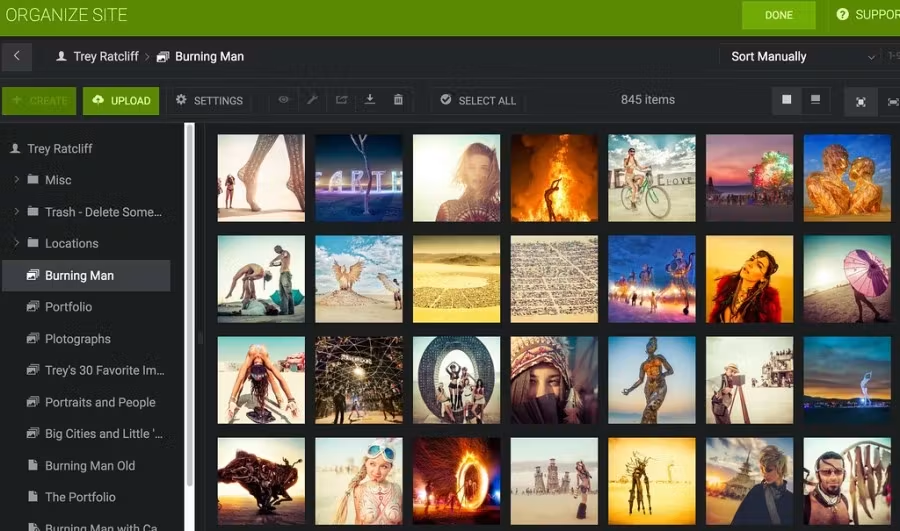
Picasa worked extremely well as a personal organizer, but it was never designed for collaborative workflows.
Many organizations tried to stretch Picasa beyond its original purpose by storing photos on shared folders or network drives. At first, this approach worked well enough for small collections. As the archive grew, however, its limitations became increasingly obvious. Different users applied different tags, duplicate files began to pile up, and finding the right image often meant digging through multiple folders instead of performing a quick search.
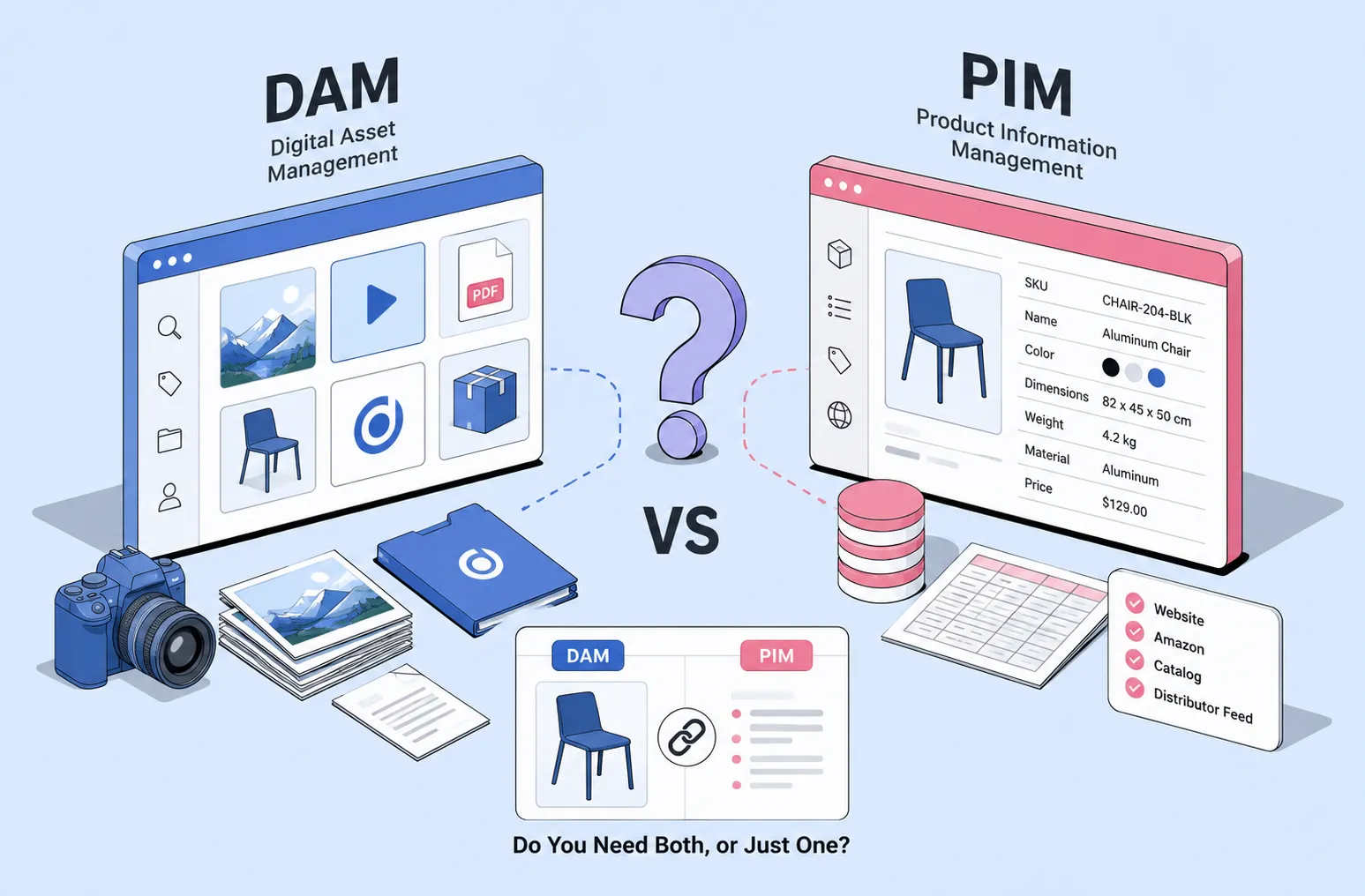
What organizations really need is not just shared storage, but a shared system for managing media assets. A centralized catalog keeps everyone working with the same collection, while consistent metadata standards ensure files remain organized as the archive expands. User permissions help control who can view, edit, or delete assets, and support for modern file formats keeps the system compatible with today's cameras and devices. Fast, flexible search also becomes essential once a library grows beyond a few thousand files.
This is where Digital Asset Management platforms take a different approach. Instead of creating separate local libraries for each user, Daminion maintains a centralized catalog that multiple people can access simultaneously. Everyone works with the same assets, metadata, and organizational structure, making collaboration simpler and reducing the risk of inconsistent information.
For marketing departments, museums, schools, media organizations, and businesses managing large photo collections, this approach eliminates many of the problems that Picasa users once tried to solve with shared-folder workarounds.
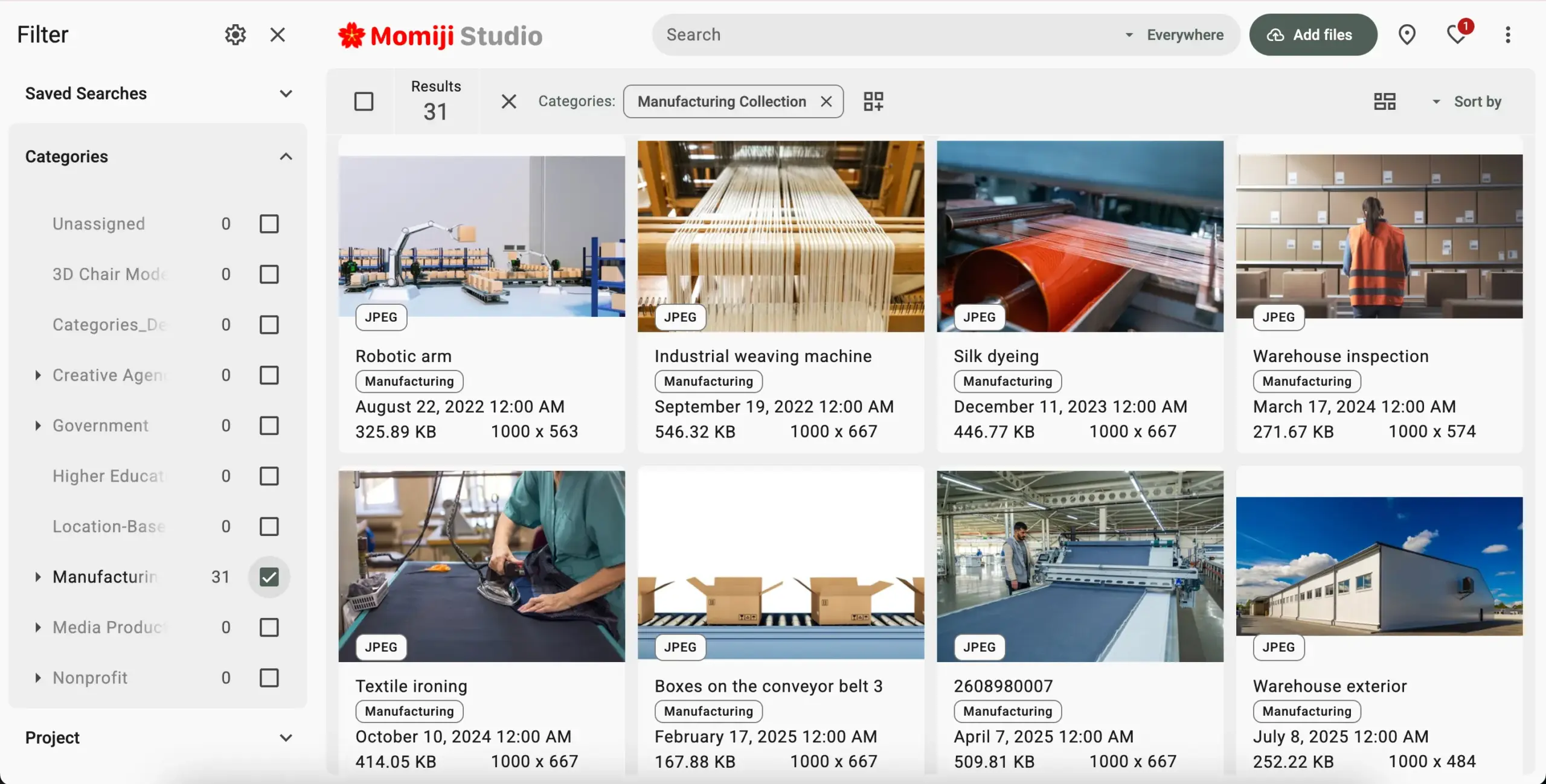

Not everyone wants to store their photos in the cloud. Some users prefer to keep their entire library on infrastructure they control, whether for privacy, regulatory compliance, or internal security policies.
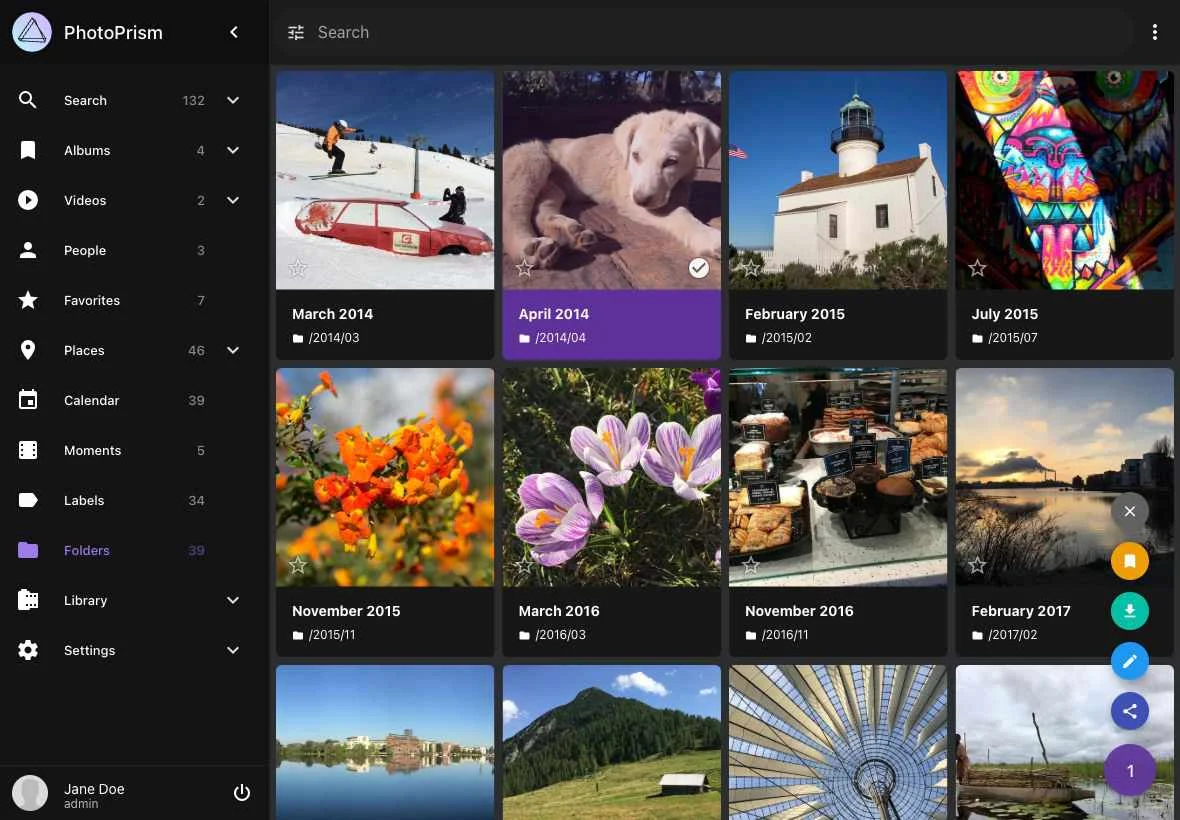
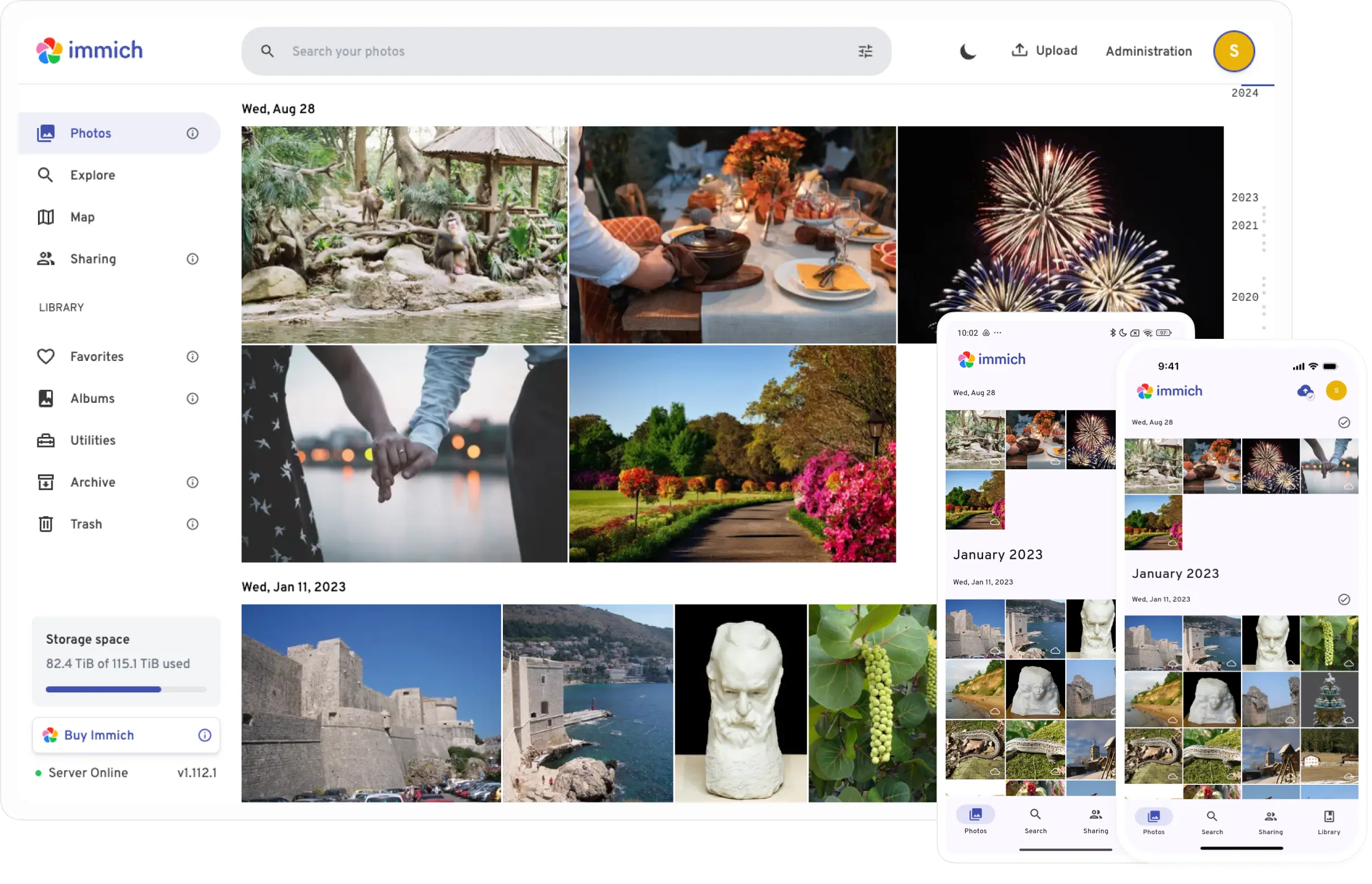
PhotoPrism and Immich are among the most popular self-hosted solutions available today. Both allow users to organize and search photo collections while keeping files on their own servers. digiKam is another strong option for people who prefer a traditional desktop application without relying on cloud services.
Daminion is also available as a self-hosted solution for organizations that need to keep their media library on their own infrastructure while providing multiple users with centralized search, metadata management, and controlled access.
The trade-off is a steeper learning curve than Picasa ever required. In return, users gain much greater control over where their data is stored, how it is managed, and who has access to it.
Picasa Replacement Comparison Table
While personal users will often gravitate toward Google Photos, Apple Photos, or digiKam, organizations managing shared archives typically require capabilities that go beyond traditional photo organization software.
Many organizations that once relied on Picasa eventually discovered that it was never designed to manage a shared media archive. While it worked exceptionally well for individual users, collaborative workflows required a different approach.
The table below highlights some of the key differences between Picasa and a modern Digital Asset Management platform.
For individual photographers, these differences may not matter. For organizations managing thousands of assets across multiple departments, however, centralized cataloging and metadata management can significantly improve efficiency and consistency.
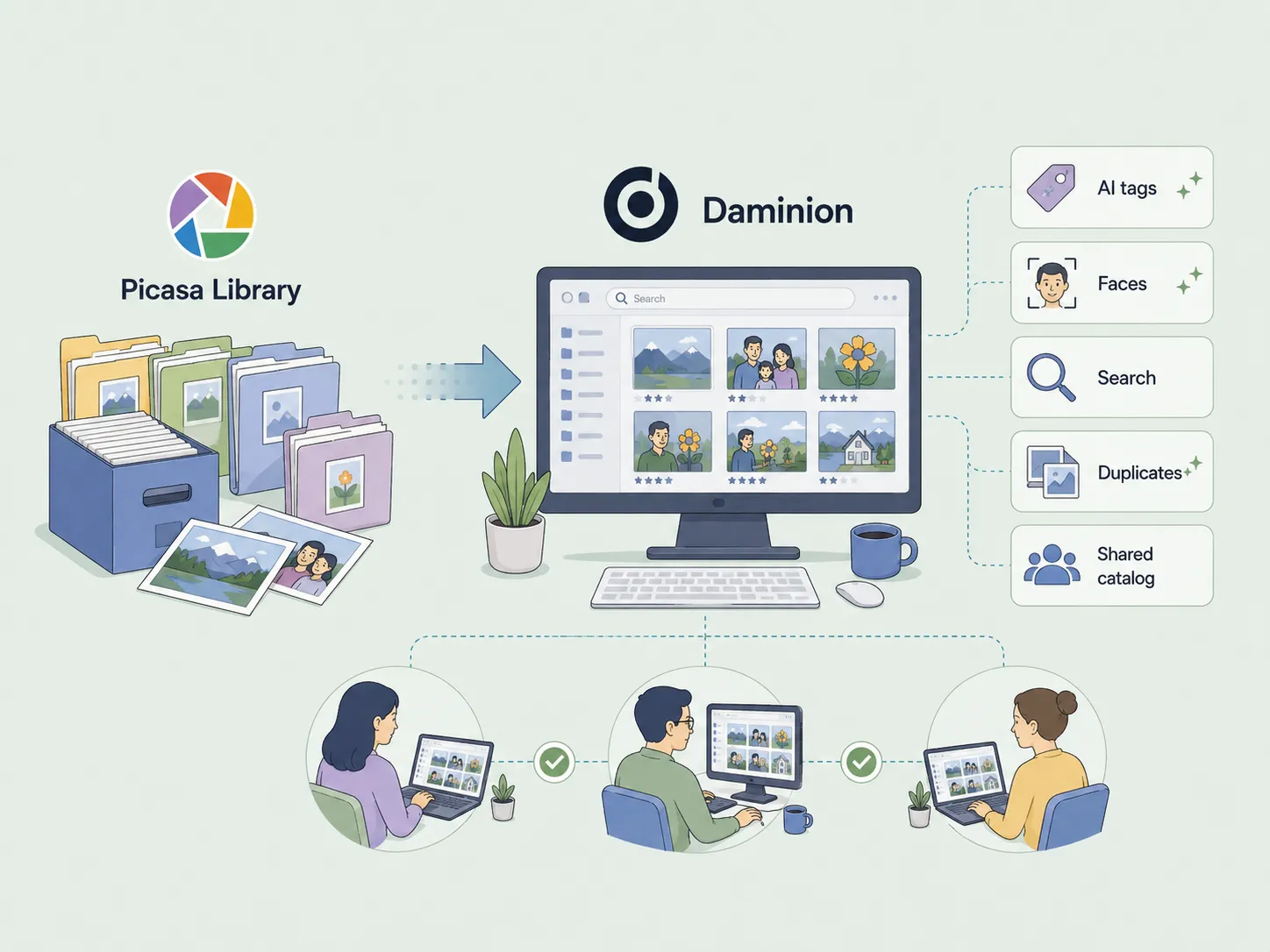
One reason many users hesitate to leave Picasa behind is concern about losing years of photo organization.
Fortunately, migration is often simpler than expected.
Because Picasa primarily worked with standard folders rather than proprietary storage formats, most photo collections can be imported directly into modern alternatives such as Google Photos, digiKam, Apple Photos, or Daminion.
Before migrating, it is recommended to:
For most users, the transition involves importing existing folders and then refining organization within the new platform.
Yes.
Since Picasa typically stored photos in regular folders, organizations can usually import existing archives directly into Daminion. After import, files can be enriched with metadata, categories, permissions, and advanced search capabilities. AI-powered features such as automatic tagging, facial recognition, and duplicate detection can help organize the library faster, so teams can begin searching, managing, and working with their assets from day one.
For teams moving from shared folders or network drives, this often becomes an opportunity to establish a more structured and searchable archive.

Many users remember Picasa not only as a photo organizer but also for practical tools such as metadata viewing, image resizing, and watermarking.
If those are the features you miss most, Daminion offers several free browser-based utilities that can replace some of Picasa's everyday functions without requiring a full photo-management application.
These lightweight tools provide a convenient way to handle common photo-management tasks while keeping your workflow simple.
Picasa disappeared because Google stopped developing the software in 2016 and shifted its focus to Google Photos.
The application was built for a very different era of digital photography. Modern users expect cloud synchronization, mobile access, support for newer image formats, advanced search capabilities, and collaborative workflows.
As operating systems and photography workflows evolved, Picasa remained unchanged.
While archived installers can still be found online, relying on unsupported software introduces several risks:
Even if an old version still runs successfully, it remains abandoned software. For users who value their photo collections, an actively maintained alternative is the safer choice.
One of the most common attempts to extend Picasa beyond personal use involved shared folders and network drives.
The idea seemed straightforward: store photos on a server, allow multiple users to access the same folders, and create a shared archive.
For small collections, this approach often worked. As archives grew, however, problems began to emerge.
Each user maintained a separate local index rather than working from a centralized database. Metadata could become inconsistent across users, duplicate files accumulated over time, and there was no practical way to manage permissions or control access.
Organizations also struggled with search, governance, and long-term consistency.
The lesson many teams learned is that shared storage does not automatically create a shared photo-management system.
Modern organizations need far more than shared storage. As photo and media libraries grow into tens or even hundreds of thousands of assets, managing them efficiently requires tools that keep files organized, searchable, and easy to access for everyone on the team.
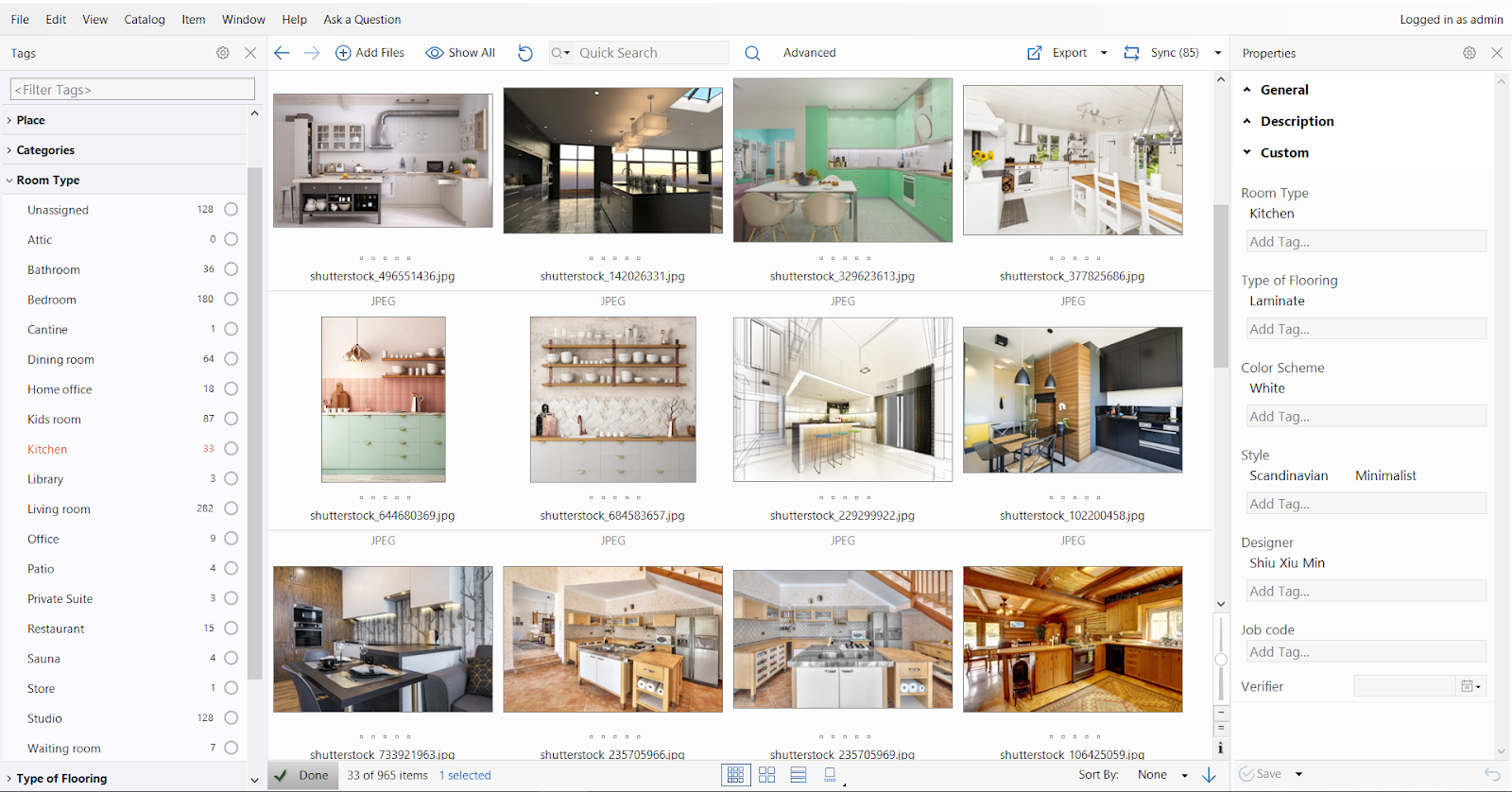
A centralized catalog ensures everyone works from the same source instead of maintaining separate local indexes, reducing inconsistencies and duplicate work. Consistent metadata standards keep keywords, categories, and descriptions uniform across the organization, making assets easier to organize and retrieve as the library grows.
User permissions help organizations control who can view, edit, or delete files, which is especially important when multiple departments or external collaborators share the same archive. Advanced search allows users to find images using keywords, metadata, dates, locations, camera information, or other custom attributes, eliminating the need to manually browse through folders.
Duplicate detection helps remove unnecessary copies before they clutter the archive, while structured taxonomy management keeps categories and keywords consistent, making large collections easier to navigate and maintain over time.
Increasingly, modern Digital Asset Management platforms also incorporate AI-powered media tagging. Instead of asking users to manually tag every image, AI can recognize objects, scenes, colors, faces, activities, and even visible text automatically. It then generates descriptive metadata that makes newly imported assets instantly searchable. For organizations managing thousands of photos, this dramatically reduces the time spent organizing libraries while helping teams locate the right file within seconds.
These requirements are better addressed by dedicated Digital Asset Management systems than by traditional personal photo organizers.
Picasa earned its reputation by making photo management simple. While no modern application recreates every aspect of the original experience, today's alternatives offer significantly more functionality, better security, and ongoing support.
The best choice depends on your workflow. Google Photos and Apple Photos are excellent for personal libraries, SmugMug and Flickr help with sharing, PhotoPrism and Immich provide self-hosted solutions, and Daminion addresses the needs of organizations managing shared media archives.
The good news is that every major Picasa use case now has a modern replacement. Rather than relying on unsupported software, users can choose a solution designed for the way photos are managed today.
If your organization still relies on shared folders or network drives to manage media assets, Daminion can help centralize photos, videos, and documents into a searchable, permission-based catalog built for teams.
Learn more about Daminion's Digital Asset Management features and discover how a shared catalog can simplify the organization, search, and management of digital assets across your organization.