
Top 10 DAM (Digital Asset Management) Systems for Seamless Figma Integration

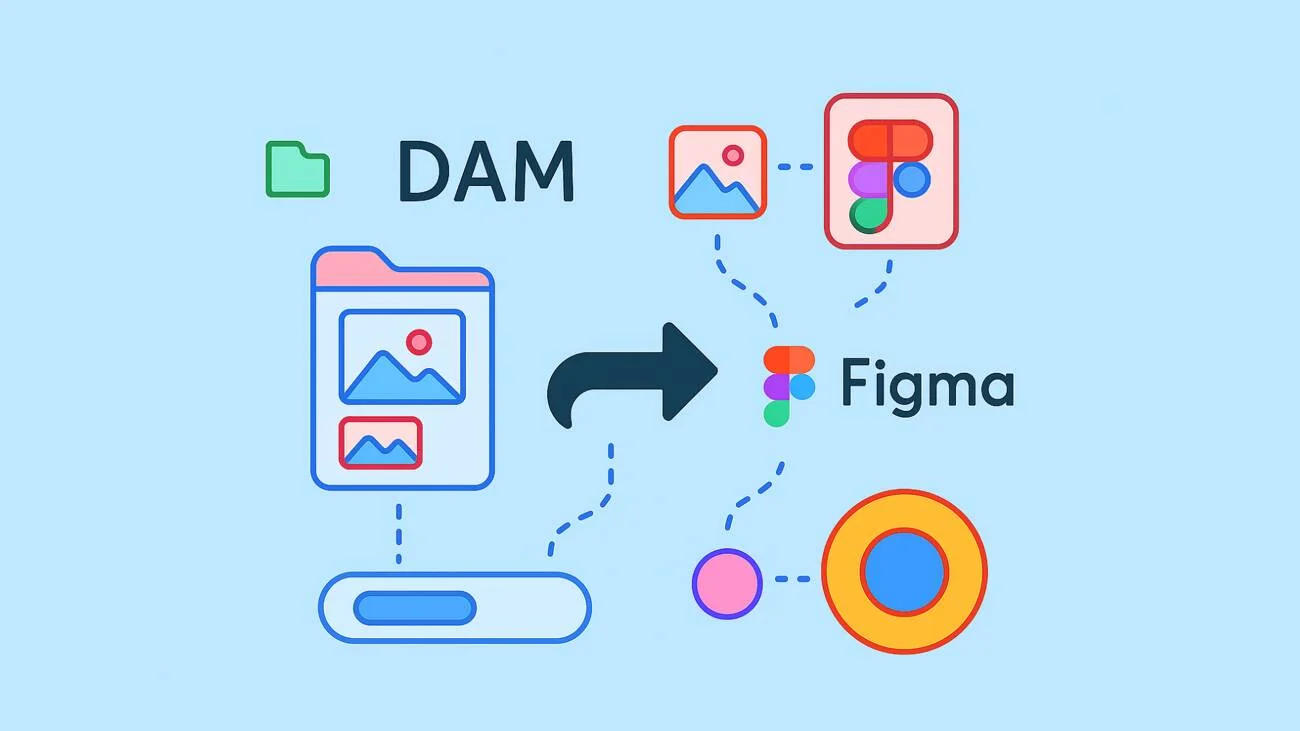
Introduction: The Evolving World of DAM Systems and Figma Integration
Have you ever wondered how the integration of DAM systems with design tools like Figma can revolutionize your workflow? Are you looking to streamline your digital asset management but unsure where to start? What if I told you that the right DAM system could be a game-changer for your creative processes?
In the rapidly evolving digital landscape, the synergy between DAM systems and design tools has become more crucial than ever. As a seasoned expert in digital asset management with a decade of experience, and a background in sales, I’ve witnessed firsthand the transformative impact of integrating DAM systems with platforms like Figma. Let’s dive into why this integration is not just a trend, but a necessity in today’s digital asset management.

Discover How Daminion Can Work for You
Understanding DAM and Its Importance
Digital Asset Management (DAM) systems are the backbone of organizing, storing, and retrieving digital content. They’re essential for ensuring that your digital assets are not just well-organized, but also easily accessible and secure. In a world where digital content is king, a robust DAM system is your castle’s gatekeeper.
The Role of Figma in Modern Design
Figma, a cloud-based design tool, has taken the design world by storm. Its collaborative nature and ease of use make it a favorite among designers. But, when integrated with a DAM system, Figma’s potential is exponentially amplified, transforming how teams collaborate and manage their creative assets.
The Synergy of DAM Systems and Figma
This integration is more than just a convenience; it’s a strategic move. It streamlines workflows, enhances collaboration, and ensures that the most updated design assets are always at your team’s fingertips. Imagine a world where your design and asset management systems work in perfect harmony – that’s the power of integrating DAM systems with Figma.
Criteria for Choosing the Right DAM System
When it comes to selecting a DAM system that integrates with Figma, there are several key factors to consider. These criteria will help you identify the system that not only meets your current needs but also scales with your future growth.
1. Integration Capabilities with Figma
The level of integration between the DAM system and Figma is paramount. Look for systems that offer seamless syncing, easy access to assets within Figma, and the ability to update assets in real-time. This integration should feel natural, almost as if Figma and the DAM system are two parts of the same whole.
2. Feature-Rich Functionality
A top-tier DAM system should offer more than just basic storage. Look for advanced search capabilities, version control, rights management, and analytics. These features will ensure that your assets are not only well-organized but also leveraged to their full potential.
3. User-Friendly Experience
The best DAM system is one that your team will actually use. Prioritize systems with intuitive interfaces and straightforward navigation. A user-friendly experience reduces the learning curve and enhances team adoption.
4. Pricing and Accessibility
Consider the pricing structure of the DAM system. Does it offer flexibility and scalability? Ensure that the system you choose aligns with your budget and offers the right balance of features and affordability.
Top 10 DAM Systems with Figma Integration
In the next section, we’ll delve into the crème de la crème of DAM systems that integrate flawlessly with Figma. Each system will be evaluated based on the criteria mentioned above, ensuring you get a comprehensive view of what’s available in the market. Stay tuned as we unveil the systems that stand out in the realm of digital asset management, tailored for seamless integration with Figma.
As we delve into the top 10 DAM systems that offer exceptional integration with Figma, it’s important to consider how each system stands out in terms of technical capabilities, user experience, and overall efficiency. Here’s an expert overview of each system, highlighting their unique features and how they seamlessly blend with Figma to enhance your digital asset management.
1. Daminion: The Detail-Oriented System
- Integration Highlights: Streamlined integration with Figma, emphasizing precision and control in asset management.
- Unique Selling Points: Advanced metadata management, robust security features, and real-time collaboration support.
- Ideal For: Medium to large organizations prioritizing detailed asset categorization and security in their workflow.
Still Deciding?
Take Daminion for a Test Drive

2. CreativLink: The Collaborator’s Choice
- Integration Highlights: Seamless plugin for Figma, facilitating direct asset manipulation within the design tool.
- Unique Selling Points: Intuitive user interface, collaborative commenting, and workflow automation.
- Ideal For: Design-centric teams prioritizing collaboration and ease of use.
3. AssetFlow: The Efficiency Expert
- Integration Highlights: High-speed synchronization and real-time updates within Figma.
- Unique Selling Points: Automated workflow processes, custom metadata fields, and granular access controls.
- Ideal For: Large enterprises needing a scalable and efficient DAM system.
4. DesignVault: The Secure Option
- Integration Highlights: Encrypted data transfer between DAM and Figma, ensuring top-notch security.
- Unique Selling Points: Strong focus on security, comprehensive audit trails, and rights management.
- Ideal For: Organizations with high-security requirements and sensitive digital assets.
5. VisionBox: The Innovator
- Integration Highlights: Cutting-edge integration using AI to enhance asset discovery and usage within Figma.
- Unique Selling Points: AI-driven asset recommendations, predictive analytics, and trend insights.
- Ideal For: Teams looking for innovative, AI-powered asset management.
6. SyncSphere: The User-Friendly Platform
- Integration Highlights: Simple, straightforward plugin for Figma, emphasizing ease of use.
- Unique Selling Points: User-friendly interface, drag-and-drop functionality, and quick setup.
- Ideal For: Small to medium-sized teams needing a hassle-free DAM solution.
7. MediaBridge: The Multimedia Maestro
- Integration Highlights: Exceptional handling of diverse media types within Figma.
- Unique Selling Points: Strong multimedia support, including video and 3D models, and integrated media editing tools.
- Ideal For: Teams working with a wide range of media formats.
8. ArchiveAce: The Cost-Effective Choice
- Integration Highlights: Efficient integration with Figma at a competitive price point.
- Unique Selling Points: Cost-effective plans, essential DAM features, and a straightforward interface.
- Ideal For: Startups and small businesses looking for an affordable DAM option.
9. CreativeHub: The Scalable Solution
- Integration Highlights: Scalable integration capabilities that grow with your team’s needs.
- Unique Selling Points: Modular design, scalable infrastructure, and customizable feature sets.
- Ideal For: Rapidly growing teams needing a DAM system that scales.
10. PixelPerfect: The Designer’s Dream
- Integration Highlights: Tailored integration for design teams, focusing on ease of use within Figma.
- Unique Selling Points: Designer-friendly interface, color management tools, and template libraries.
- Ideal For: Design-focused teams looking for a DAM system that understands their workflow.
Each of these DAM systems offers unique features and integration capabilities with Figma, catering to different needs and preferences. In the next section, we’ll provide a comparative analysis to help you choose the system that best aligns with your specific requirements and goals. Stay tuned for an insightful breakdown that will aid in your decision-making process.
Discover How Daminion Can Work for You
Daminion supports integrations with Adobe Creative Cloud apps, Microsoft Office, Active Directory, Entra ID, Dropbox, Google Drive, OneDrive, and metadata standards such as IPTC, XMP, and EXIF.



Explore our DAM system
with your personal manager
demo from your dedicated manager.