August 16, 2026
Updated



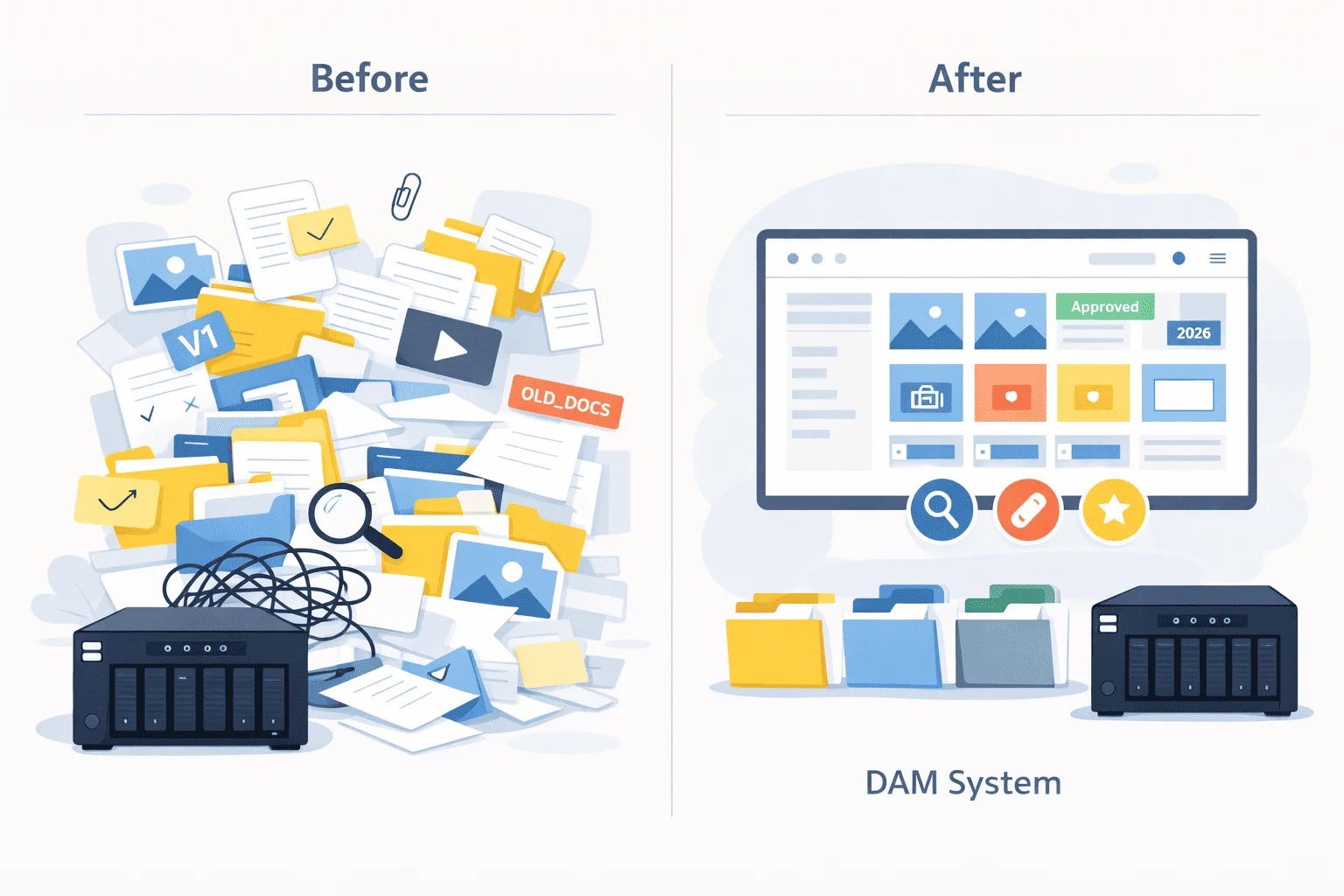
You know a photo archive is getting out of control when finding an image takes longer than using it.
Someone needs a photo for a presentation, campaign, report, proposal, website update, or social media post. The team starts searching through shared folders, old project directories, personal drives, exported versions, and files named something like IMG_4827_final_final2.webp.
After twenty minutes, people are still not sure whether they found the right photo.
For organizations, this is not just annoying. It slows down marketing, design, communications, sales, research, and documentation work. It also increases the risk of using the wrong version, losing track of copyright information, duplicating files, or recreating assets that already exist.
The renowned photographer Ansel Adams once said, “You don’t take a photograph, you make it.” But what happens after you’ve made those beautiful images?
In many organizations, they end up scattered across various devices and servers, making it a daunting task to locate a specific photo. This is where photo organizing software comes into play.
Photo organizer software helps solve this by giving teams a better way to manage image libraries. With tags, metadata, previews, ratings, access permissions, and AI-assisted organization, photos become easier to find, filter, reuse, and protect.
In this guide, we’ll look at the best photo organizer software for organizations, what features actually matter, and how to choose a tool that fits your team’s workflow.

Many organizations store a vase collection of digital images. Whether you’re a professional photographer, an agency, a charity, or a commercial business that uses images for product advertising, promotions and marketing drives, the chances are you have thousands of photographs.
If you can’t find a photo when you need it, you may as well not have it. Photo organizing software is like having a librarian who knows where everything is and can find it instantly.
Here are a few of the features of the best image organizing software.
Since every organization is different, you should decide which features are most important to your workflow before you make your choice. Other factors may also influence your decision; for example, you may be looking for software that also excels in areas such as photo editing. If you have a large collection, you should choose software that handles large volumes without loss of performance.
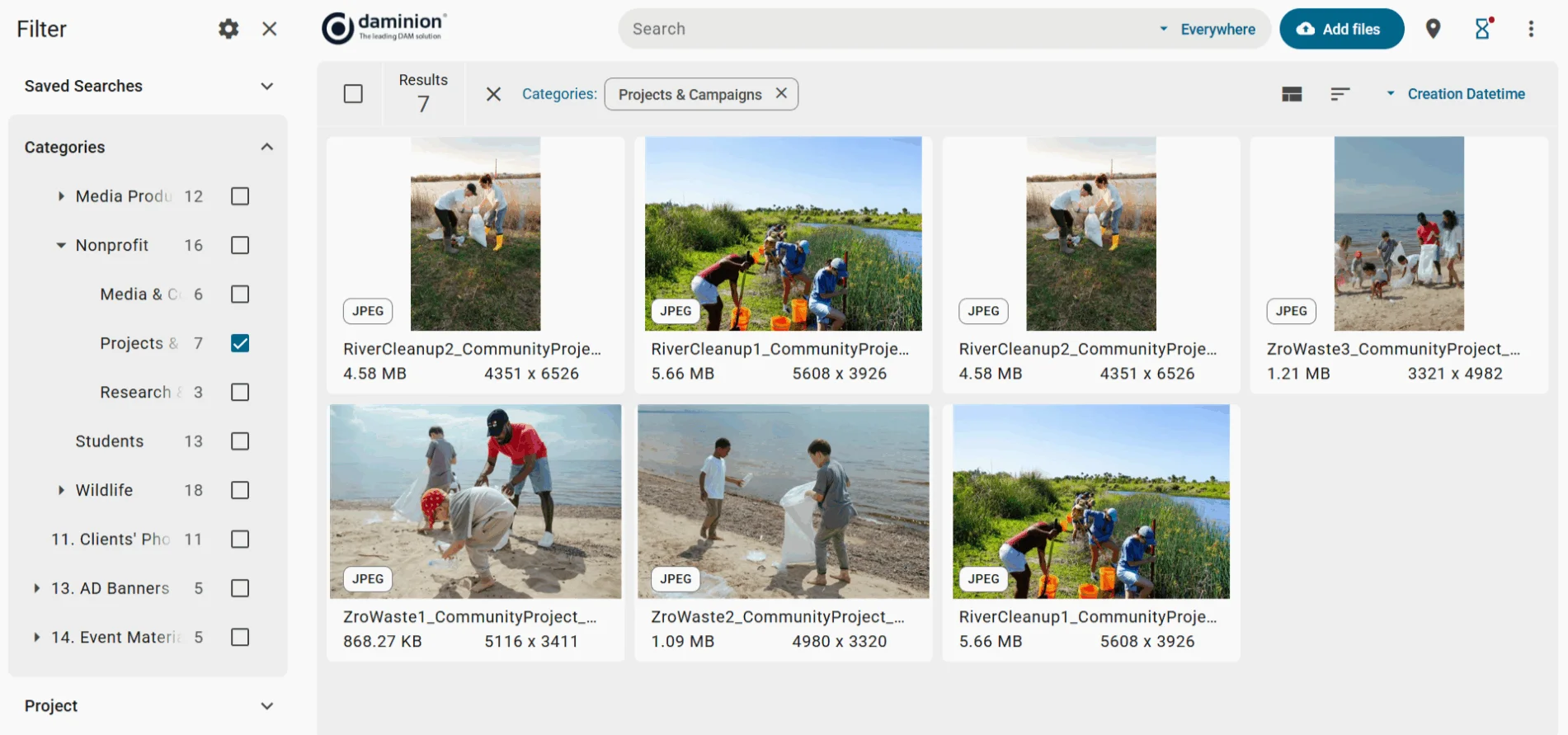
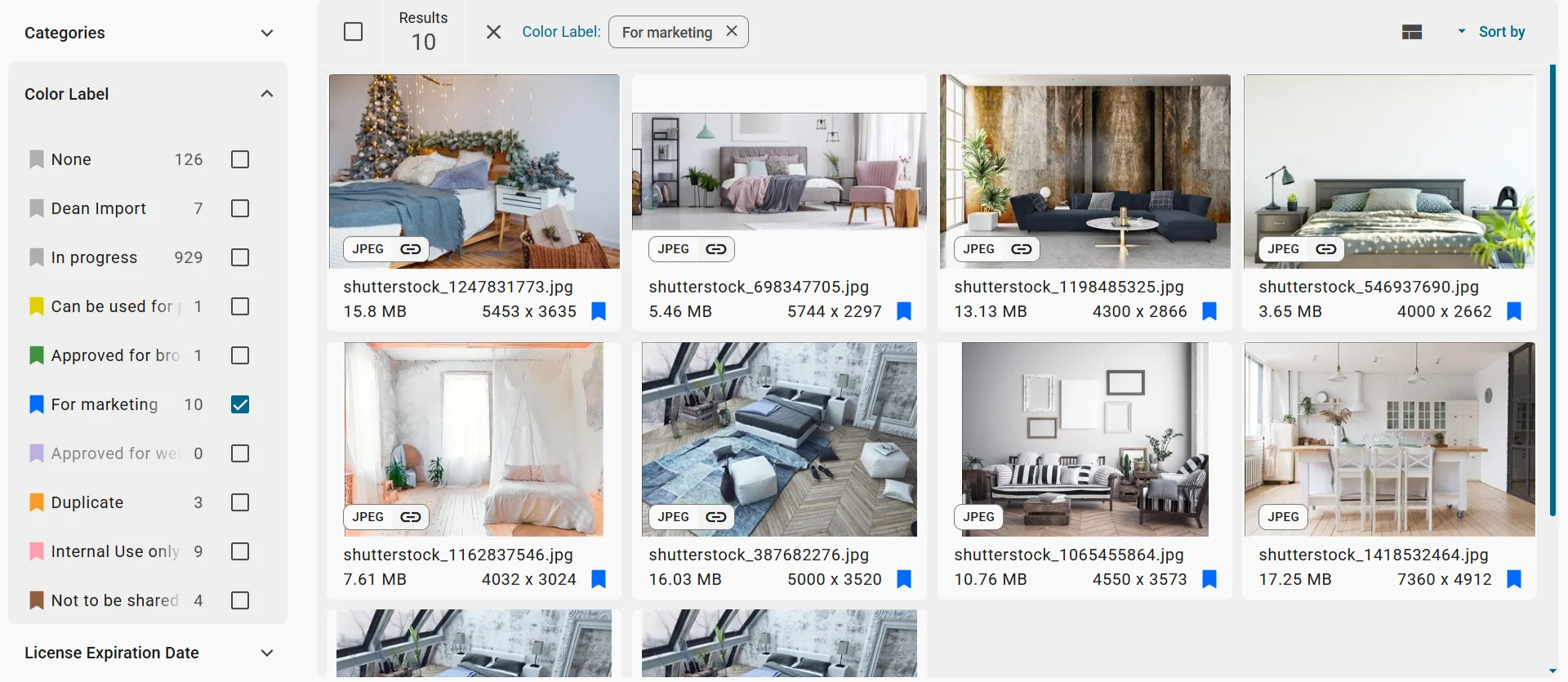
Daminion is an industrial-strength digital asset management package. It excels at cataloging, managing, sorting and filtering your images.
Daminion features include:
Daminion can work either in the cloud or as an on-site installation. High-security organizations generally prefer on-site installation to ensure greater privacy.
It doesn’t offer photo editing but integrates easily with photo editing software via plugins.
Another advantage is that Daminion is not a static product. It is regularly updated and improved, with new features and performance enhancements released about twice a year. For example, the latest release of Daminion 10.5 introduced better face recognition for real-world photo archives, including more reliable detection of profile and three-quarter views, small faces in group photos, and images where quality or angle makes automatic recognition more difficult. Read more about the latest Daminion improvements here.

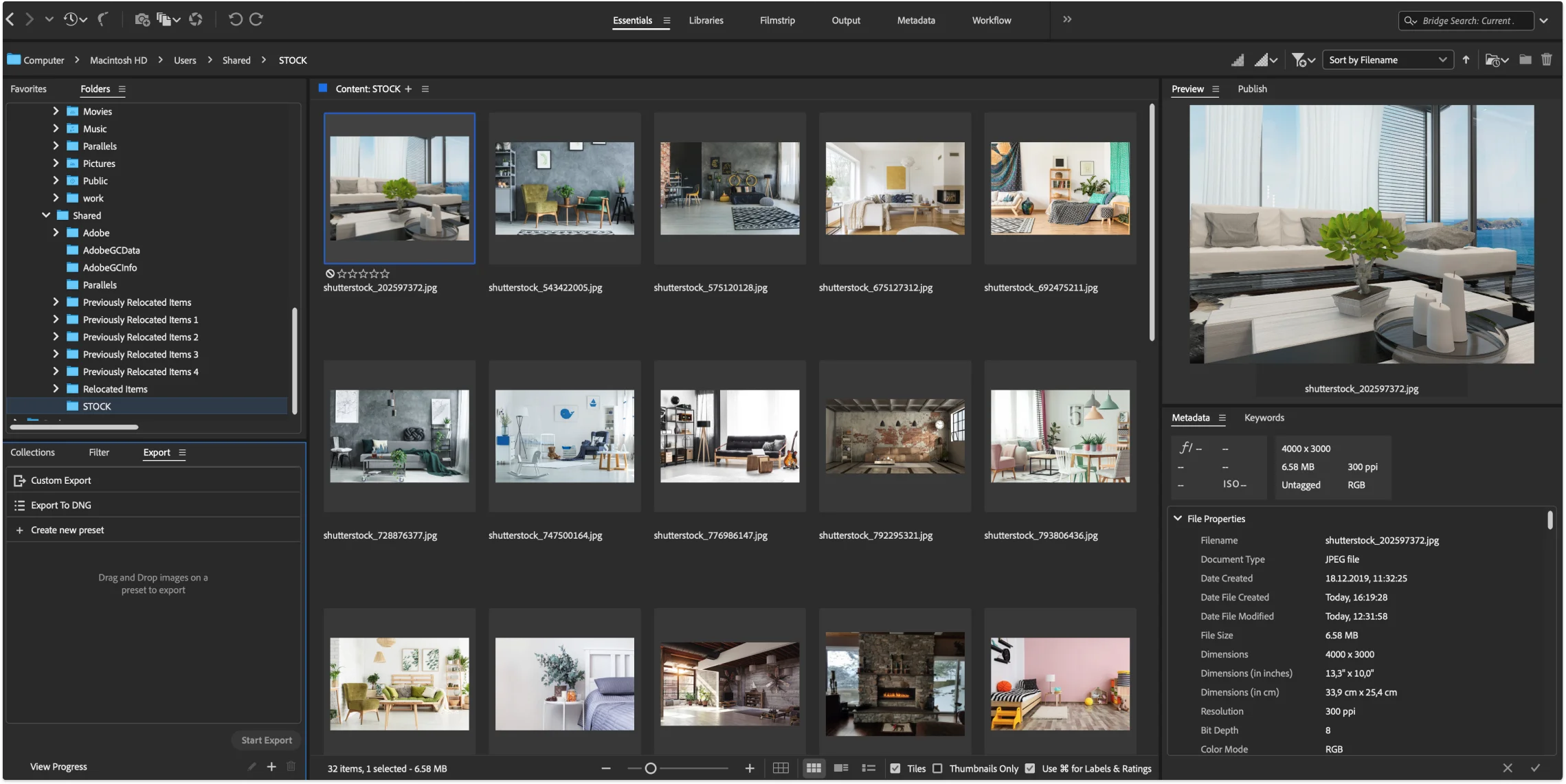
These are both part of the Adobe Creative Suite.
Lightroom is a cloud-based photo management and editing application popular with professional photographers. Lightroom Classic is also available as a desktop application.
It’s excellent for photo organization, featuring ratings, keywords, albums, flags and color coding. It uses AI for both facial and content recognition, and easily handles large collections.
Lightroom has good photo editing facilities, and integrates with other Adobe products such as Photoshop.
Adobe Bridge lets you manage various digital assets centrally, allowing you to collaborate within a team. It has similar organizing capabilities to Lightroom.
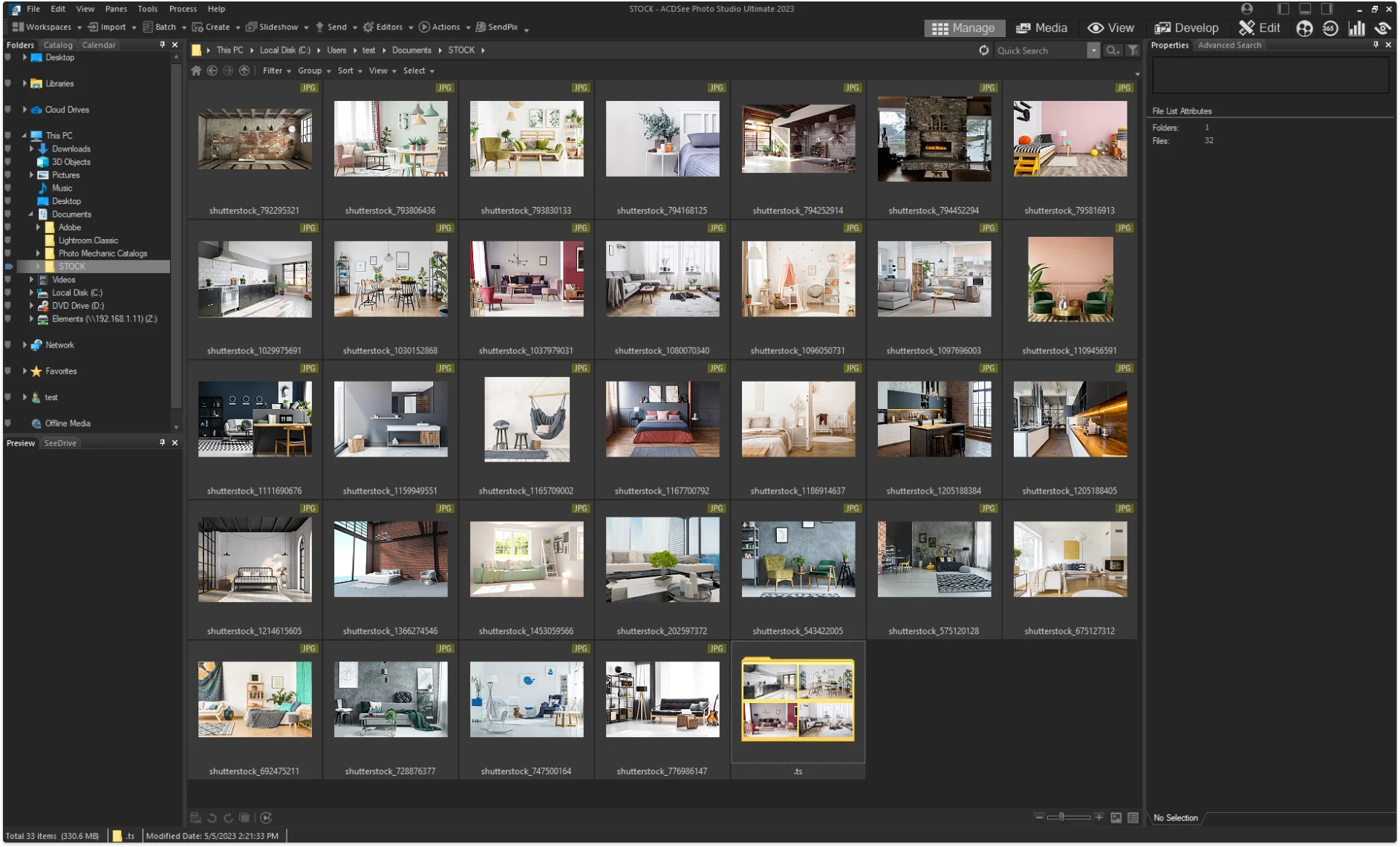
ACDSee is a popular choice for professional photographers, since it combines strong photo organizing tools with comprehensive image editing capabilities. It’ss reasonably priced and easy to learn, but it’s not designed for team collaboration.
It offers all the important image management features, such as hierarchical tagging, ratings, color codes, geotagging and metadata filtering and editing. It includes good facial recognition facilities, and the next release will include content recognition.
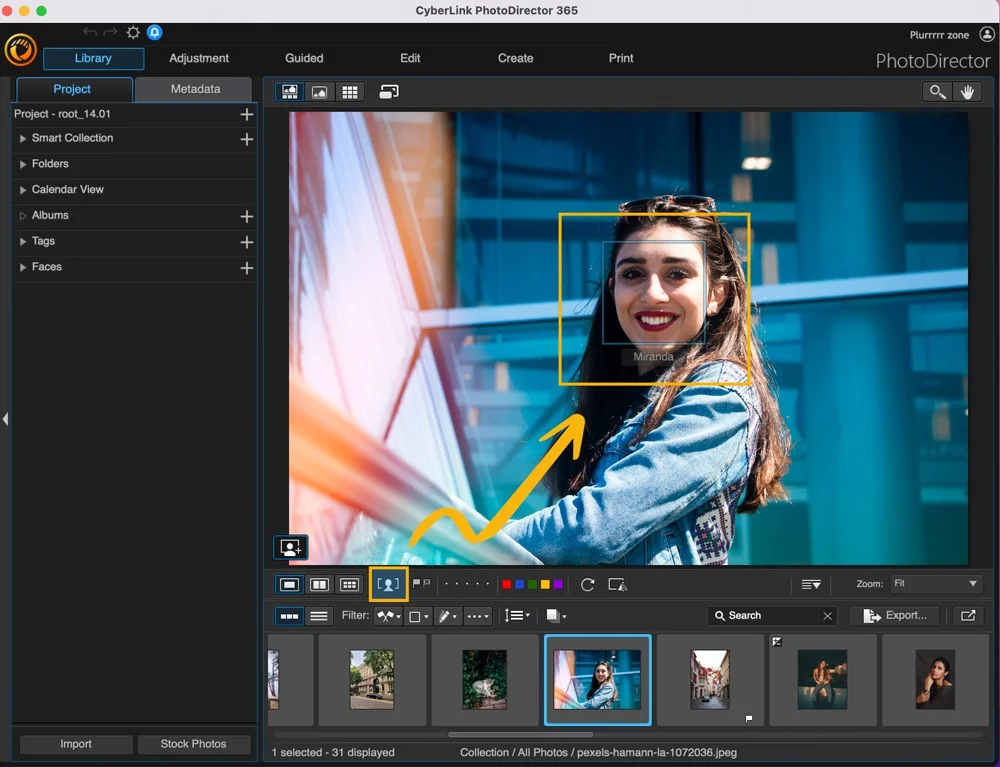
Cyberlink PhotoDirector is primarily a comprehensive photo editing package, but it includes first-class image organizing facilities as well. It has good tagging capabilities, and has the advantage that tags can be added to an entire batch when importing. It uses facial recognition to group similar faces together for tagging, and the ‘Compare mode’ feature is excellent for finding similar photos.
It’s reasonably priced, and is a great tool for professional photographers.

Although not the best choice for team collaboration, Photo Mechanic is well worth evaluating, since it enables you to very quickly organize and tag your photos as you import them. Its efficiency in this area makes it a good buy for anyone working to tight deadlines.
You can batch-tag and edit metadata before you import, and work on color-coding, rating and additional tagging while the collection is being imported.
It interfaces well with photo editing software and has good search and filtering capabilities.
Here is how the five tools compare side by side, based on the criteria covered above:
| Tool | Team Collaboration | AI Recognition | Photo Editing | Deployment | Best For |
|---|---|---|---|---|---|
| Daminion | Built for teams, with access control | Facial and content recognition | No native editor, integrates via plugins | Cloud or on-premises | Organizations needing structured, scalable, secure photo management |
| Adobe Lightroom / Bridge | Bridge supports team collaboration | Facial and content recognition | Yes, integrates with Photoshop | Cloud (Lightroom) or desktop (Lightroom Classic, Bridge) | Photographers already working in the Adobe ecosystem |
| ACDSee | Not designed for team collaboration | Facial recognition | Yes, comprehensive editing | Desktop | Individual professional photographers |
| Cyberlink PhotoDirector | Not built for team collaboration | Facial recognition, batch tagging on import | Yes, comprehensive editing package | Desktop | Photographers who edit as much as they organize |
| Photo Mechanic | Not the best choice for team collaboration | Not a focus; strong batch tagging instead | No, pairs with separate editing software | Desktop | Fast import and tagging under tight deadlines |
You may already have access to photo organizer software without knowing it. For smaller collections, one of these may be adequate for your needs.
 Daminion is a strong option for teams that need structured photo organization, strong access control, and future scaling.
Choosing the best photo organizer depends on your specific needs. As the famous saying goes, “One size does not fit all.” Whether you’re a large corporation with a vast digital archive or a small team looking to streamline your photo management, there’s a photo organizer that fits your needs. Remember, the best photo management software is the one that makes your organization’s workflow smoother and your digital assets more accessible.
The one decision that is genuinely hard to reverse later is where the catalog lives. Growing from a single-machine organiser into a shared library is mostly a matter of re-tagging. Moving an established archive out of a vendor’s cloud and onto your own servers is a different exercise: exporting originals at full resolution, rebuilding the catalog, and re-establishing every permission along the way. Teams that already know the archive has to stay in-house tend to skip the intermediate step and begin with self-hosted digital asset management.
If you have a large collection and need to collaborate as a team, Daminion’s comprehensive organizing tools, scalability and security are likely to offer you the best workflow and return on investment.
Whichever option you choose, photo organizing software is a must-have if you regularly use digital images.