
This is a heading.
Note that starting with Daminion 7.7, the availability of tags in the Properties panel is regulated by the role-based Tag Access Restrictions. If some tags are not available for you, please contact Daminion Administrators!
Import Tag Presets
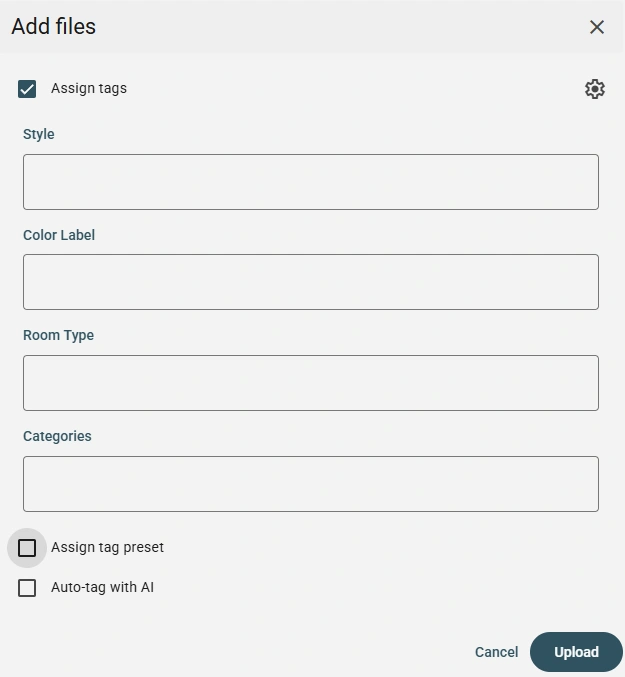
Tagging is immediately available upon import. Tagging is also available using a saved preset more details are available here.
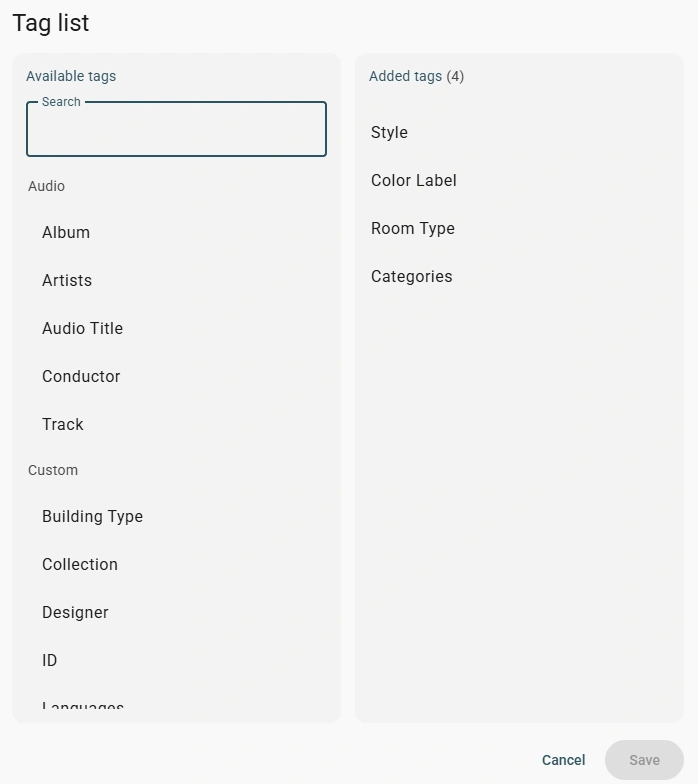
To edit the tag list, click the gear icon and select the desired tags by clicking the + button or by clicking on a tag and dragging the mouse to the desired column.
After filling in the required tags, click the upload button and the tags will be assigned to all the files that were selected.
Drag and Drop in Filters Panel
Select one or more files in the Thumbnails Browser and drag them directly onto a tag to assign it.
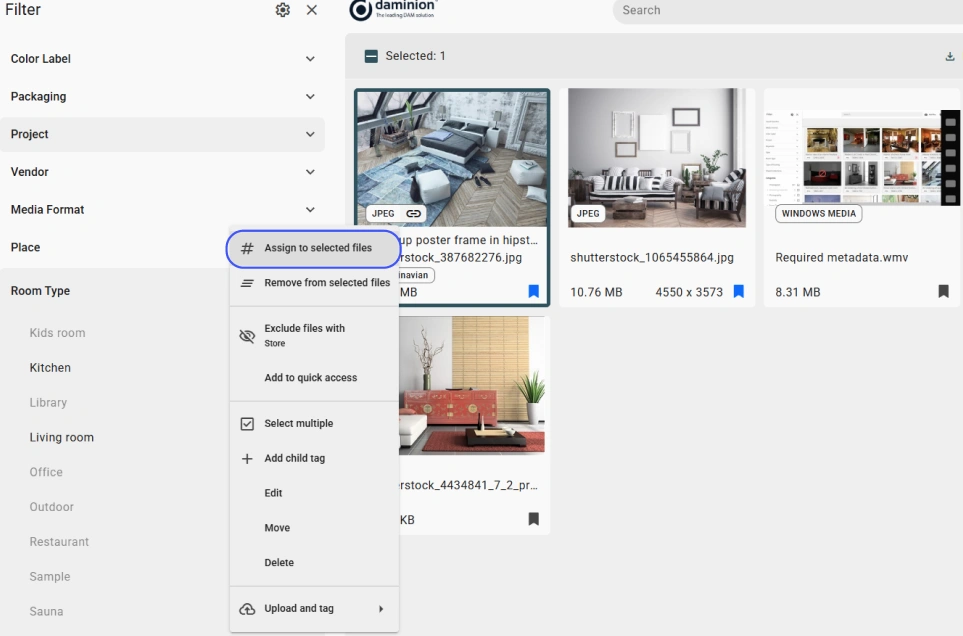
Alternatively, select files, click the three dots icon next to the desired tag, and select Assign to Selected Files.
Properties Panel
Open a file in Fullscreen and click the ⓘ icon in the upper right corner to display the Properties panel. Expand any tag category and type the tag name to assign it.
You can read more about customizing the display of the properties panel in this article.
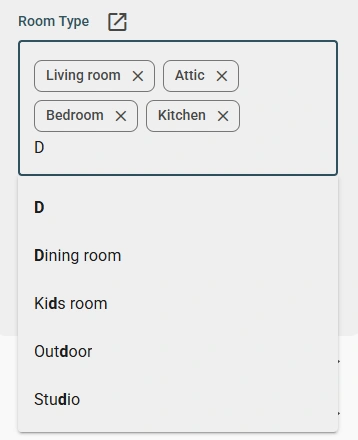
As you type, Daminion suggests existing tags. If it's a hierarchical tag, entering a value that isn't in the catalog will create a new one!
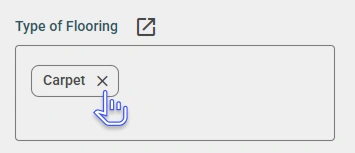
Hover over an assigned tag and click the X icon to remove it.
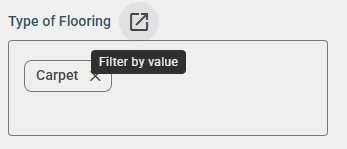
Click the icon  next to a tag to display all files sharing that same tag.
Tips: Use commas to assign multiple values and backslash / to create hierarchical tags.
Tag Editor
To tag a single file, click the three-dot icon on the thumbnail and select "Edit Tags" from the menu (see Thumbnail Menu Overview).
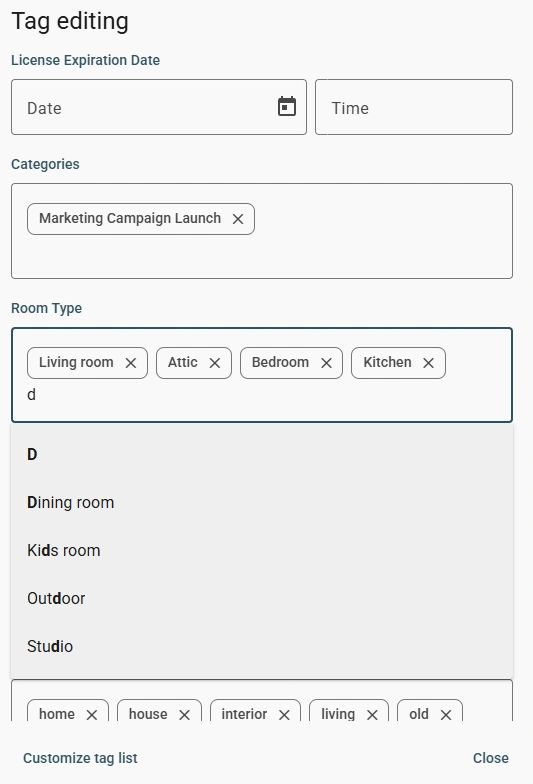
Type tag names to assign them, if files already have assigned tags, they will be displayed — multi-value tags show all values across files, while single-value tags show only common values.
Tips:
- Use comma to create assign multiple tag values at once;
- Use backslash “\” to create and assign a hierarchical tag;
- Added tags are save automatically.
Daminion supports integrations with Adobe Creative Cloud apps, Microsoft Office, Active Directory, Entra ID, Dropbox, Google Drive, OneDrive, and metadata standards such as IPTC, XMP, and EXIF.