
Network Storage
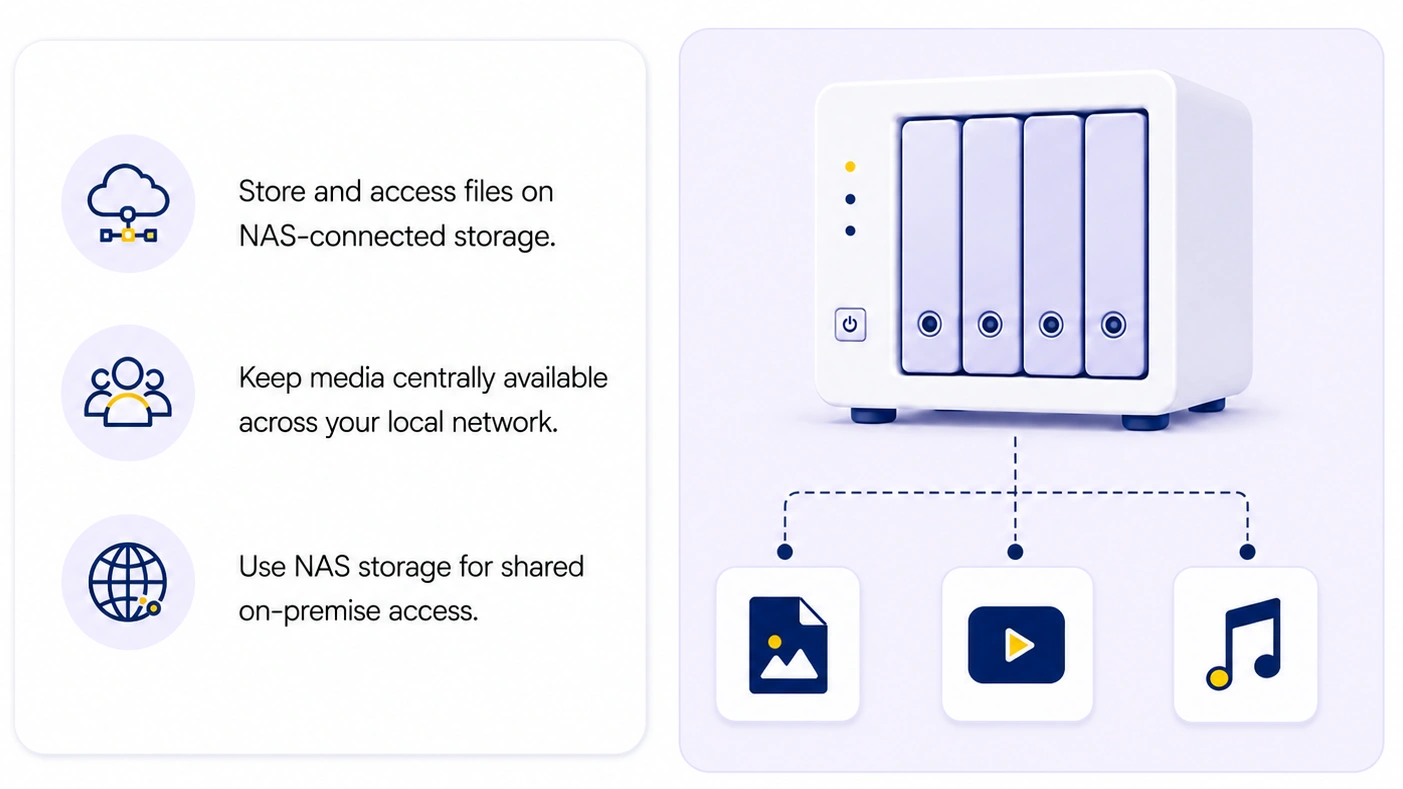
Option 2: Storing files on a NAS
A NAS (Network Attached Storage) is a separate storage device on your network. The DAM server accesses the files over a network share (SMB), so every file operation travels through the network. It's a popular choice for large archives because NAS devices offer a lot of inexpensive storage capacity.
Pros:
- Cheap capacity — lots of terabytes for less money, easy to add more drives
- Easy sharing — other teams can access files directly, outside the DAM
- Separation — storage lives apart from the application server
Cons:
- Slower — network overhead affects imports, previews, and work with many small files
- More fragile — dropped connections, file locks, and permission issues are more common
Make sure that Daminion server service logon user has full access permissions to your NAS. It can be a dedicated network user or a local user with the same username and password as an admin on NAS.
Find more information here.