
Cloud Storage
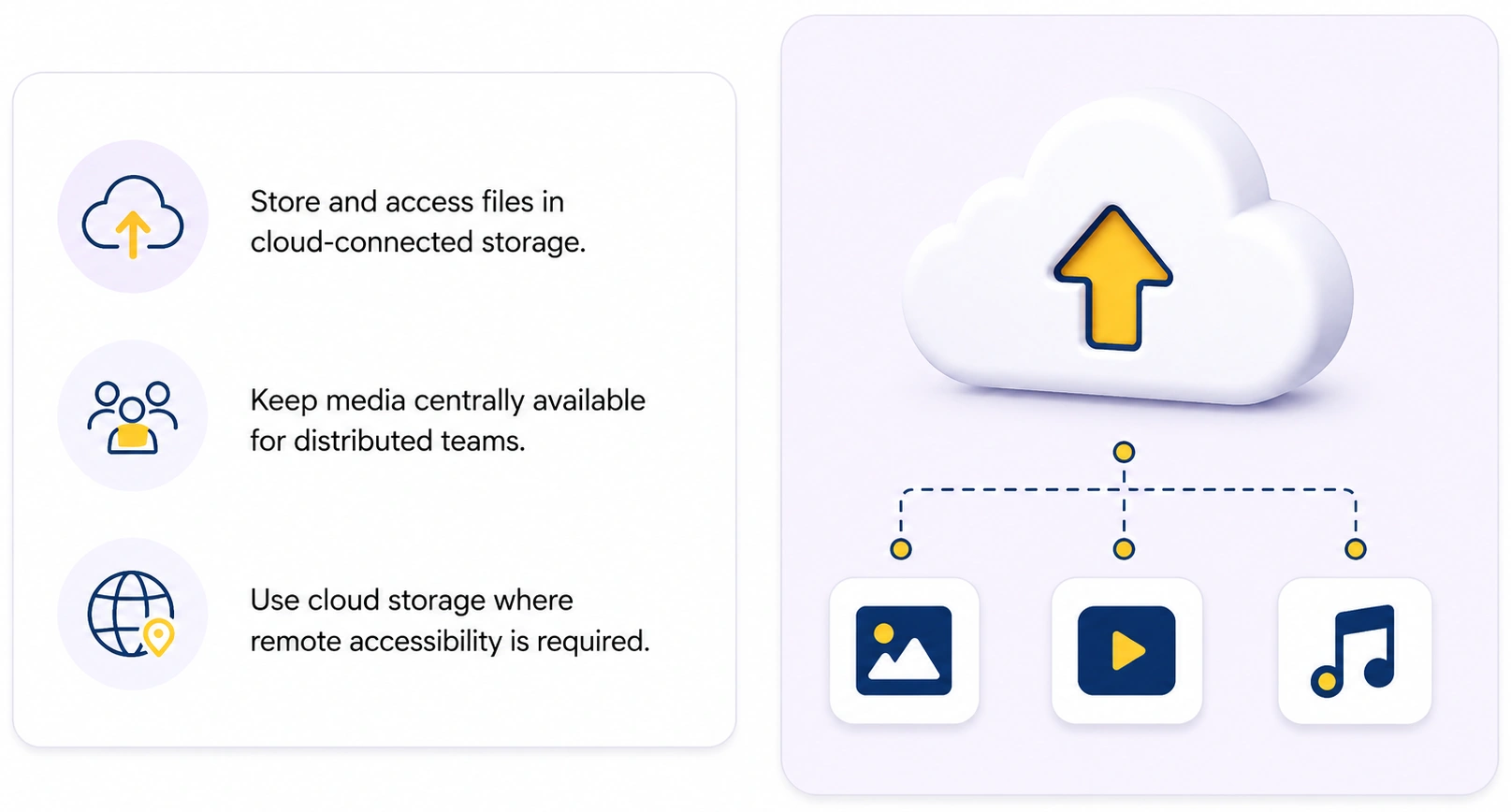
Option 3: Storing files in the cloud
Asset files are stored with a cloud provider (such as Amazon S3, Azure Blob Storage, or Backblaze B2) instead of on your own hardware. The DAM server accesses them over the internet. This option suits distributed teams and companies that prefer not to maintain their own storage infrastructure.
Pros:
- Access from anywhere — remote offices and home workers reach the same files without a VPN
- Unlimited capacity — storage grows with you, no drives to buy or install
- Off-site by design — your files survive local hardware failure, fire, or theft
- No hardware maintenance — the provider handles disks, redundancy, and uptime
Cons:
- Slower access — every file travels over the internet; large files and previews depend on your connection speed
- Ongoing costs — monthly fees for storage and traffic; downloading large volumes (egress) can be expensive
- Internet dependency — no connection means no access to originals
Cloud storage works best as a complement, not a replacement: keep working files on the server for speed, and use the cloud for backups, archives, and sharing with remote teams. If you go cloud-first, make sure your internet connection is fast and stable enough for your file sizes.