Install Daminion Client
The installation file is available at the path Daminion Software\Daminion Server\Client
You can install Daminion Client in silent or very silent mode on multiple PCs by entering one of the following commands in command prompt:
DaminionSetup-11.0.exe /silent
DaminionSetup-11.0.exe /
Double-click the setup file to start the Daminion Client installation.

Step content. Edit this rich text to describe the step.
Step content. Edit this rich text to describe the step.
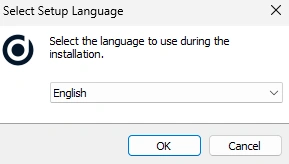
The first screen will ask you to select the setup language.
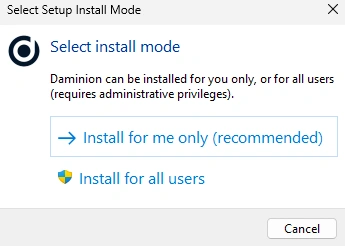
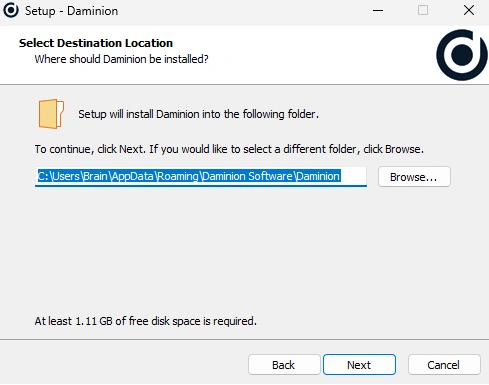
The installation path is set automatically depending on the installation type you select: for all users or for the current user only.
To make the client available to all users on the computer, install it for all users — in this case, the client is placed in the Program Files folder, and administrator rights are required to run the installation. If you install it for the current user only, no administrator rights are needed, but other users on this computer will not have access to the client.
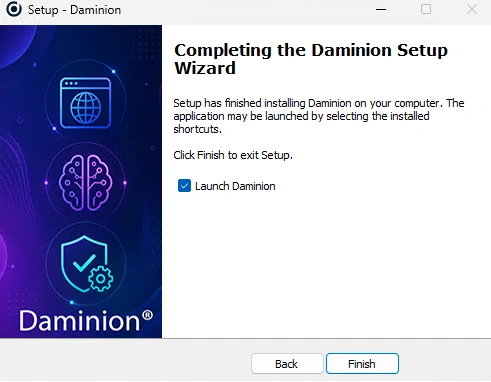
After Daminion has been installed, ensure that Launch Daminion is checked, and click Finish to start the program.