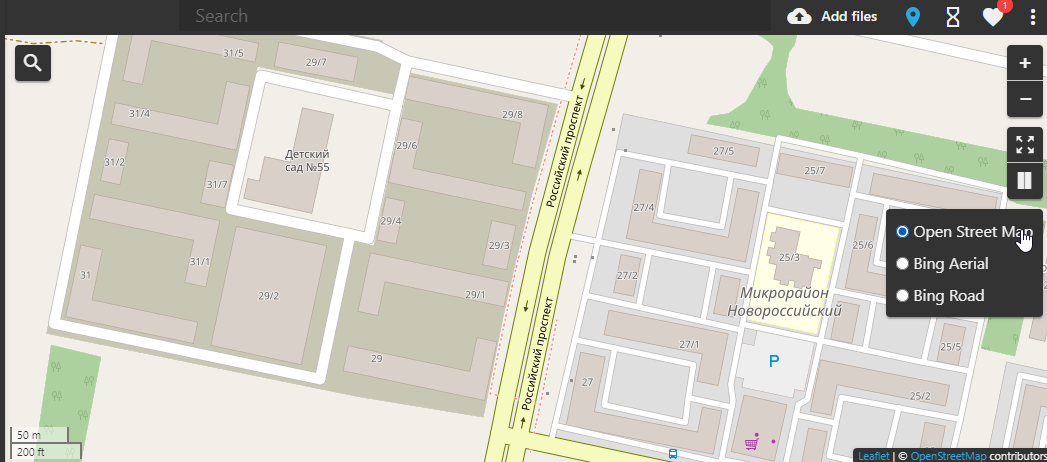
To get a key for Bing maps in the Web Client, please follow the steps below:
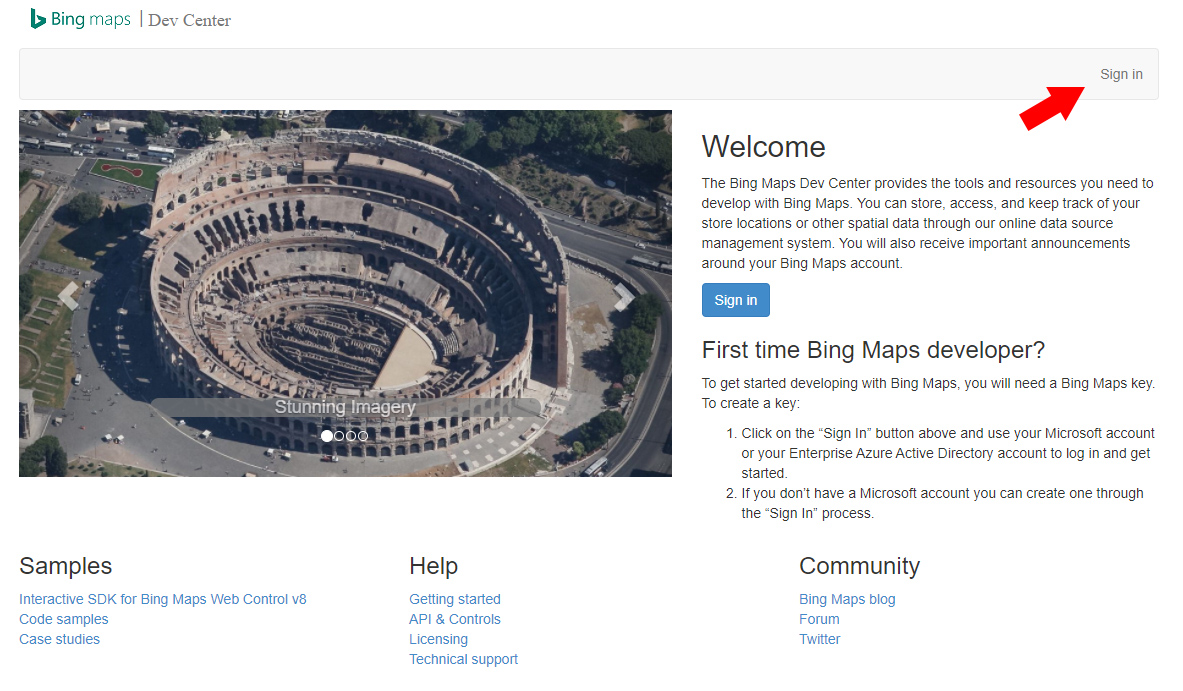
- Go to https://www.bingmapsportal.com/
- Sign up or sign in with your Microsoft account
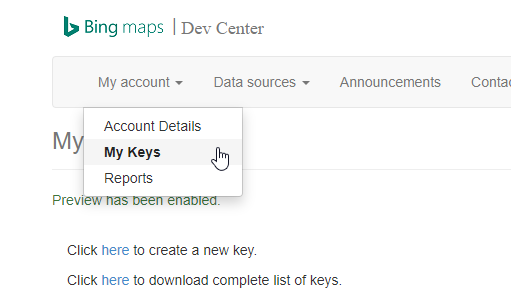
- Navigate to My Account > My Keys.
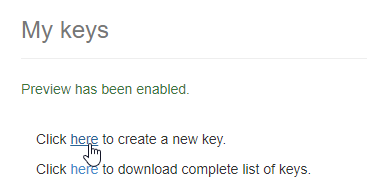
- Click Create New Key.
- Fill in the required information.
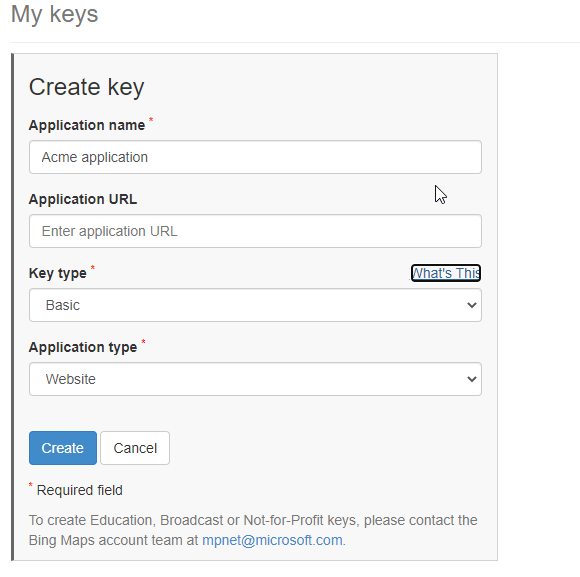
- Click Create. A new key will be listed.
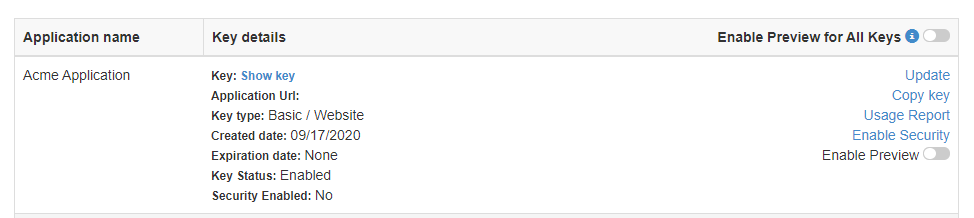
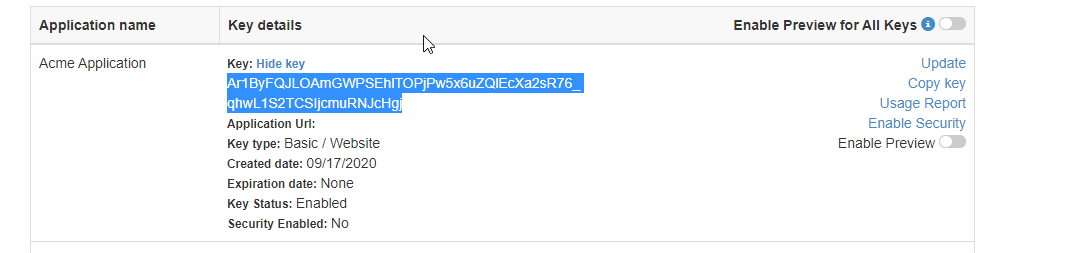
- Click Show Key and copy it.
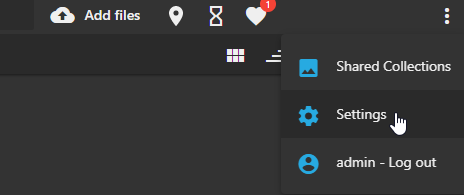
- Go to your Daminion web catalog and open Settings.
- Click API keys and paste the key.
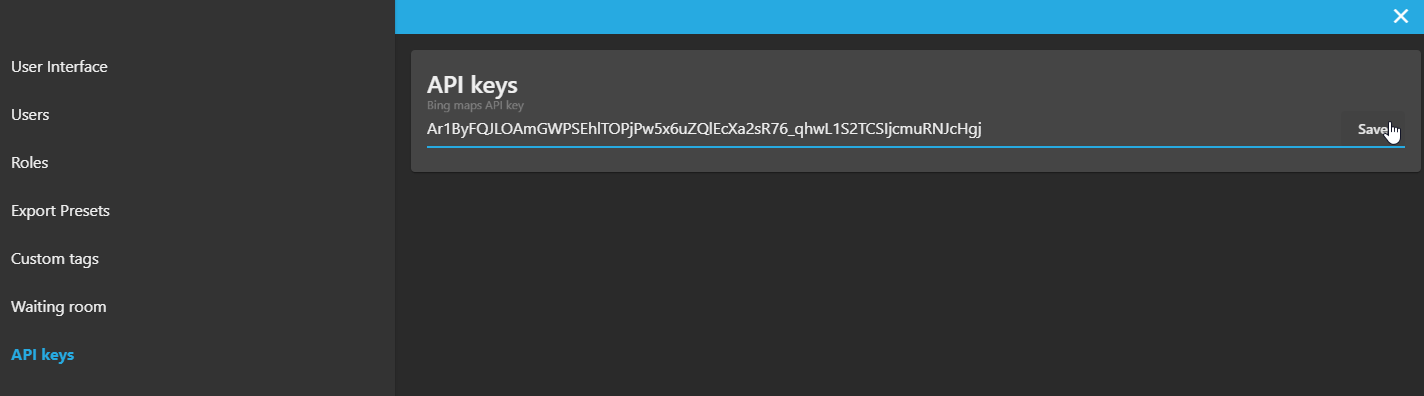
- Now you will have access to Bing maps